
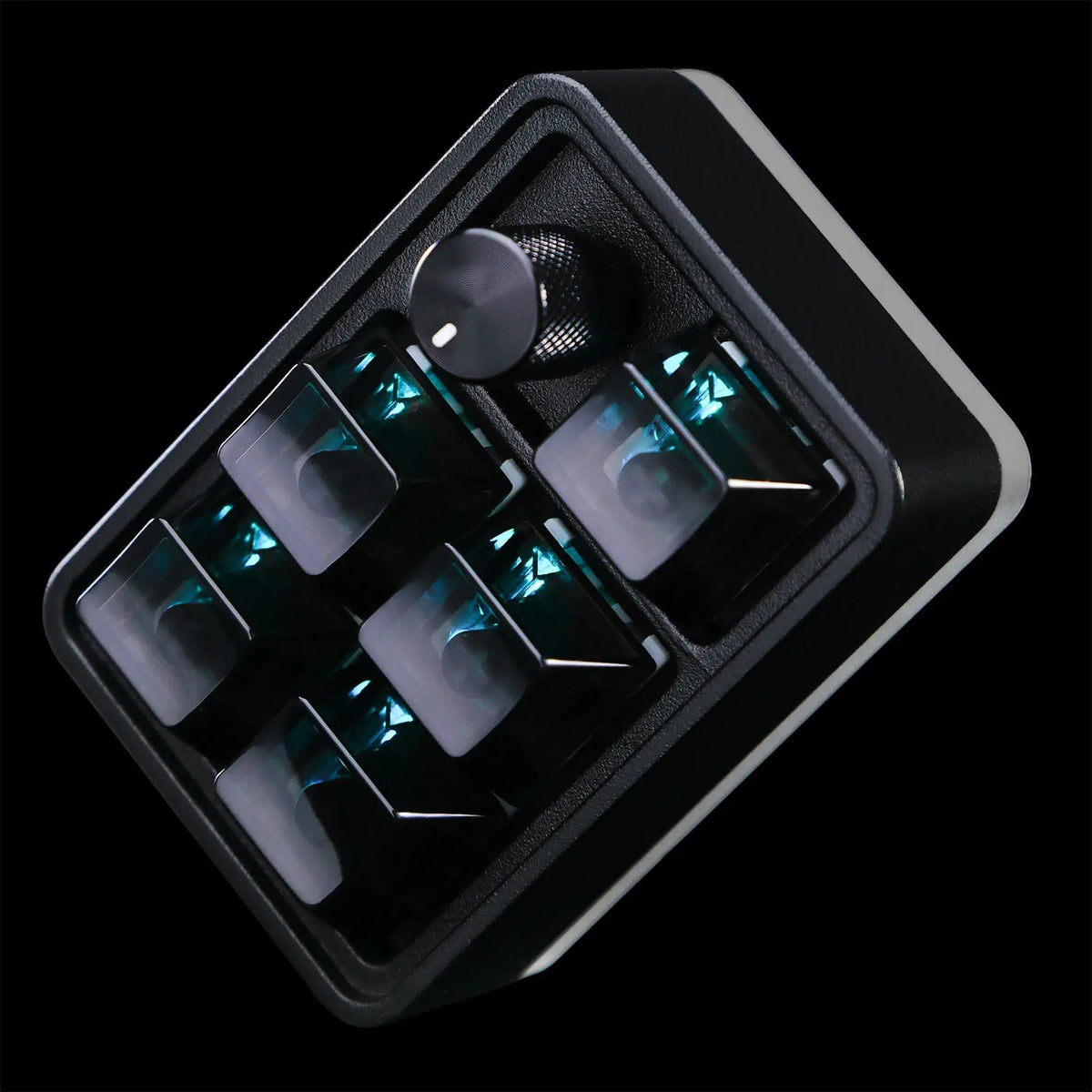
CommandPad
Bring your favorite shortcuts closer with a customizable control pad designed for everyday tasks, creative workflows, and everything in between.
Ships from U.S. | 30-day returns
Add the Dust-Proof Dome
CommandPad
If you have any questions, you are always welcome to contact us. We'll get back to you as soon as possible, within 24 hours on weekdays.
-
Shipping Information
We ship from our U.S. warehouse.
• Standard (2–7 business days)
Orders $0.00–$128.99 → $7.99
Orders $129.00 and up → Free
• Expedited (2–5 business days) → $11.99
• Express (1–3 business days) → $19.99 -
Customer Support
If you have any questions, please send an email to our support email address and we will respond within 48 hours.
Alternatively, you can contact us by opening the “Contact Us” page on the website.
-
Return & Refund
You can request our Return & Refund Service:
Unshipped Orders: Returns can be requested unconditionally. Please contact support@atomicvoyage.com to cancel your order.
Please log in to your Atomic Voyage account to cancel your order and the payment will be automatically refunded to your account.
Shipped Orders: Returns can be requested unconditionally within 30 days of the date of purchase.
The shipping fee can be removed due to product quality problems or wrong products sent, otherwise the customer has to pay the shipping fee.
Returned products should be confirmed that there is no human-caused damage affecting secondary sales, and the condition is new or nearly new, otherwise it will not be accepted.
Return & Refund Service will not be provided where:
It is requested beyond 30 days of the date of purchase.
A product sent to Atomic Voyage for Return & Refund Service does not include all original accessories, attachments, packaging or gift(s) included in original order, or any item is not in new or like-new condition, i.e. with cracks, dents or scratches.
Damage is caused to the product by improper installation, operation or unauthorized use or modification of the product.

The Controls You Use Every Day.
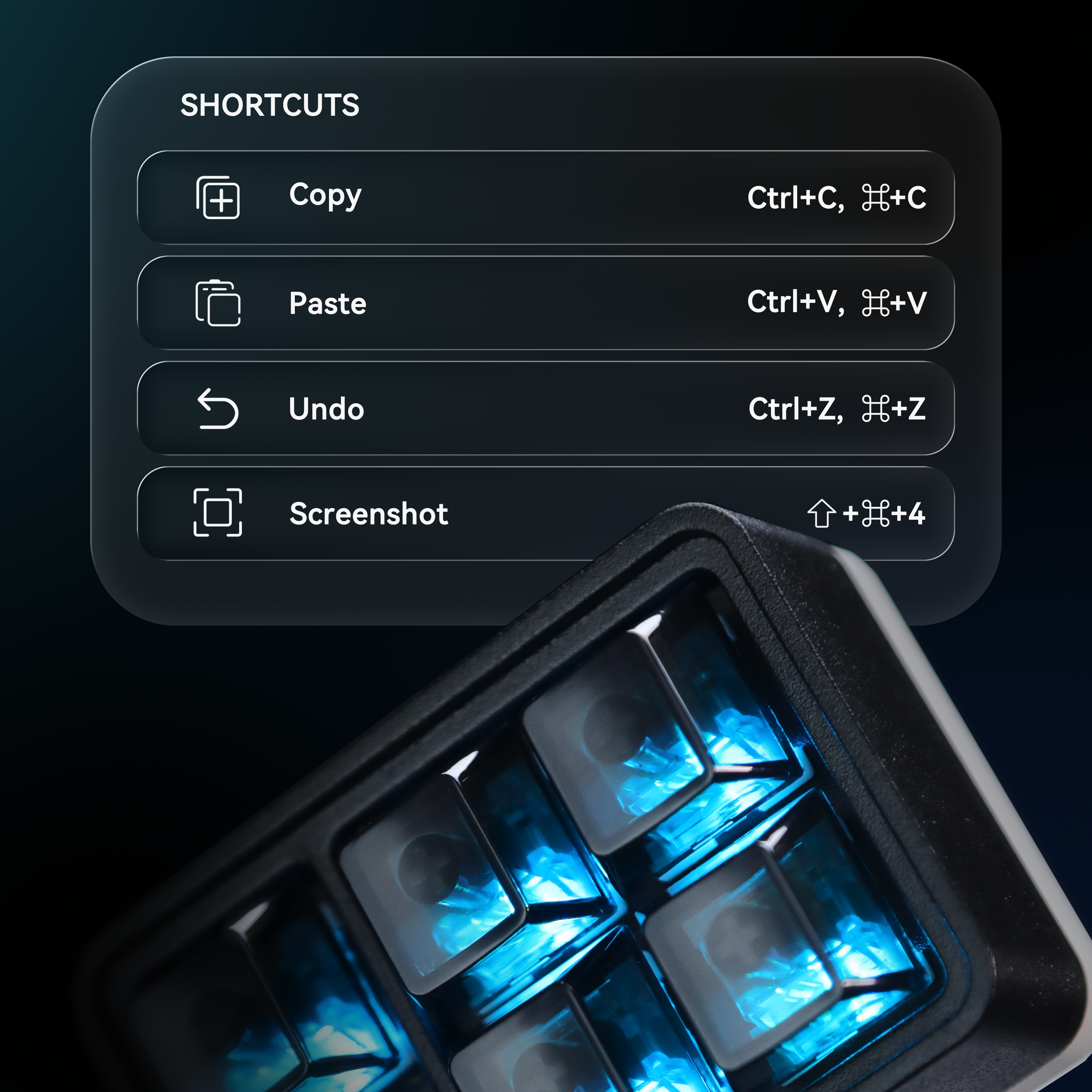
Access everyday actions instantly.
Copy, paste, undo, take screenshots, and more with a single press.
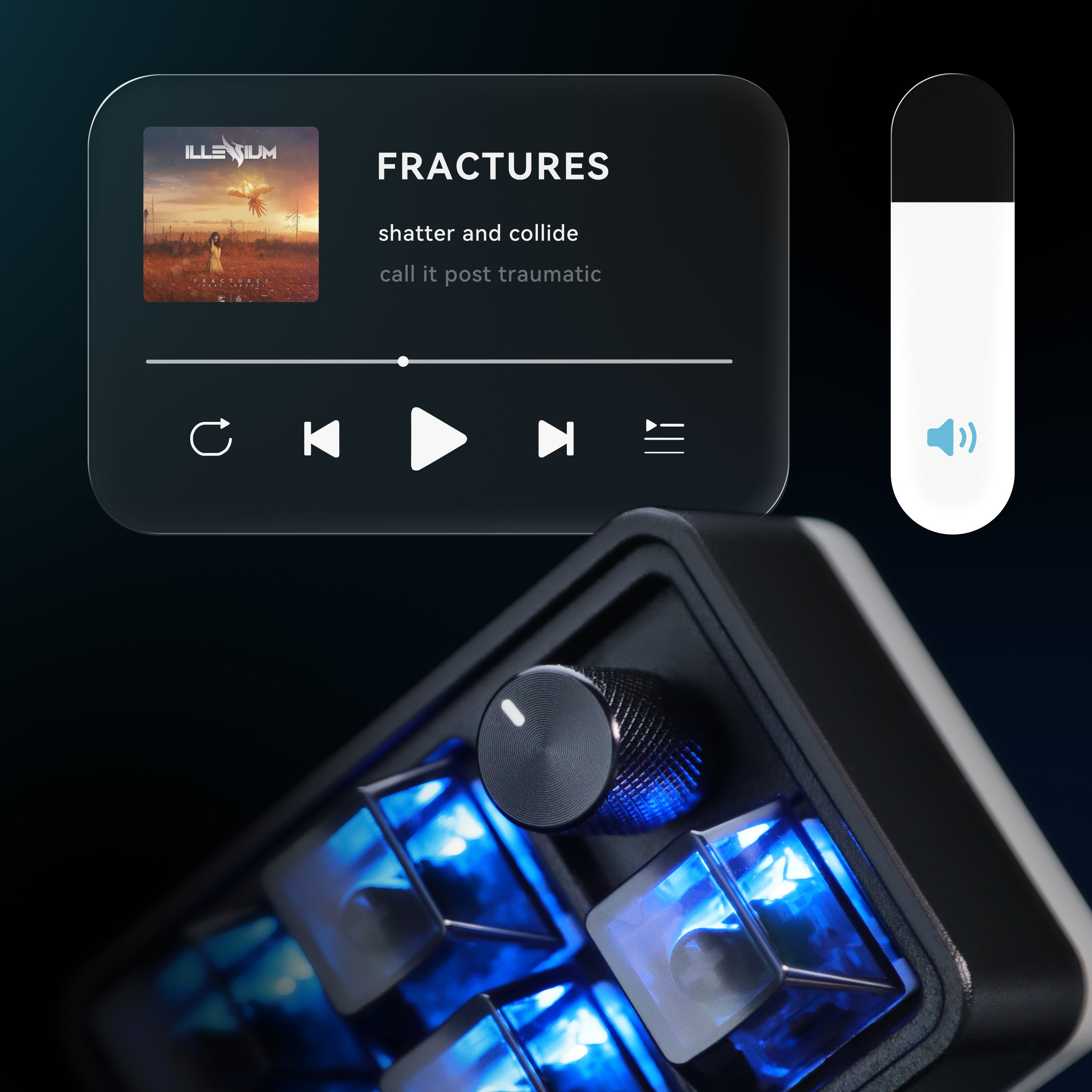
Control your media without interrupting your workflow.
Adjust volume, mute, and manage playback directly from your desk.
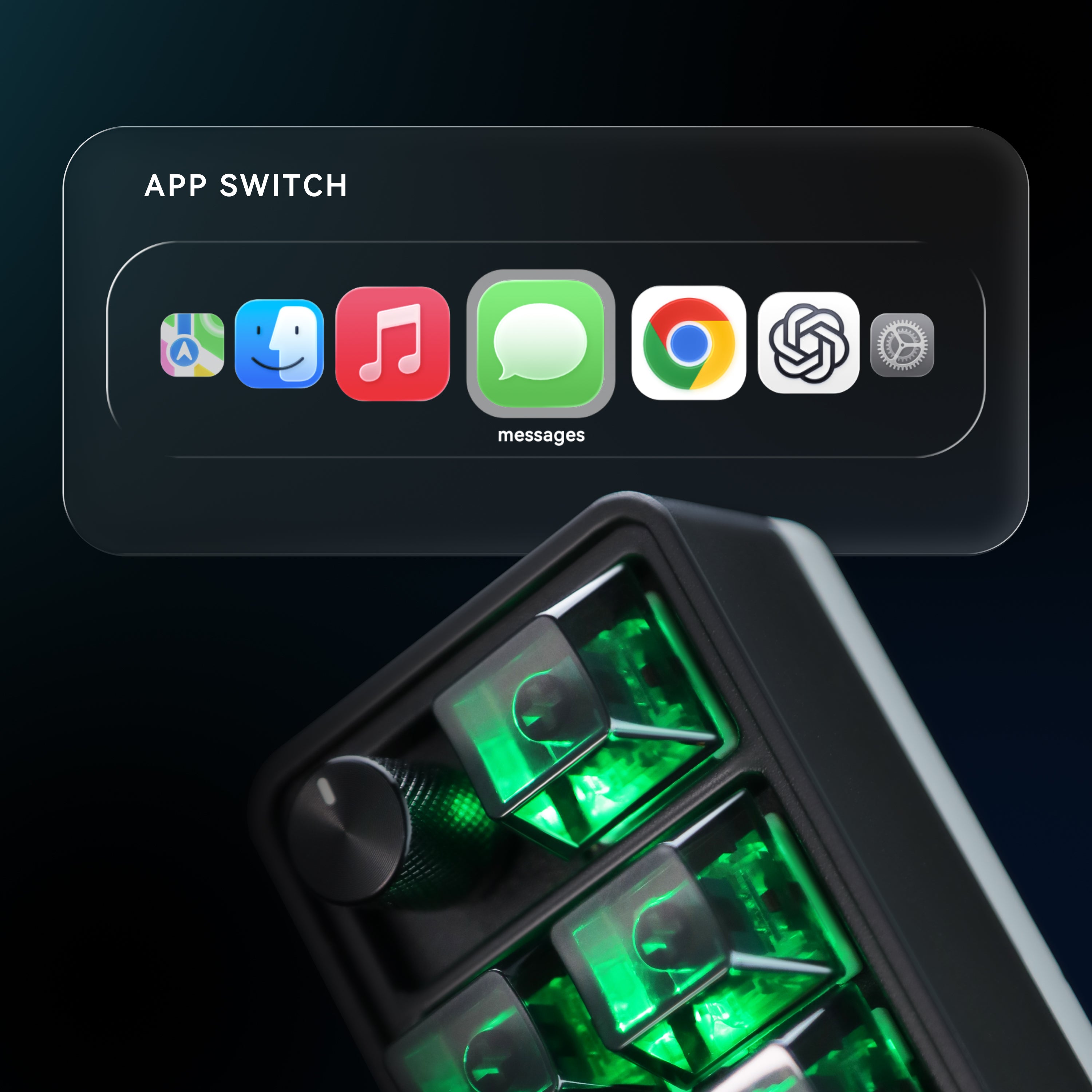
Keep essential tools within reach.
Launch apps, open utilities, and manage your workspace faster.
Made for the Way You Work.
Customize CommandPad for creative tools, code, and complex workflows — with macros and custom inputs built around your process.


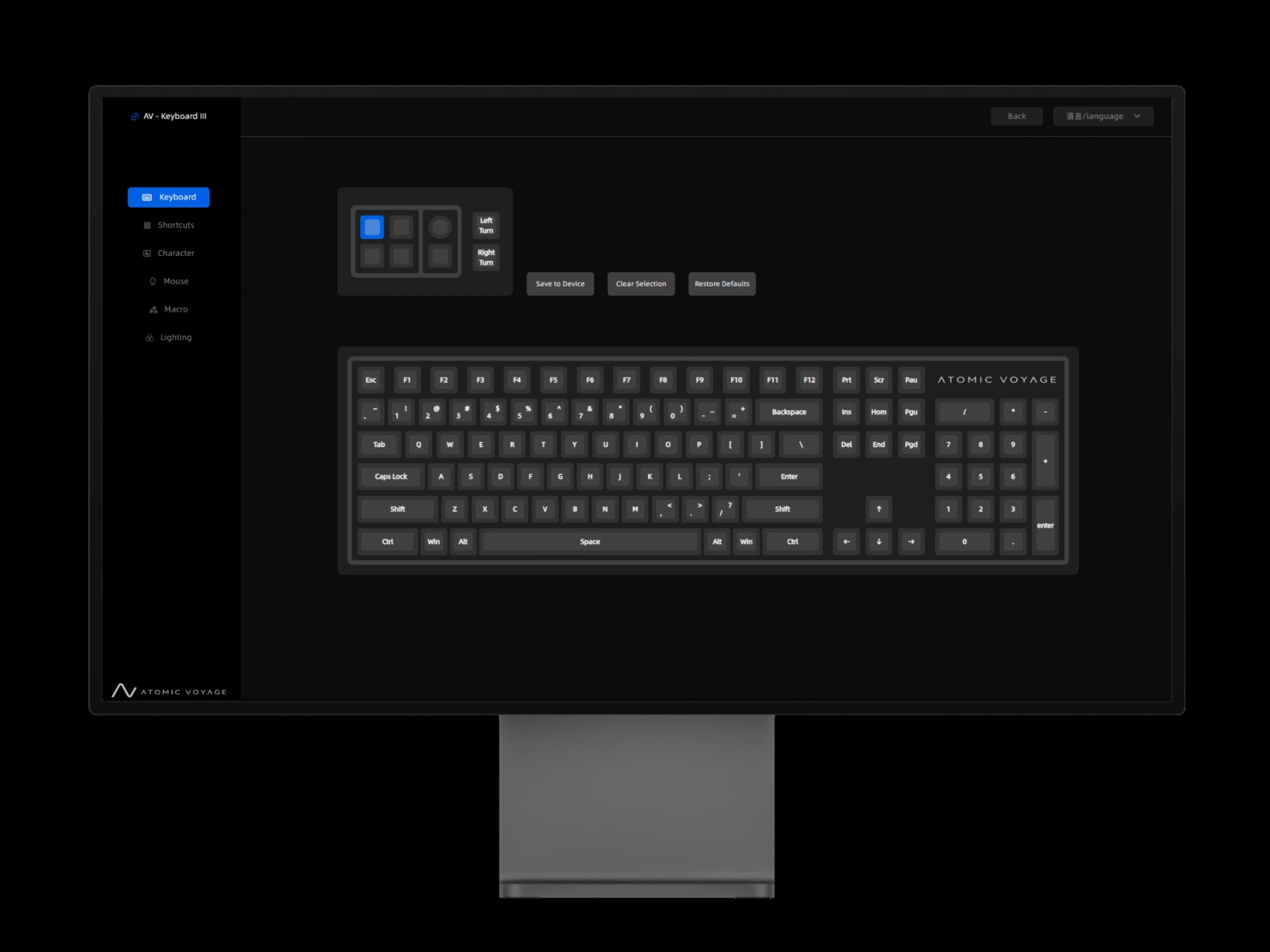
Your Controls. Your Way.
Customize keys, shortcuts, macros, and more — all from your browser.
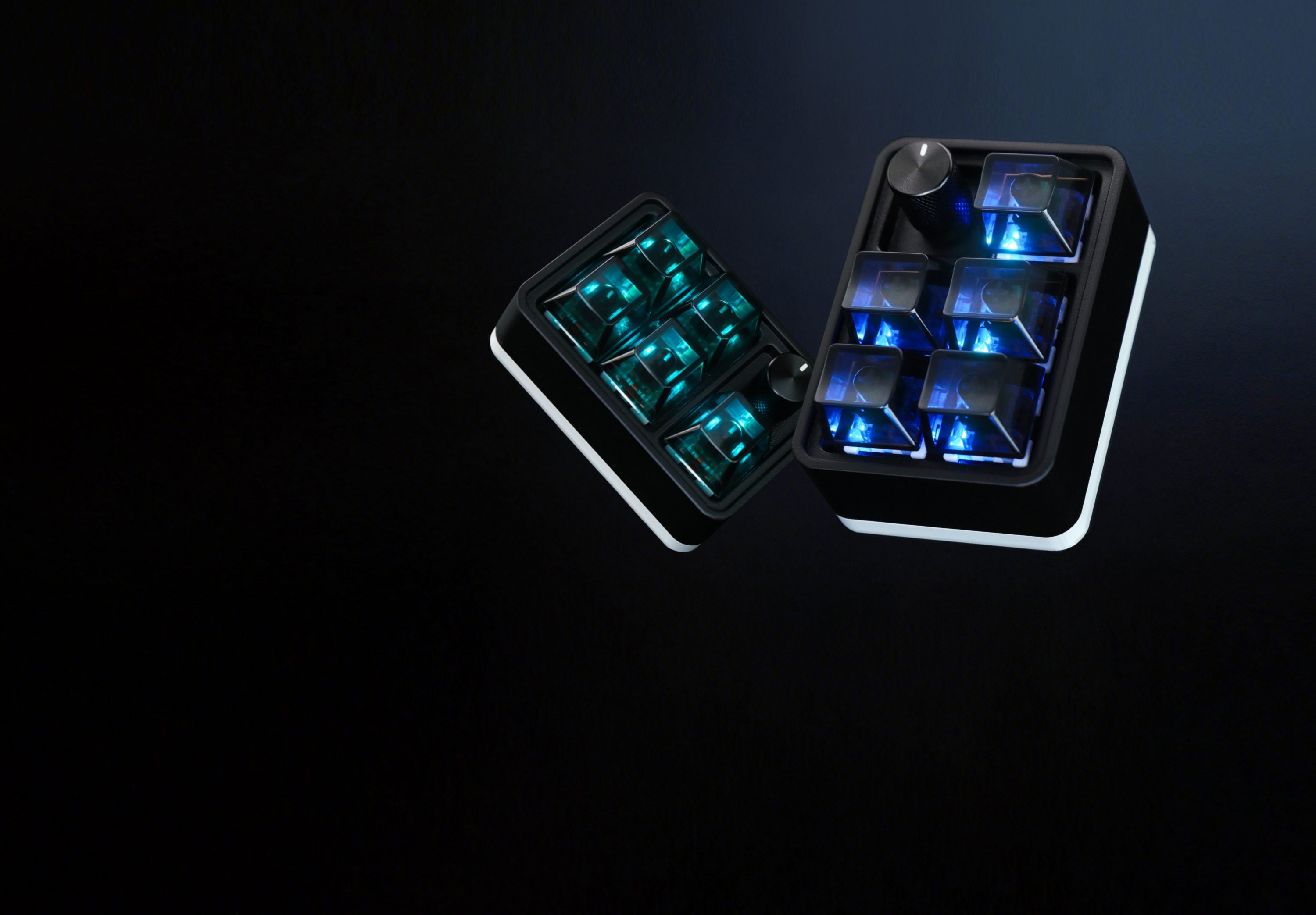

Tech Specs
What’s in the Box
CommandPad

USB-C Cable

User Manual

Setup Guide/ Download Driver
Atomic Voyage Clock Web Control Center Guide
How to Easily Set Up and Use Your Atomic Voyage WFD II
Read moreabout How to Easily Set Up and Use Your Atomic Voyage WFD II