



NK4
Tired of messy desks and ugly hubs? So were we.
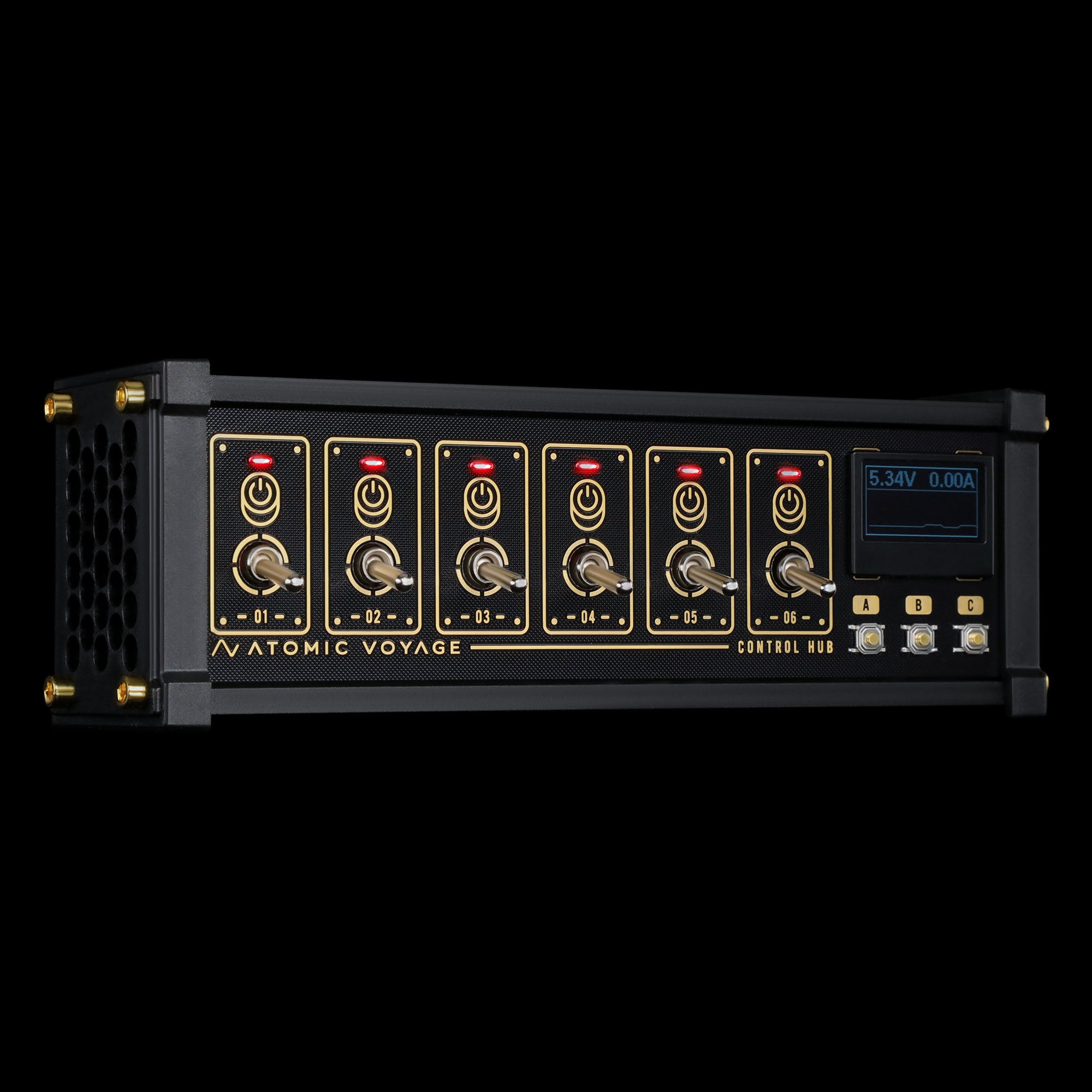
10 ports. Retro toggle switches. Real-time power readouts.
With customizable lights and a sleek aluminum build, NK4 turns clutter into clarity — and makes every connection feel intentional.
Ships from U.S. · 30-day returns
NK4
If you have any questions, you are always welcome to contact us. We'll get back to you as soon as possible, within 24 hours on weekdays.
-
Shipping Information
We ship from our U.S. warehouse.
• Standard (2–7 business days)
Orders $0.00–$128.99 → $7.99
Orders $129.00 and up → Free
• Expedited (2–5 business days) → $11.99
• Express (1–3 business days) → $19.99. -
Customer Support
If you have any questions, please send an email to our support email address and we will respond within 48 hours.
Alternatively, you can contact us by opening the “Contact Us” page on the website.
-
Return & Refund
You can request our Return & Refund Service:
Unshipped Orders: Returns can be requested unconditionally. Please contact support@atomicvoyage.com to cancel your order.
Please log in to your Atomic Voyage account to cancel your order and the payment will be automatically refunded to your account.
Shipped Orders: Returns can be requested unconditionally within 30 days of the date of purchase.
The shipping fee can be removed due to product quality problems or wrong products sent, otherwise the customer has to pay the shipping fee.
Returned products should be confirmed that there is no human-caused damage affecting secondary sales, and the condition is new or nearly new, otherwise it will not be accepted.
Return & Refund Service will not be provided where:
It is requested beyond 30 days of the date of purchase.
A product sent to Atomic Voyage for Return & Refund Service does not include all original accessories, attachments, packaging or gift(s) included in original order, or any item is not in new or like-new condition, i.e. with cracks, dents or scratches.
Damage is caused to the product by improper installation, operation or unauthorized use or modification of the product.
Function Meets Aesthetic
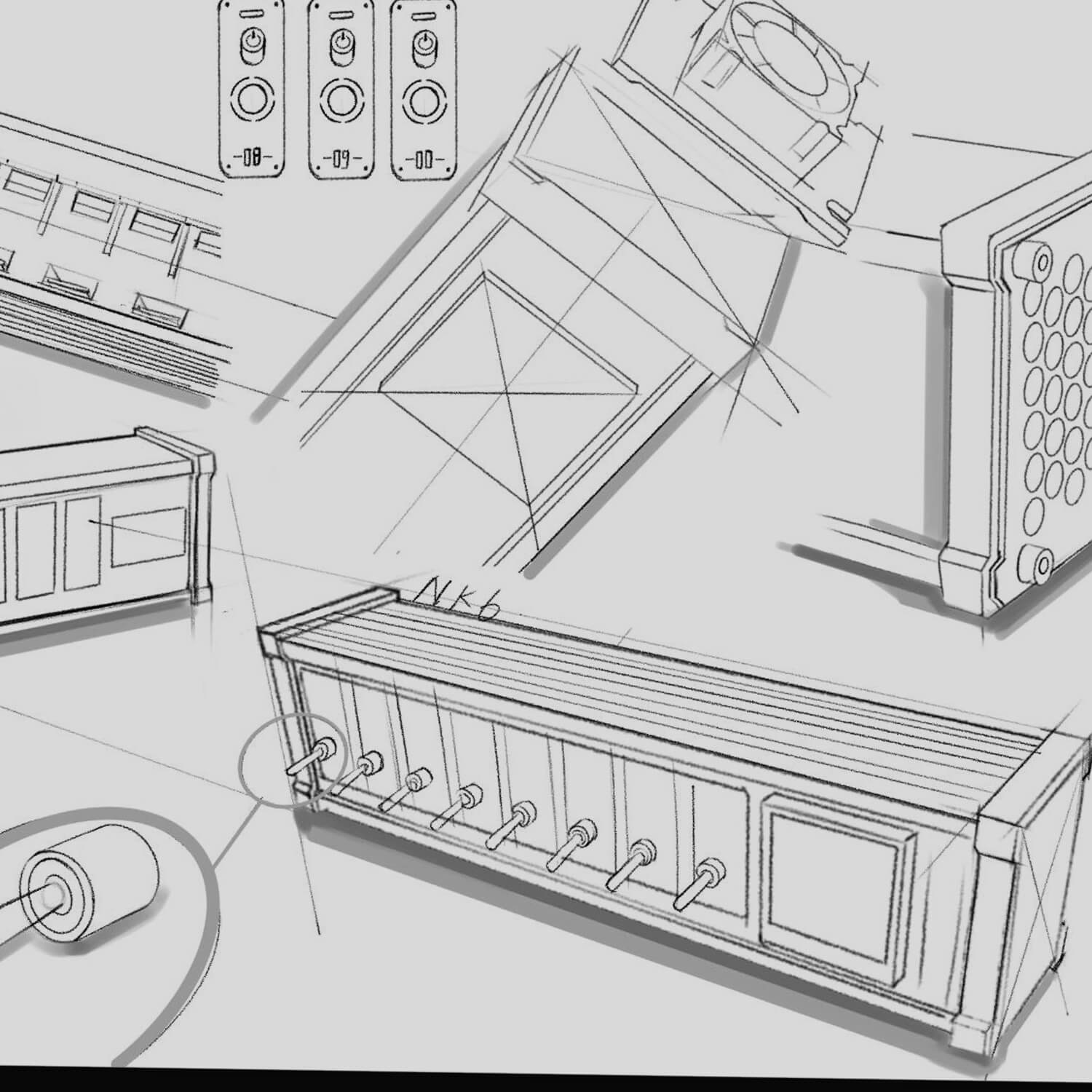
As we designed more and more desktop gear, one problem kept coming up — too many power cables, and nowhere beautiful to plug them in.
Traditional hubs were bulky. Ugly. Out of place.
So we built something different.
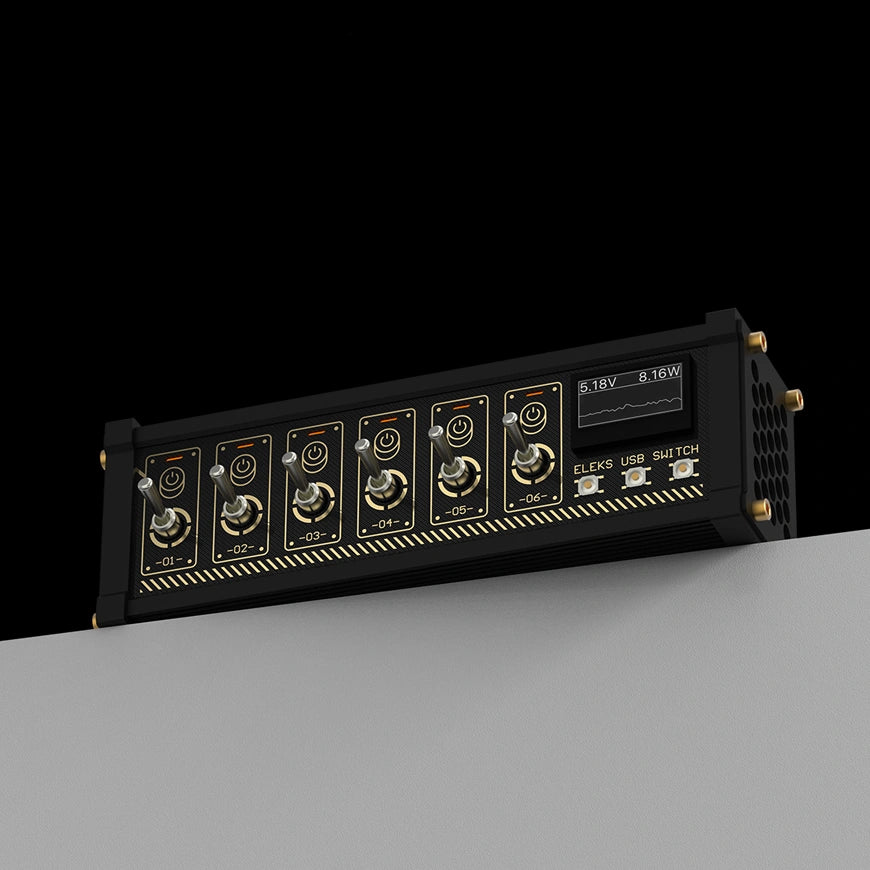
NK4 is a power hub reimagined — designed to be seen, not hidden.
Retro Toggles. Total Control.
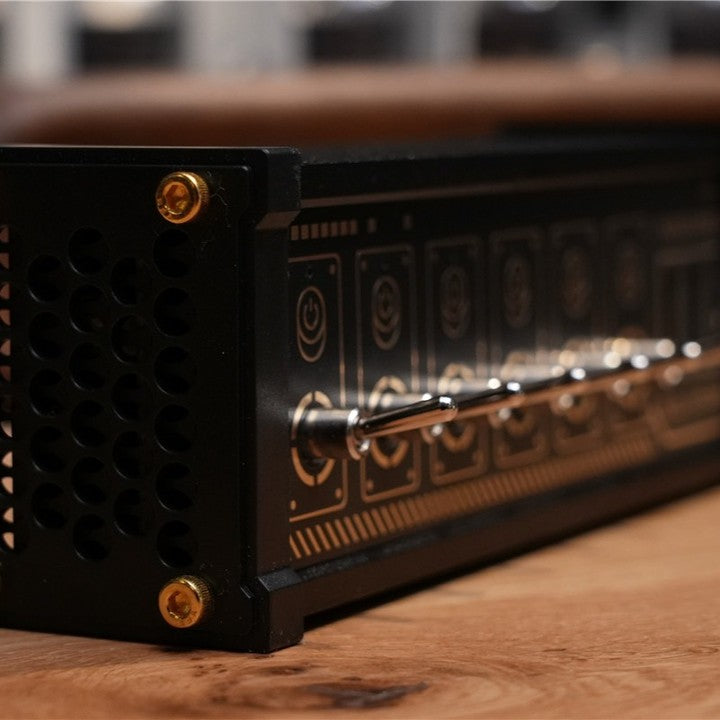
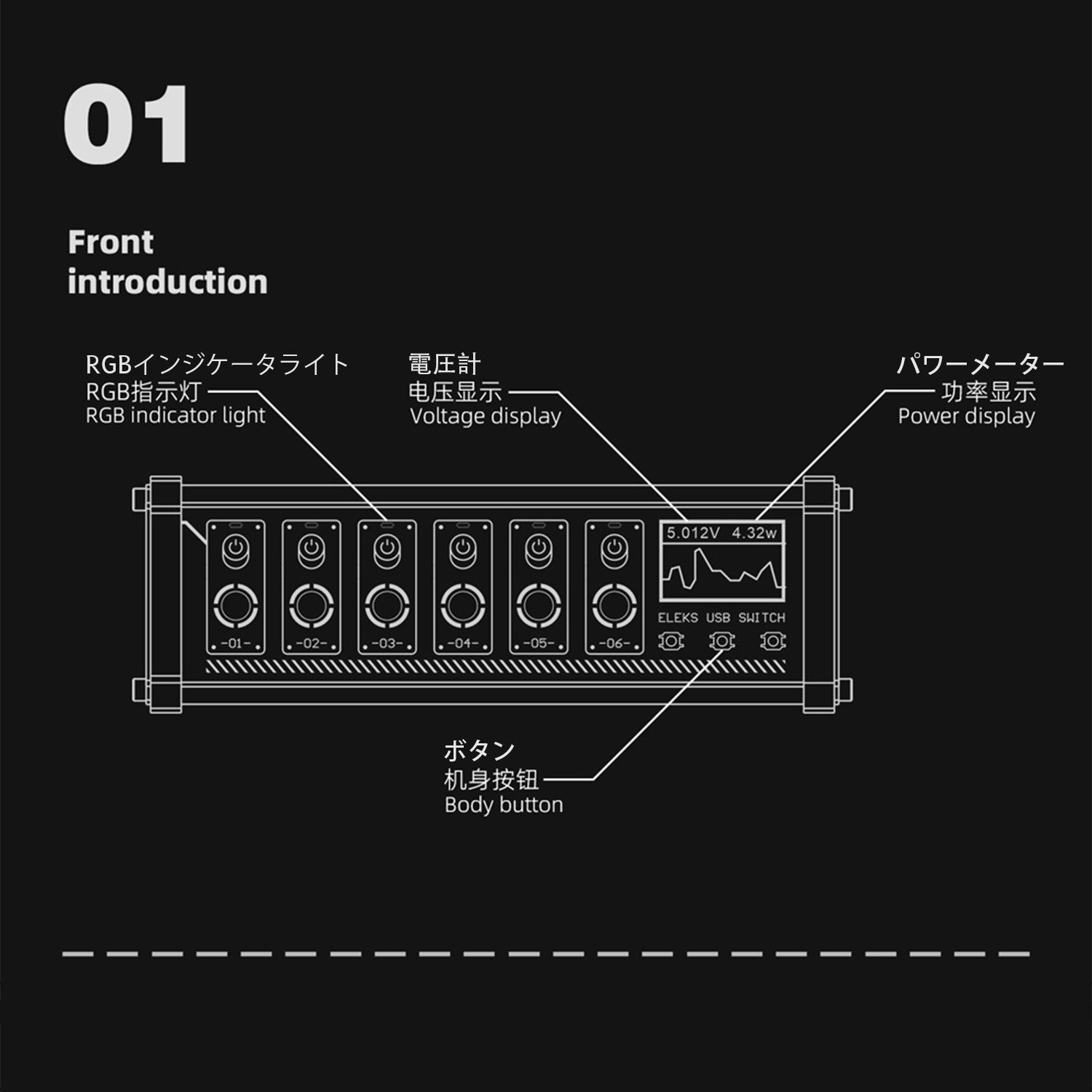
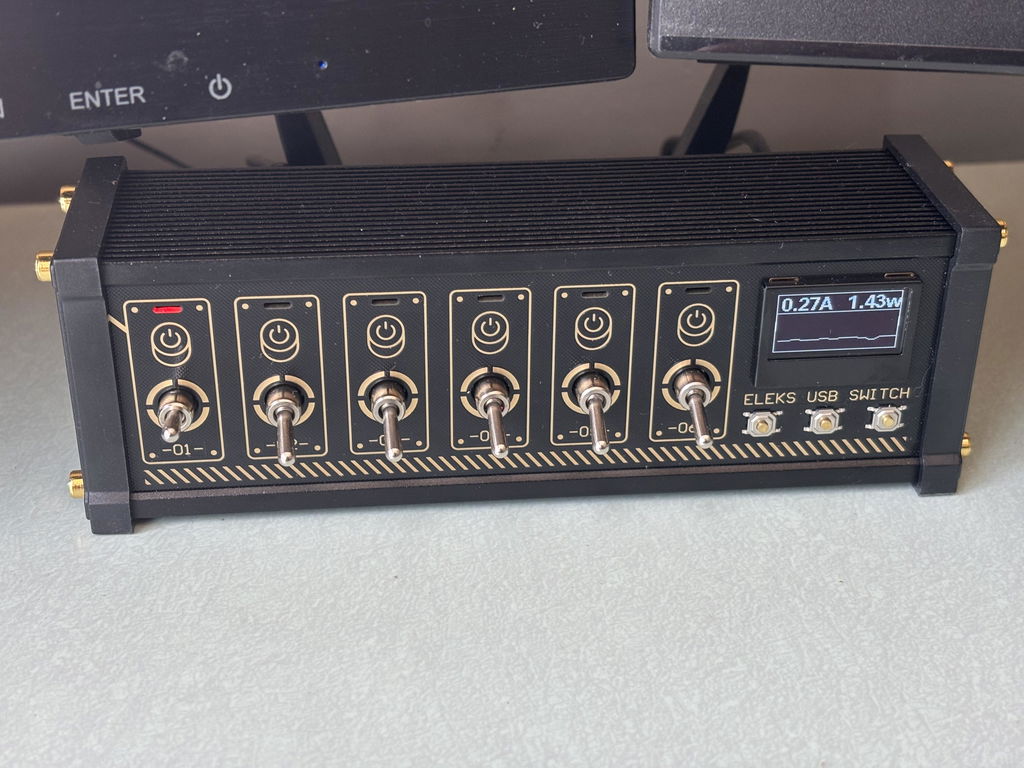
Each of the 6 charging ports is paired with its own retro-style toggle switch,
letting you turn power on or off with a satisfying click.
It’s control you can feel — and a cleaner, safer desktop by design.

10 Ports. Clean Power, Clear Purpose.
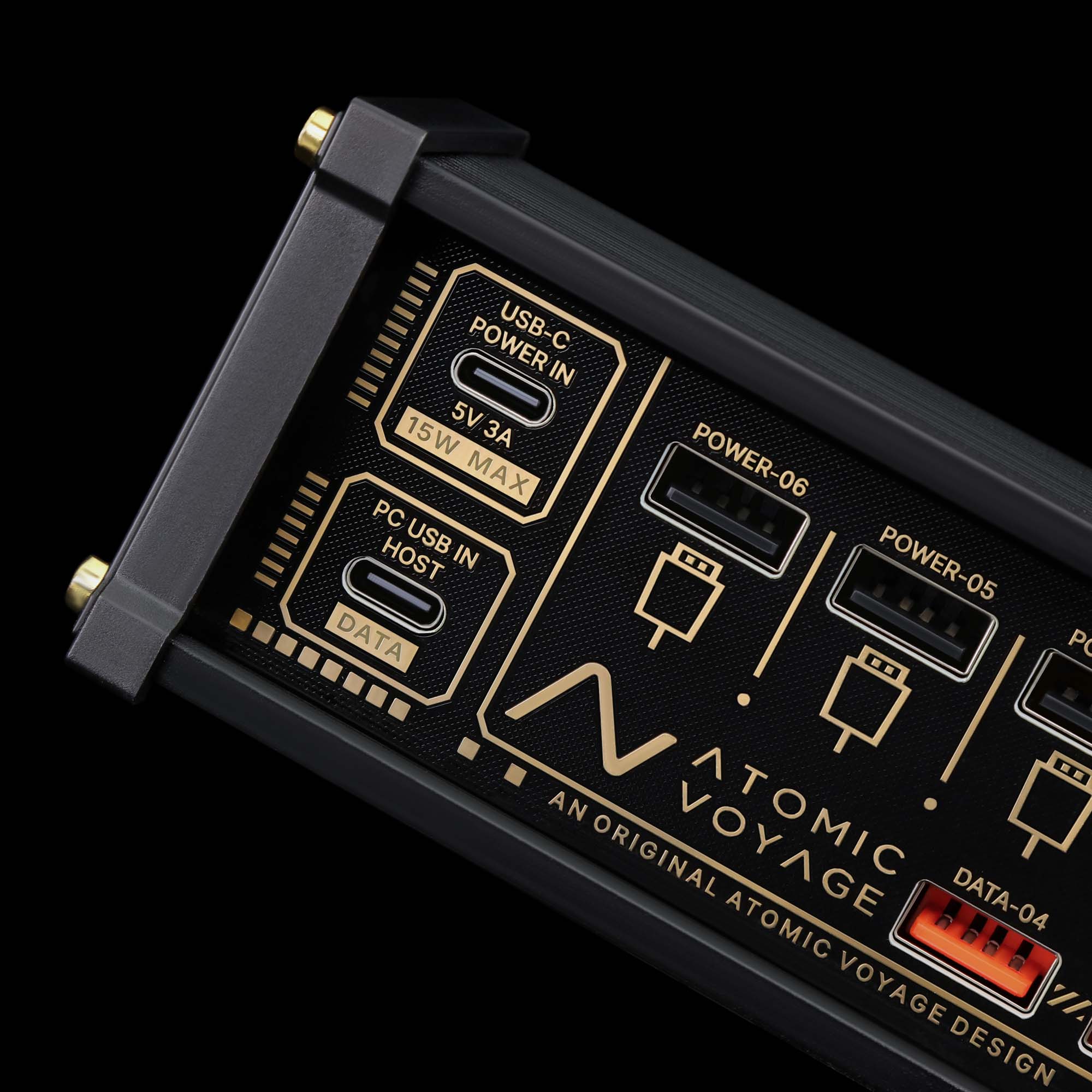
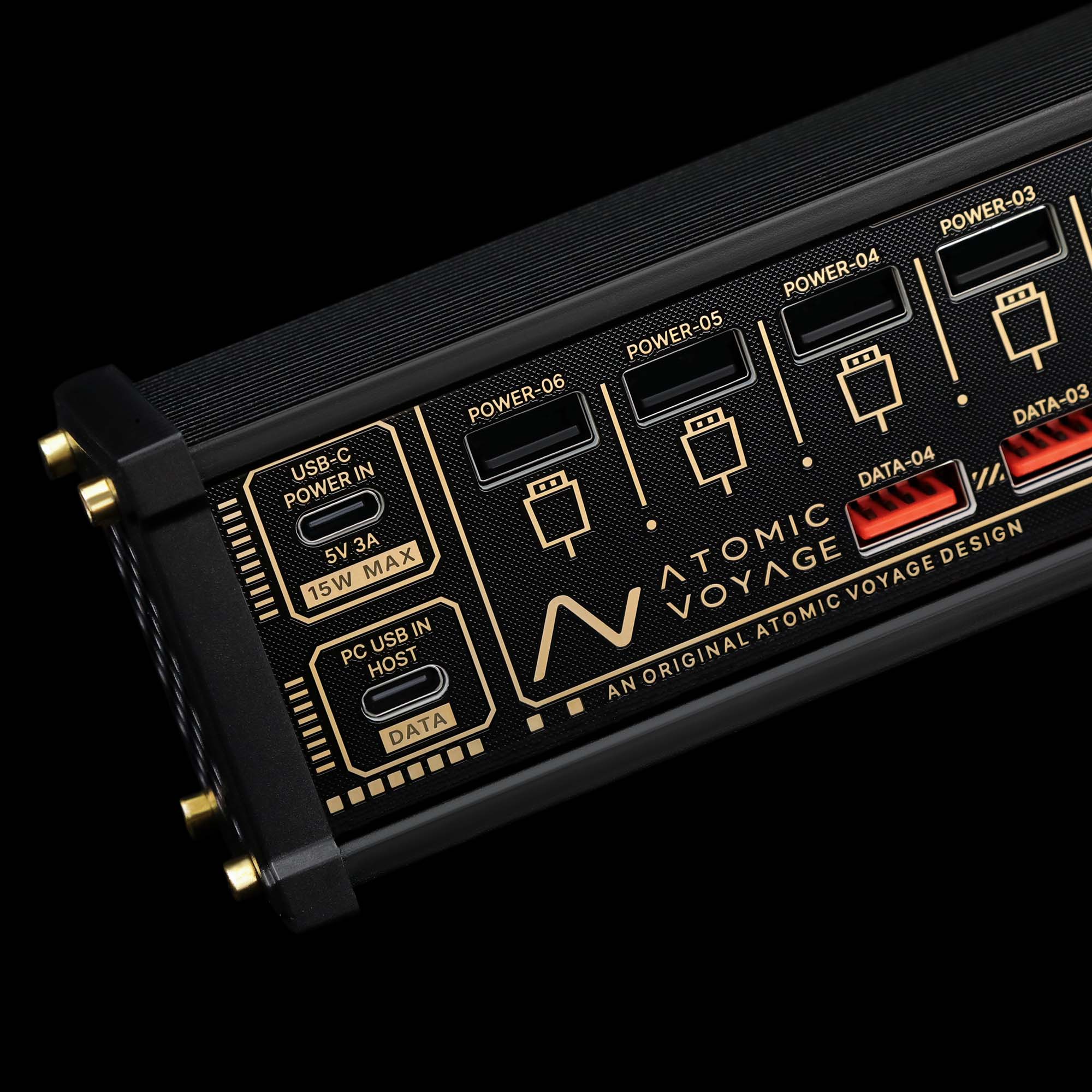
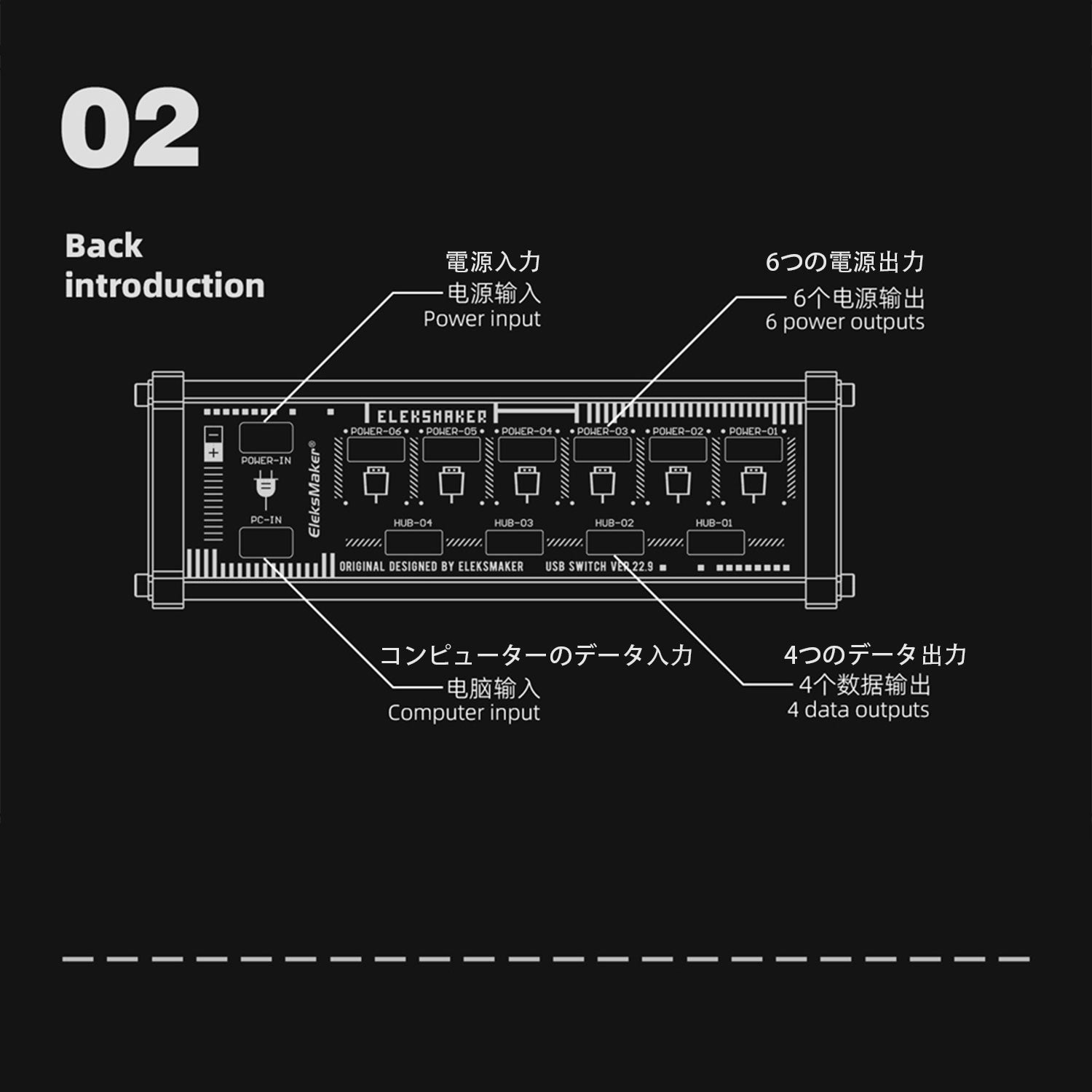
NK4 features 10 total ports — 4 data ports for high-speed transfer, and 6 charging ports to keep your devices powered up.
Whether you’re syncing gear or charging essentials, everything has its place.
Real-Time Info. Personalized Light.
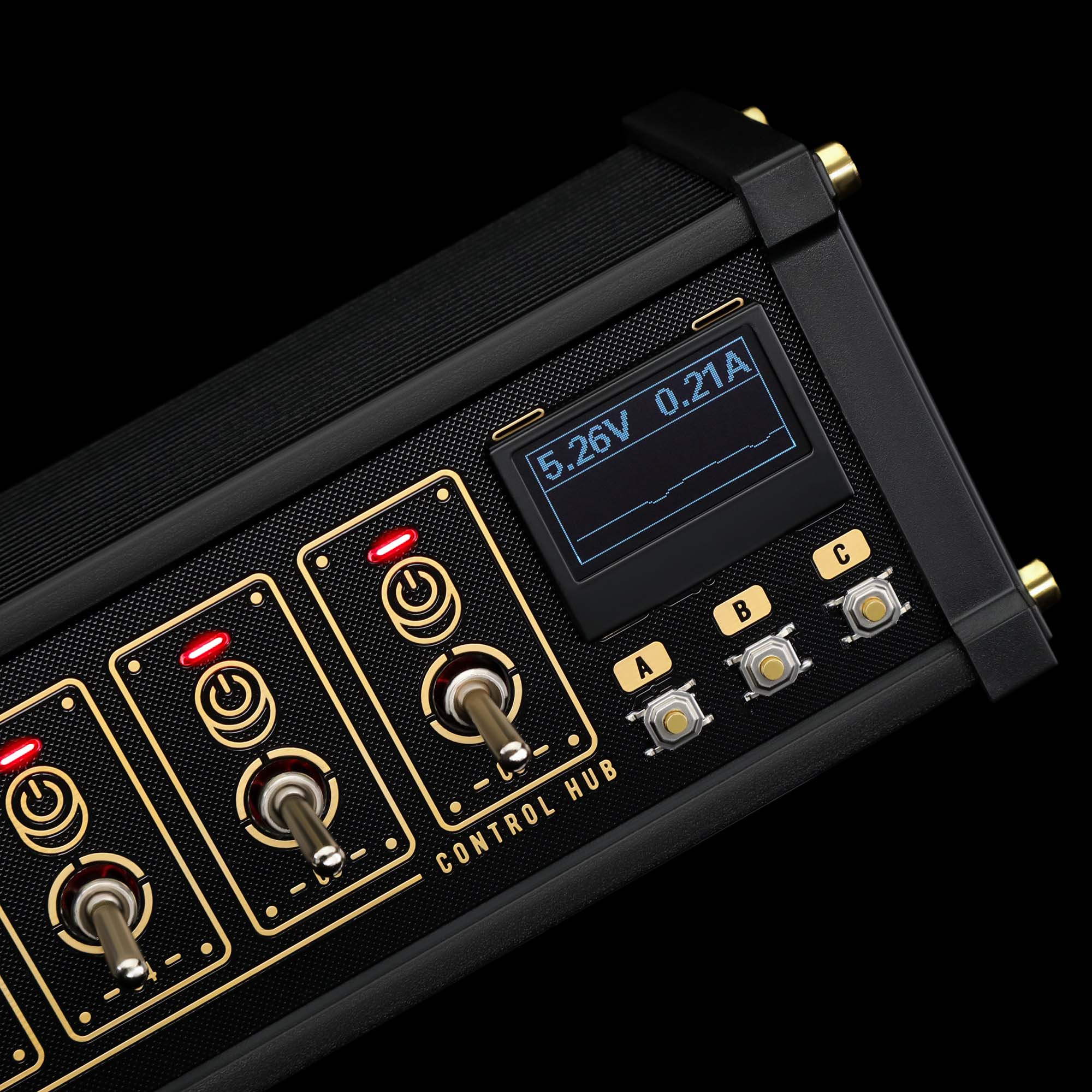
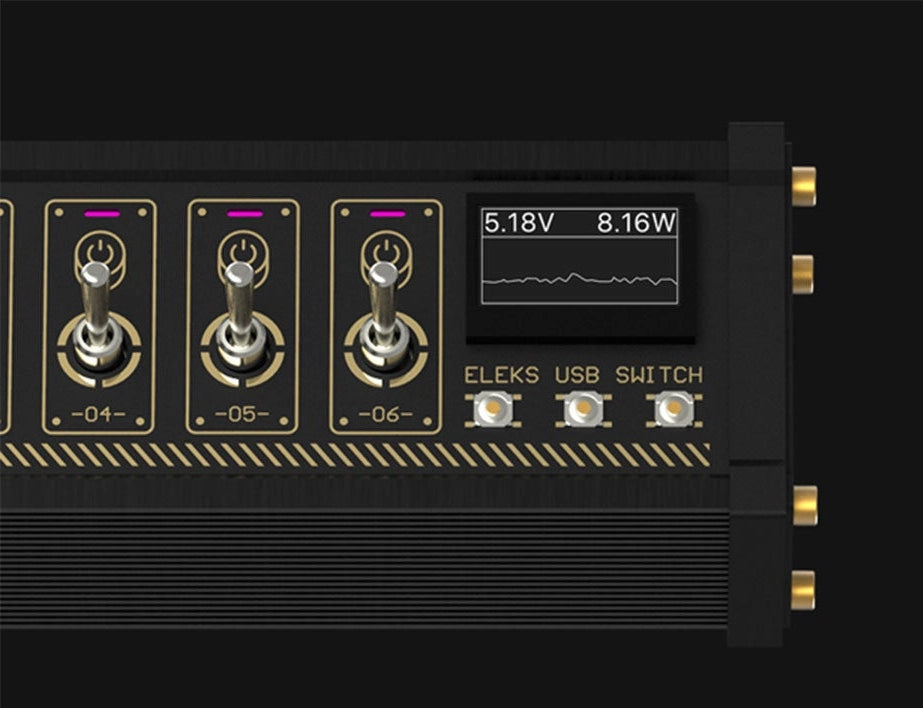
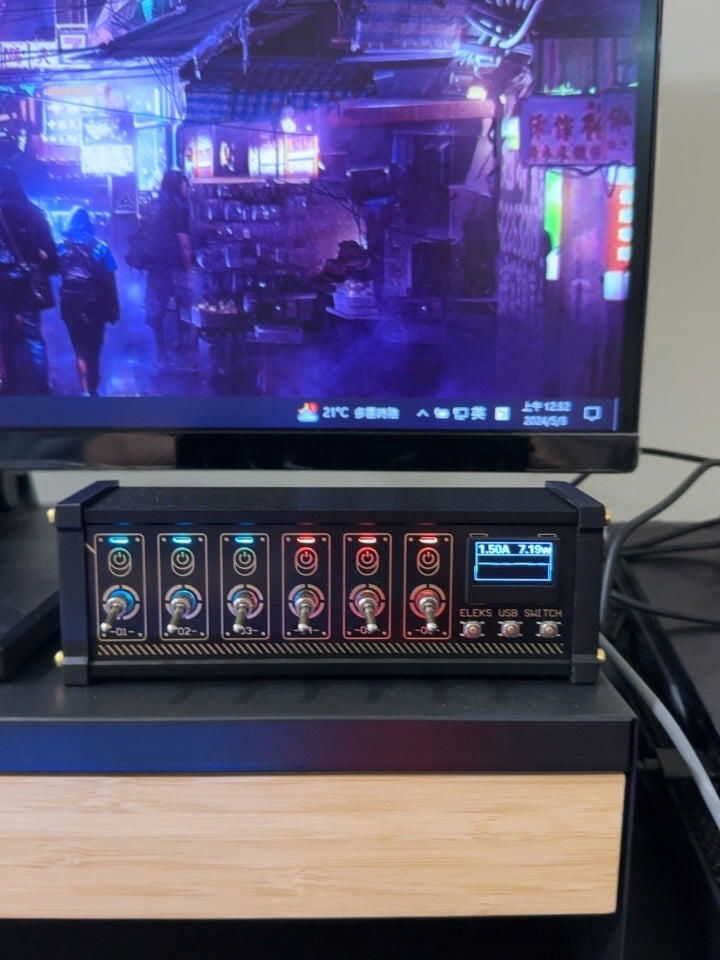
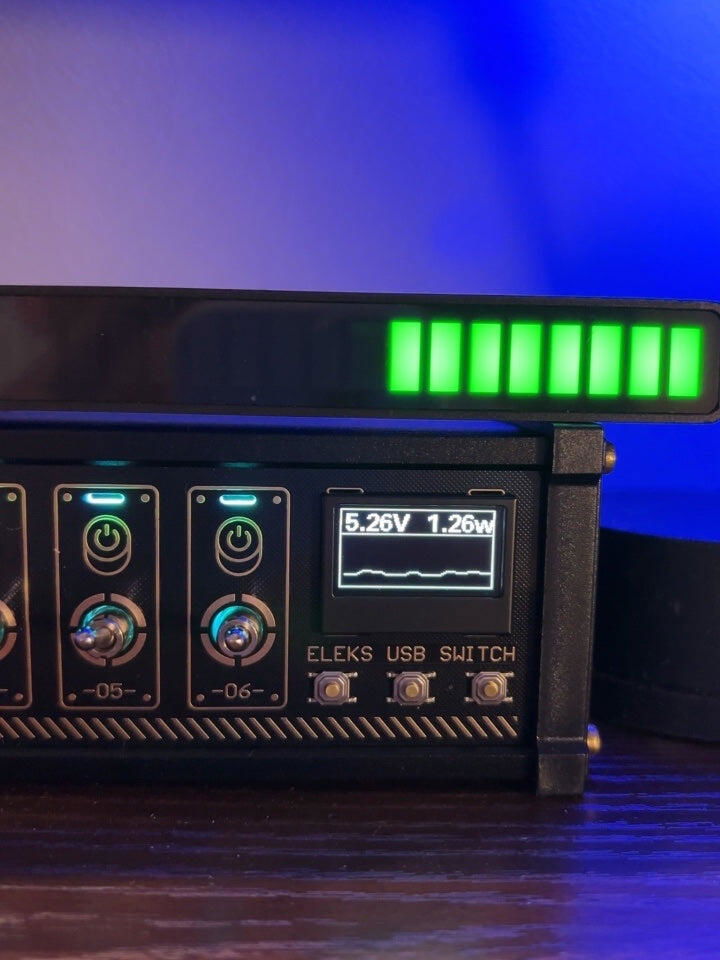
NK4’s built-in screen shows live voltage, current, and power readings — so you always know what’s flowing.
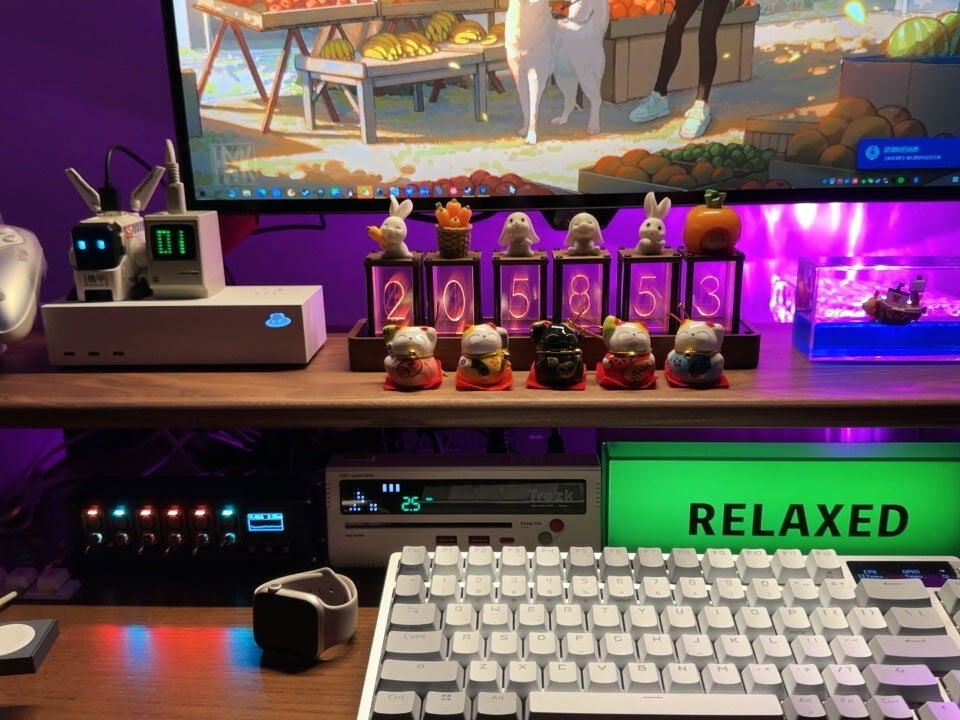
You can also customize the toggle indicator colors to match your setup or mood.
Functional, visual, and uniquely yours.
NK4 – Power You Can See. Control You Can Feel.
10 ports. Retro toggle switches. Real-time power readouts.
With customizable lights and a sleek aluminum build, NK4 turns clutter into clarity — and makes every connection feel intentional.
More Efficient
Compatible Device
This USB hub powered hub is a USB splitter for keyboard, mouse, HDD, flash drive, camera, printer, scanner, and other USB devices, it is a good USB hub for laptops, PS4, Xbox One, phones, PC and more.
Compatible System
This USB powered hub is widely compatible with Windows XP/Vista/7/8/10; Mac OS 10 and above, UNIX, and Linux.
Individual Switches and LED Lights
Each port of the USB hub powered has an individual switch and led lights, you can turn on/off the USB ports at your need by the independent power switch.
Plug and Play
The USB hub powered supports hot swapping, no soft driver is required, PLUG-AND-PLAY.
- Fantastic…I was looking for a way to control multiple LED signs for a game room/bar
- Work as intended, but with extra fun and experience that a simple USB Hub doesn't have.
- Great looking, striking styling! Bought it for the switches and ended up using the USB hub just as much
1) I ordered an Atomic Voyage NK4; recieved an Eleksmaker MK4. I guess it's an upgrade?
2) Did *not* ship from the US. Came from China.
3) The power and data ports are separate. The switches don't affect the data ports at all. If you wanted this to be able to turn off connected USB devices, it won't work.
4) In case it isn't made clear, this is exclusively a USB 2.0 device.
It works, it looks nice, but the functionality isn't what it seems.
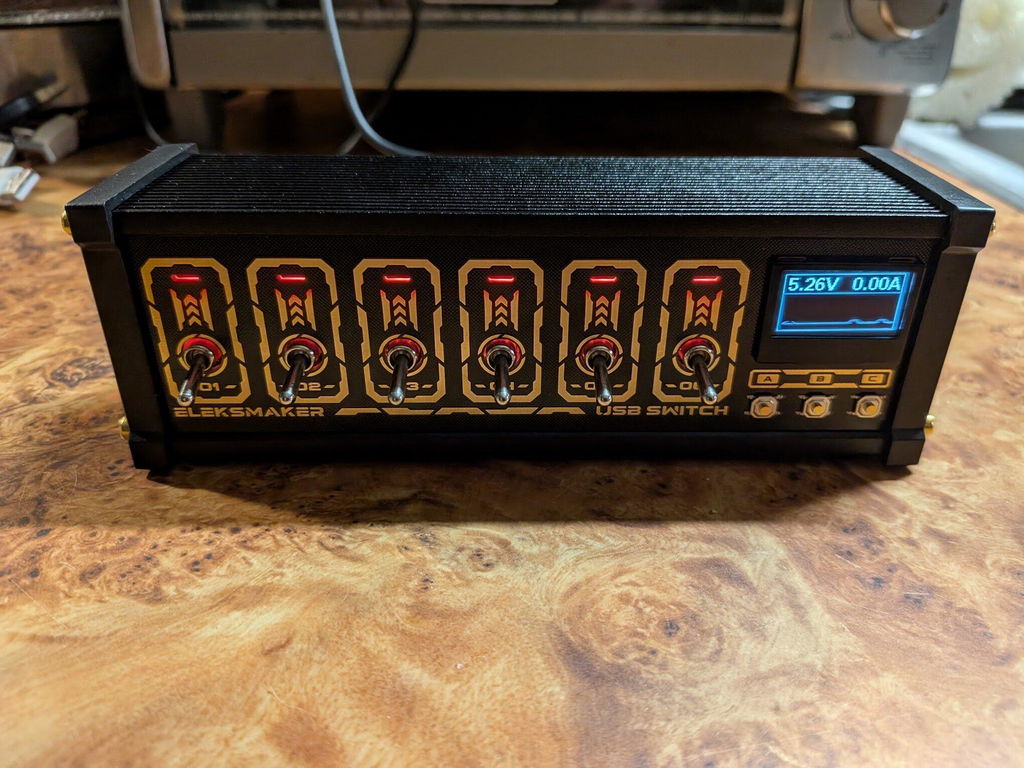
I've only just begun to explore the power of this well built conversation starter. It's getting me to use my USB powered items and pc peripherals in new and unexpected ways. Awesome item.
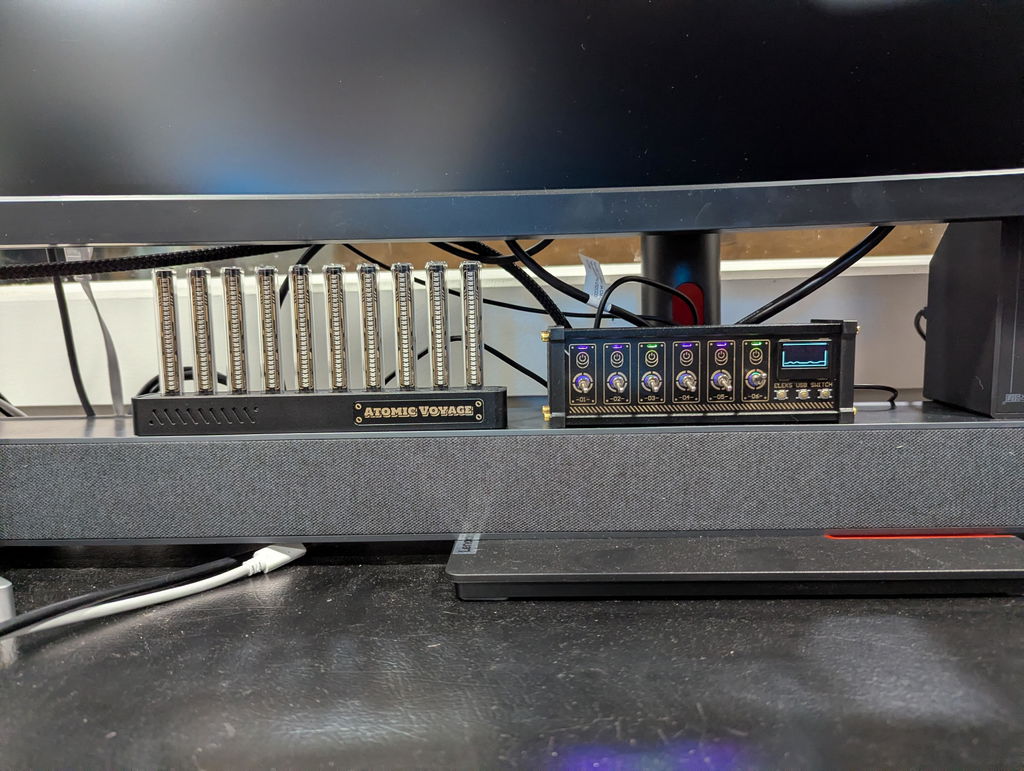
I like it a lot. I needed a usb hub anyway so this is great. The switches are lovely, the display is crisp. I wish the graph refresh rate was a little slower so that it was easier to see the trend over time, but that’s all right.
If I had one suggestion it would be at least a single data port on the front/top/side, so I didn’t have to turn it around to plug in a dongle, but that’s not enough of an annoyance to knock off a Star. Thanks all!
My HP laptop is awful. I had to add all new external devices. This USB buffer has multiple ports that easily handled all of my external devices.
Plugs right into the computer, easy to carry, plugs external hard drives and devices in quickly.
Finally a trouble free hub.. Get a powered one or forget it. This works flawlessly
I have many devices, and this one handles all of them without issue.
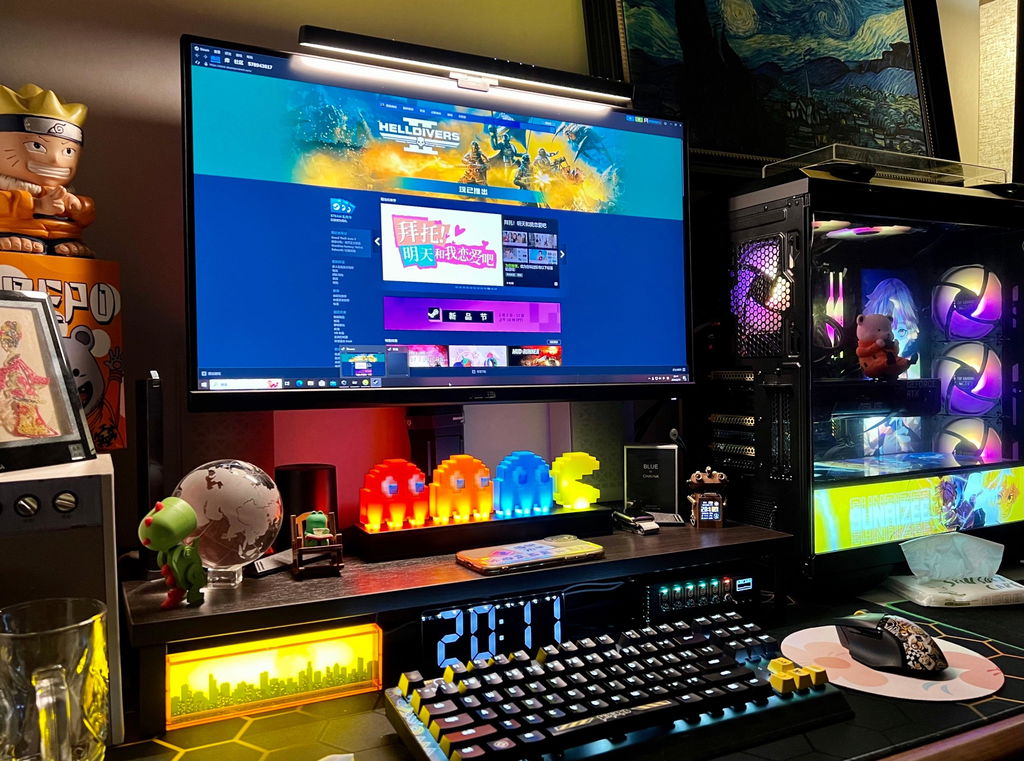
Love that it also has a charger
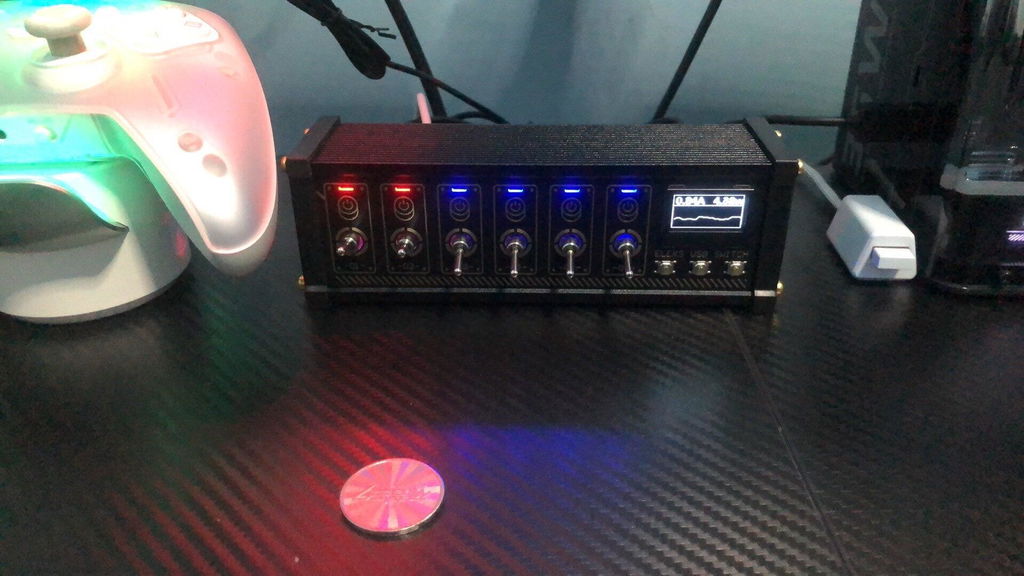
The ability to switch each port and having a dedicated switched charging port is by far this little guys strong points. Its powered too so everything runs properly. I like it so much I would give 6 stars!! Would buy more later for my other computers.
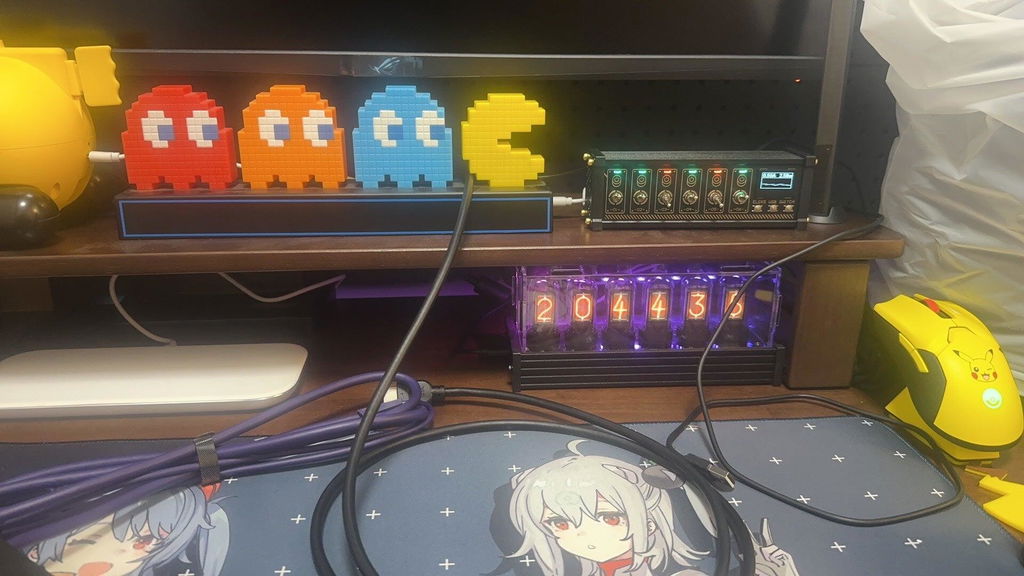
We had usb extenders plugged into to each which caused conflictsfixed it right away
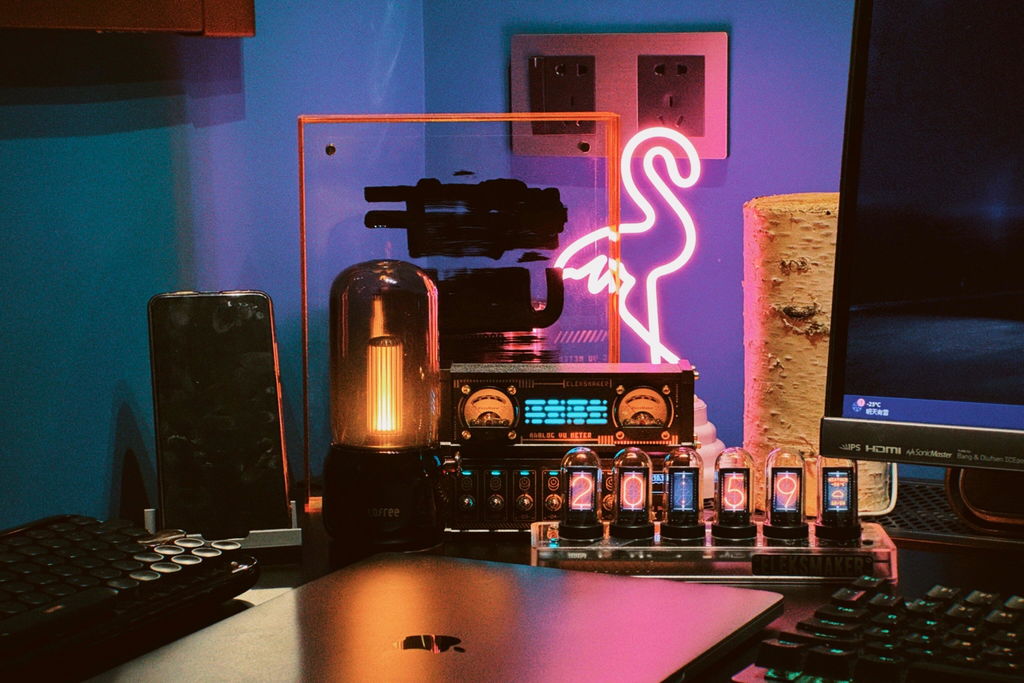
So this hub is exactly what I needed! Im thrilled! Easy to use! It was well packaged and on my doorstep the next morning! Previous reviews made reference to it not lasting beyond a few months. I have my fingers crossed and am hoping thats not my experience. Its not made by Apple but is compatible. So far so good!
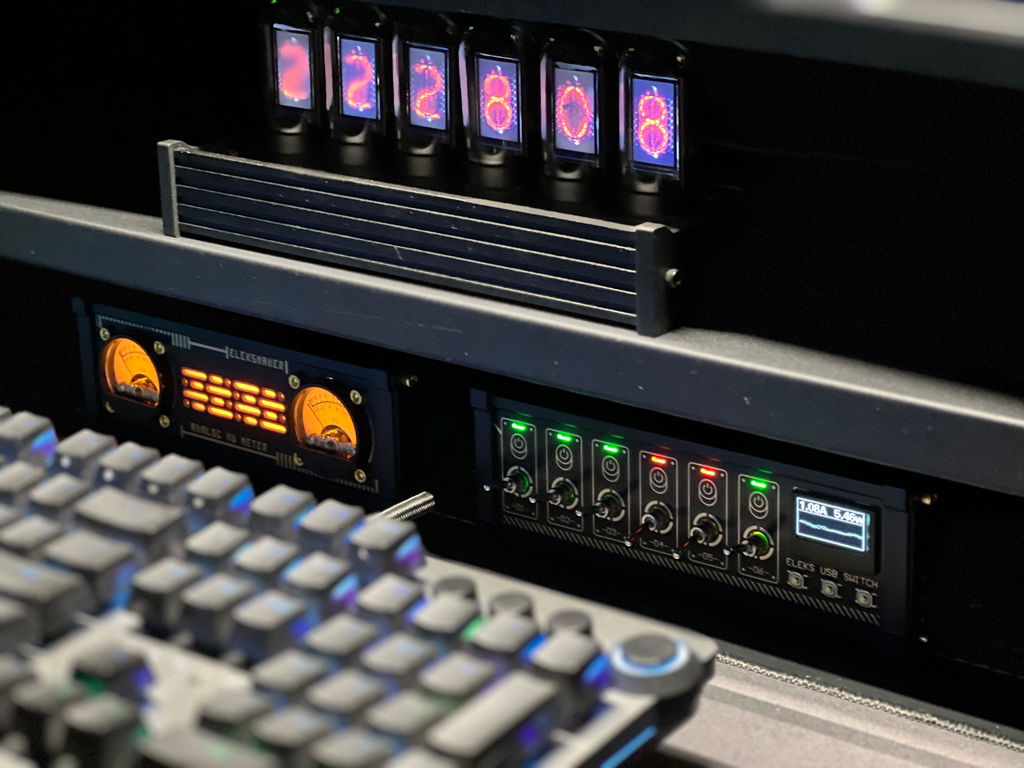
It's great that you can turn on and off your usb devices as needed. It seems well made and should hold up for a long time.
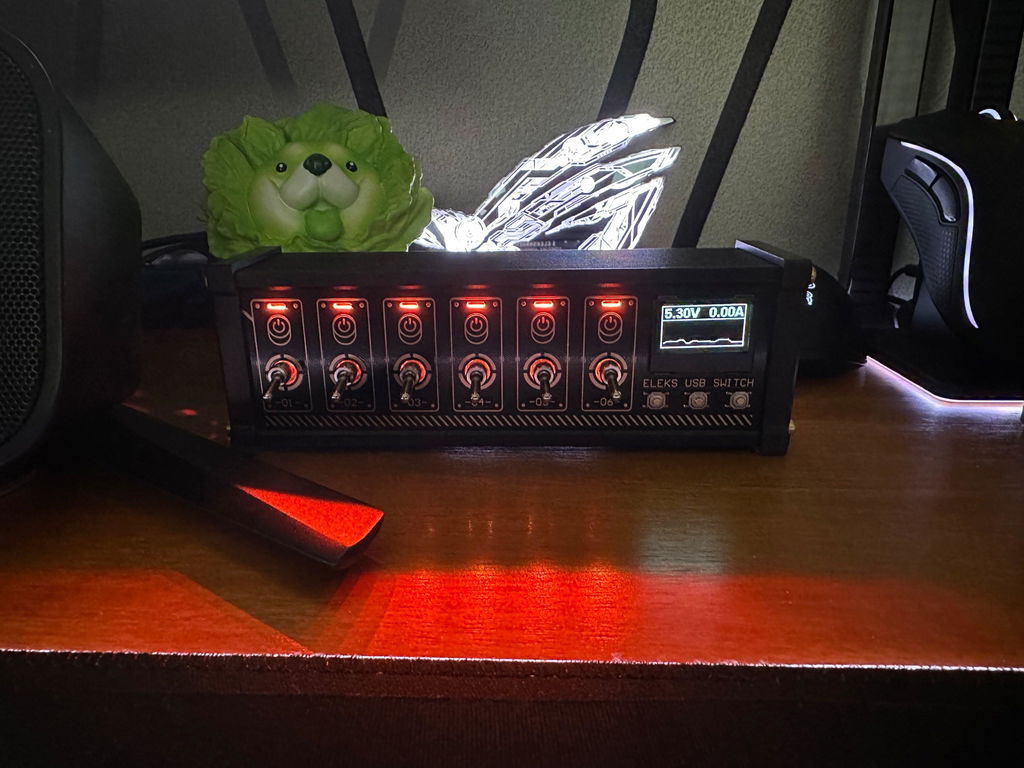
Pretty cool and really helpful to keep peripherals managed.
Fantastic ….. I was looking for a way to control multiple LED signs for a game room/bar
Enjoying the nk4. Really like the toggle switches!
Work as intended, but with extra fun and experience that a simple USB Hub doesn't have. I really like to switch the small levers.
An amazing piece and its perfect for my recording studio..
This is a lovely USB hub and coupled with the PR2 clock, you can switch on and off power to that lovely clock unit! So very cool and makes my workstation at home look so very classy!
Nice product. I use it on my desk to control some lights and other accessories. The switches are very tactile and build quality is good. It is smaller and lighter than I expected and could do with some little rubber feet to keep it in place. My only complaint is the lack of usb-c outputs but overall a good item.
I love gadgets and this caught my attention in a flash needed to get this for the lights that I bought and a few chargers that I wanted to make fancy love the switches and lights plus it's very useful to be able to turn things off separately, would recommend in a heartbeat.
Great looking, striking styling! I bought it for the switches on the usb power ports and ended up using the USB hub just as much to expand the ports in my laptop.
It would be nicer if it worked with my Mac. Also some power bricks don't seem to power it even though they have the amperage output to do so.
Excellent! Just make sure devices that transfer data are in the ports on the bottom row! Love this stuff from atomic. Can’t wait to see what else you guys come up with.
Awesome little product.
Looks great on my desk and really helped with freeing up USB ports on the front of my PC. By allowing me to hook up the peripherals of my machine through the hub, I now have a much better managed desktop and no longer have to switch things in and out of my PC's native ports in order to make use of their functionality.
Overpriced e-waste that leaves your computer open for attack. Warning from Windows -
VulnerableDriver:WinNT/Winring0
Great item. Switches have that retro feel, lights very customizable.
Excellent desktop device! I've been using this for about three weeks with several items connected to it. While it's just to be dorky, seeing the voltage reading and current draw is fun, and the switches keep you from reaching around and unplugging things all the time. Glad I got this, and now I kinda want more stuff from Atomic Voyage.
Questions, answered.
Does NK4 work with Mac?
Yes. NK4 works with macOS.
If your Mac only has USB-C ports, simply use a USB-A to USB-C adapter to connect the PC-IN port.
Why do my devices charge but not transfer data?
Make sure the PC-IN port is connected to your computer and your device is plugged into one of the USB data ports.
If the problem continues, try a different USB cable, as some cables support charging only.
What do the metal toggle switches do?
Each metal toggle switch controls the power for one USB charging port.
Turn a switch on or off to instantly power connected USB devices without unplugging them.
What’s the difference between POWER-IN and PC-IN?
POWER-IN provides power for the charging ports.
PC-IN connects NK4 to your computer and enables data transfer.
For full functionality, both should be connected.
Can NK4 connect to an external monitor?
No.
NK4 is designed for USB charging and data transfer only. It does not support video output through HDMI, DisplayPort, or USB-C Display Alt Mode.
What power adapter should I use?
For the best performance, we recommend a standard 5V/3A USB power adapter.
Using a lower-power adapter may not provide enough power for multiple connected devices.
Do I need to install any drivers or software?
No.
NK4 is plug and play. Simply connect it to your computer and power source—no drivers, apps, or setup required.
Can I leave my devices connected all the time?
Absolutely.
NK4 is designed to stay on your desk permanently, so you can leave your devices plugged in and use the metal switches to control power whenever you need.
Tech Specs
Included in the Box

Type-C cable

User Manual
NK4


