
WFD II
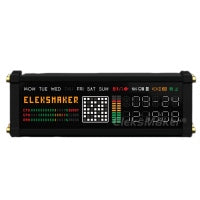
It started as a clock — but we wanted more.
So we gave it music-reactive lighting, real-time PC monitoring, and customizable pixel art.
Ships from U.S. · 30-day returns
WFD II
If you have any questions, you are always welcome to contact us. We'll get back to you as soon as possible, within 24 hours on weekdays.
-
Shipping Information
We ship from our U.S. warehouse.
• Standard (2–7 business days)
Orders $0.00–$128.99 → $7.99
Orders $129.00 and up → Free
• Expedited (2–5 business days) → $11.99
• Express (1–3 business days) → $19.99 -
Customer Support
If you have any questions, please send an email to our support email address and we will respond within 48 hours.
Alternatively, you can contact us by opening the “Contact Us” page on the website.
-
Return & Refund
You can request our Return & Refund Service:
Unshipped Orders: Returns can be requested unconditionally. Please contact support@atomicvoyage.com to cancel your order.
Please log in to your Atomic Voyage account to cancel your order and the payment will be automatically refunded to your account.
Shipped Orders: Returns can be requested unconditionally within 30 days of the date of purchase.
The shipping fee can be removed due to product quality problems or wrong products sent, otherwise the customer has to pay the shipping fee.
Returned products should be confirmed that there is no human-caused damage affecting secondary sales, and the condition is new or nearly new, otherwise it will not be accepted.
Return & Refund Service will not be provided where:
It is requested beyond 30 days of the date of purchase.
A product sent to Atomic Voyage for Return & Refund Service does not include all original accessories, attachments, packaging or gift(s) included in original order, or any item is not in new or like-new condition, i.e. with cracks, dents or scratches.
Damage is caused to the product by improper installation, operation or unauthorized use or modification of the product.
AtomicVoyage WFD II
It started with time.
At first, we just wanted to design a clock.
But soon we realized — we wanted more than time.
We wanted something that could move with the music,
that could talk to our computers,
that could feel alive on our desks.
A clock that reacts, connects, and inspires.
That’s how WFD II was born —
a desktop companion that breathes with your work.
Designed to do more than tell time
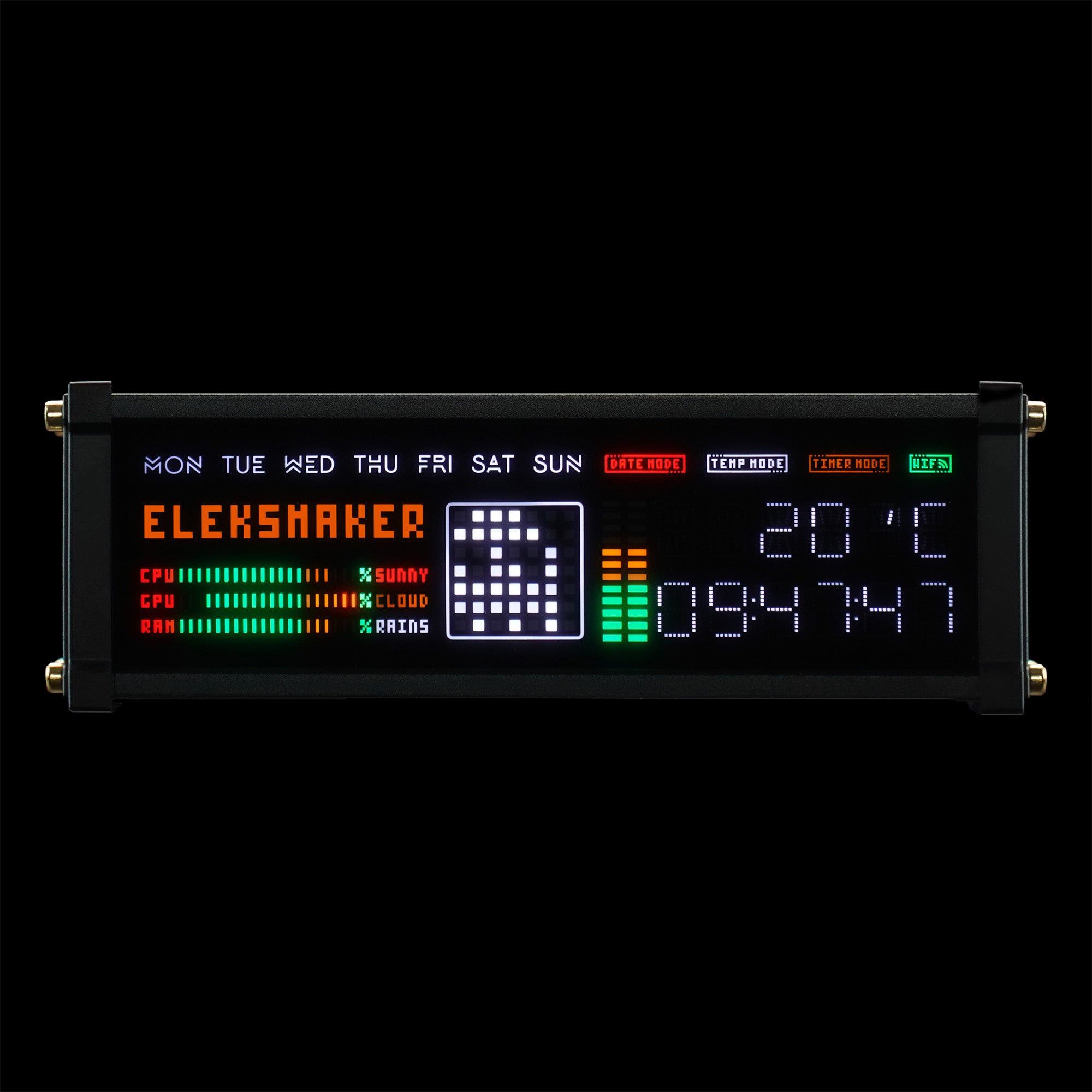
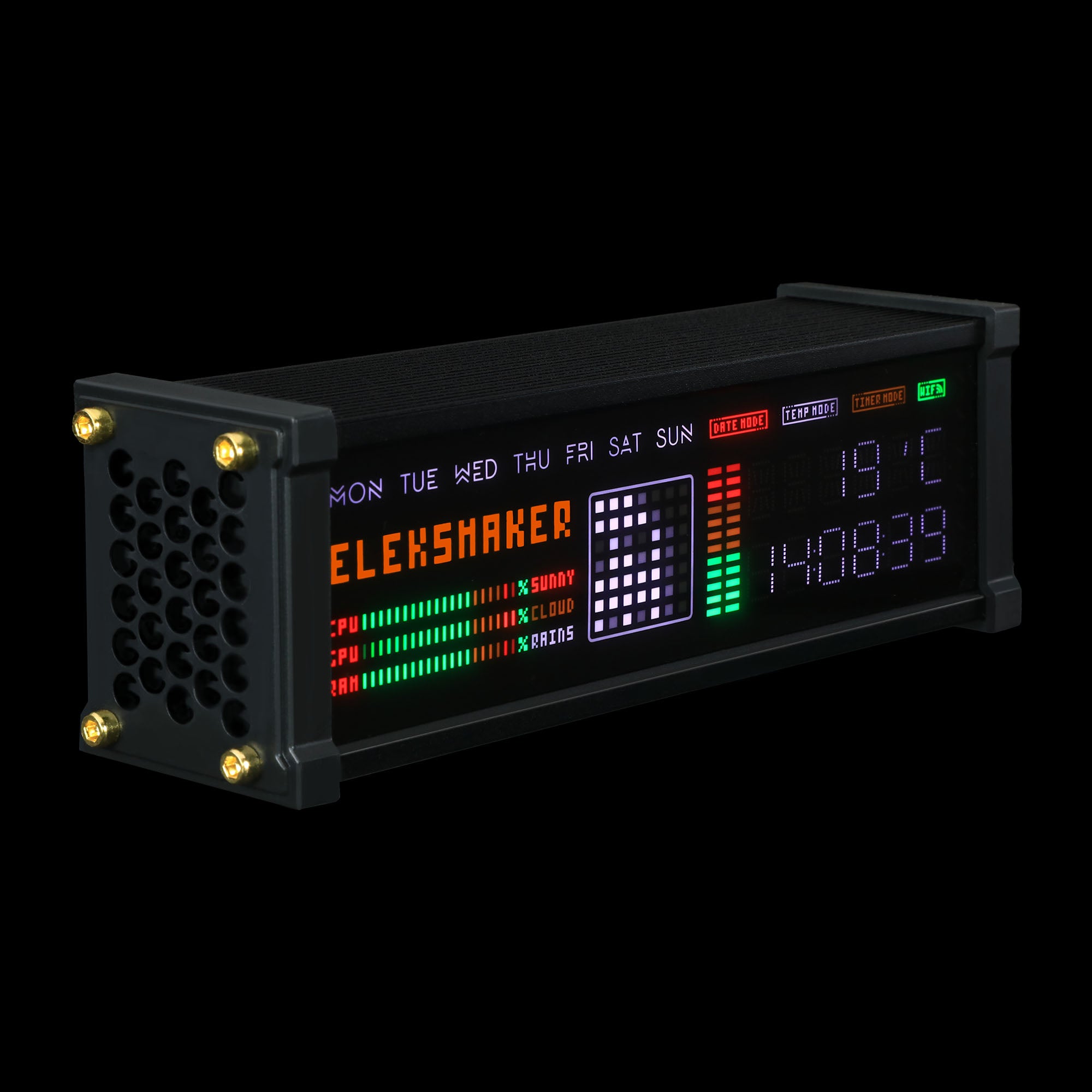
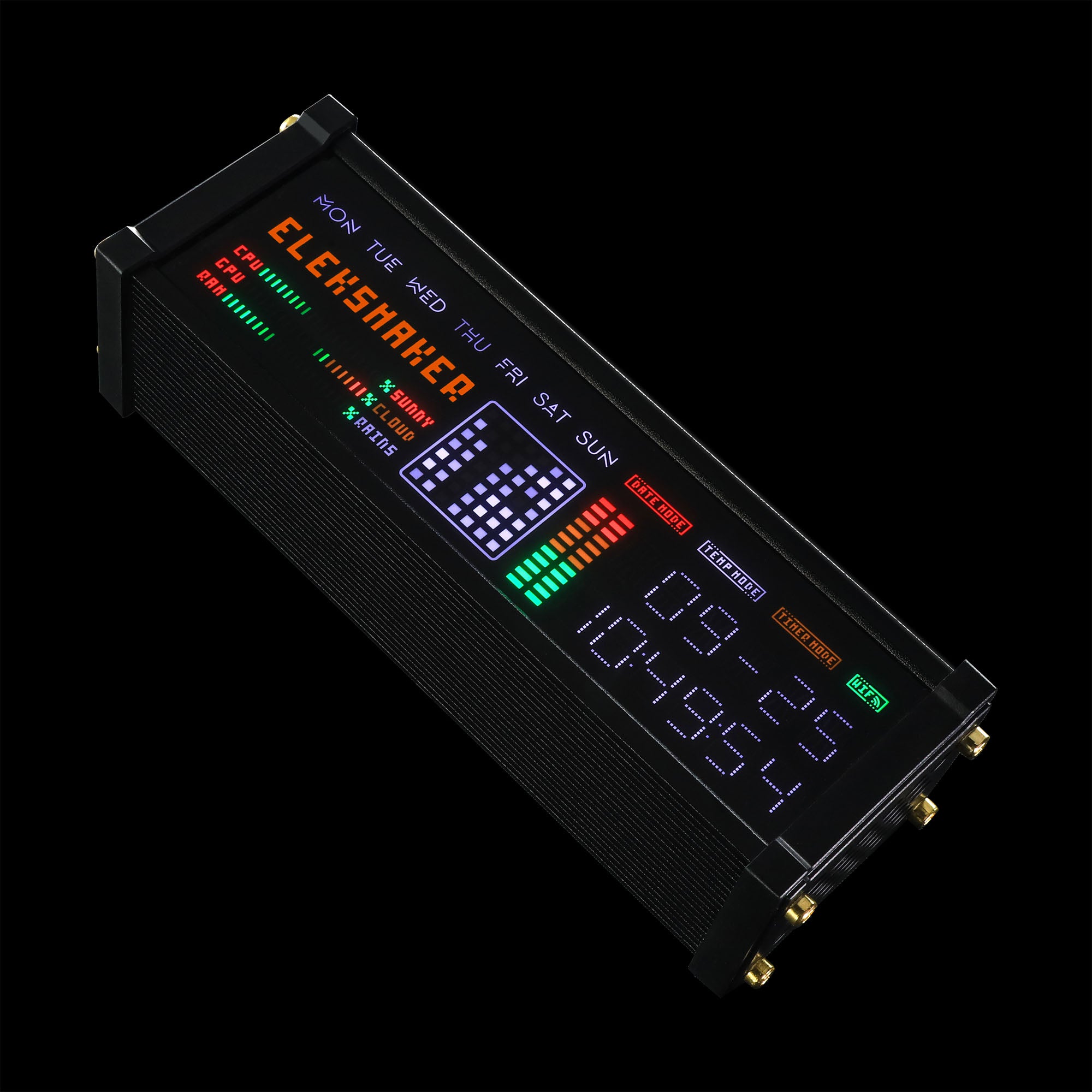
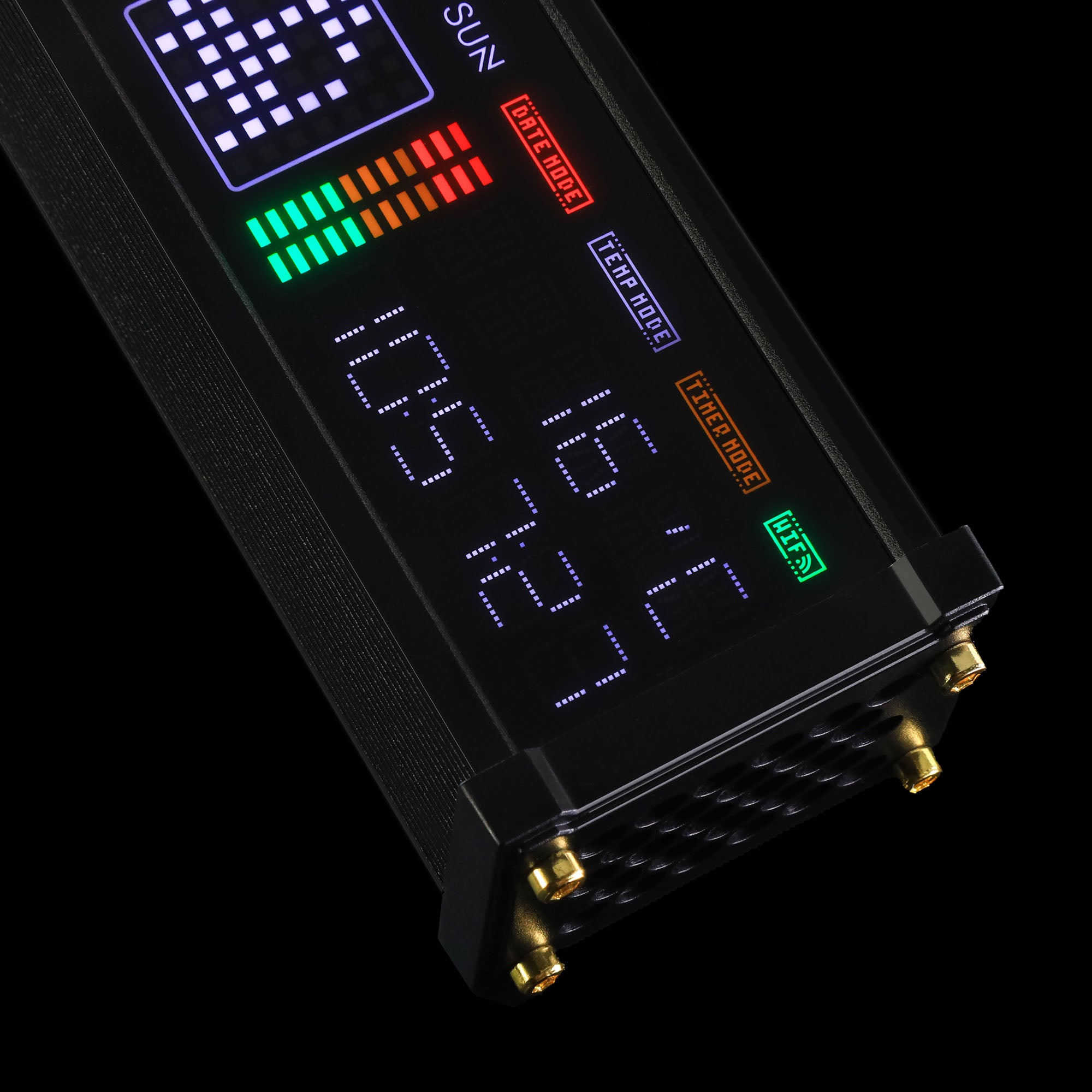
WFD II turns time into motion — combining a digital clock, music visualizer, and real-time PC monitor in one.
It doesn’t just sit on your desk — it interacts with it.
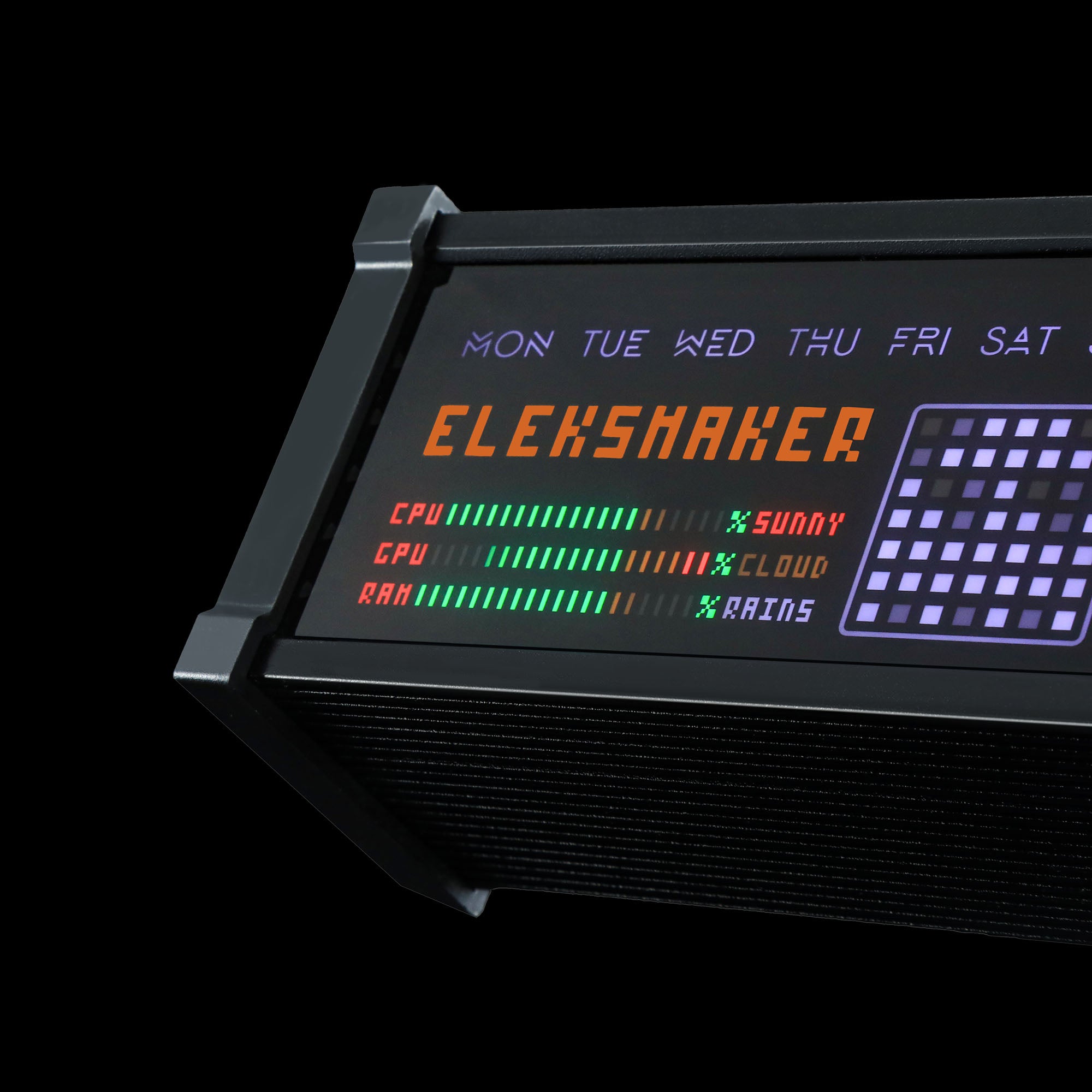
Real-time CPU / GPU / RAM display
Connect WFD II to your PC and see your system breathe in real time.
CPU load, GPU usage, and memory stats appear as clean visual bars — no clutter, no distractions.
(Windows 10 and above supported.)
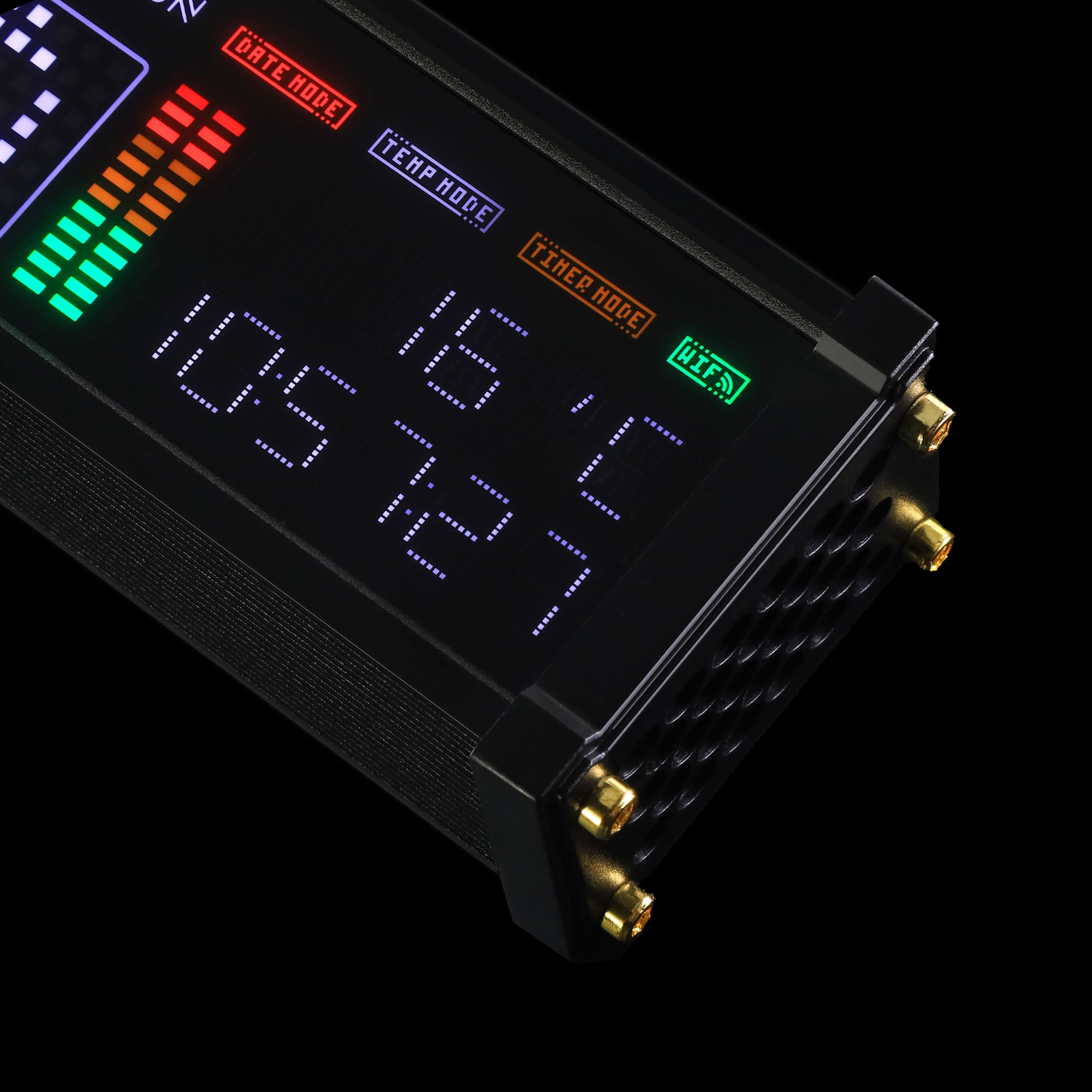
Local time, date, and real-time weather display
WFD II automatically syncs with your Wi-Fi network to show accurate local time and weather conditions.
See the hour, date, temperature, and forecast at a glance.
Whether on your desk or bedside, it keeps you connected to the world outside.
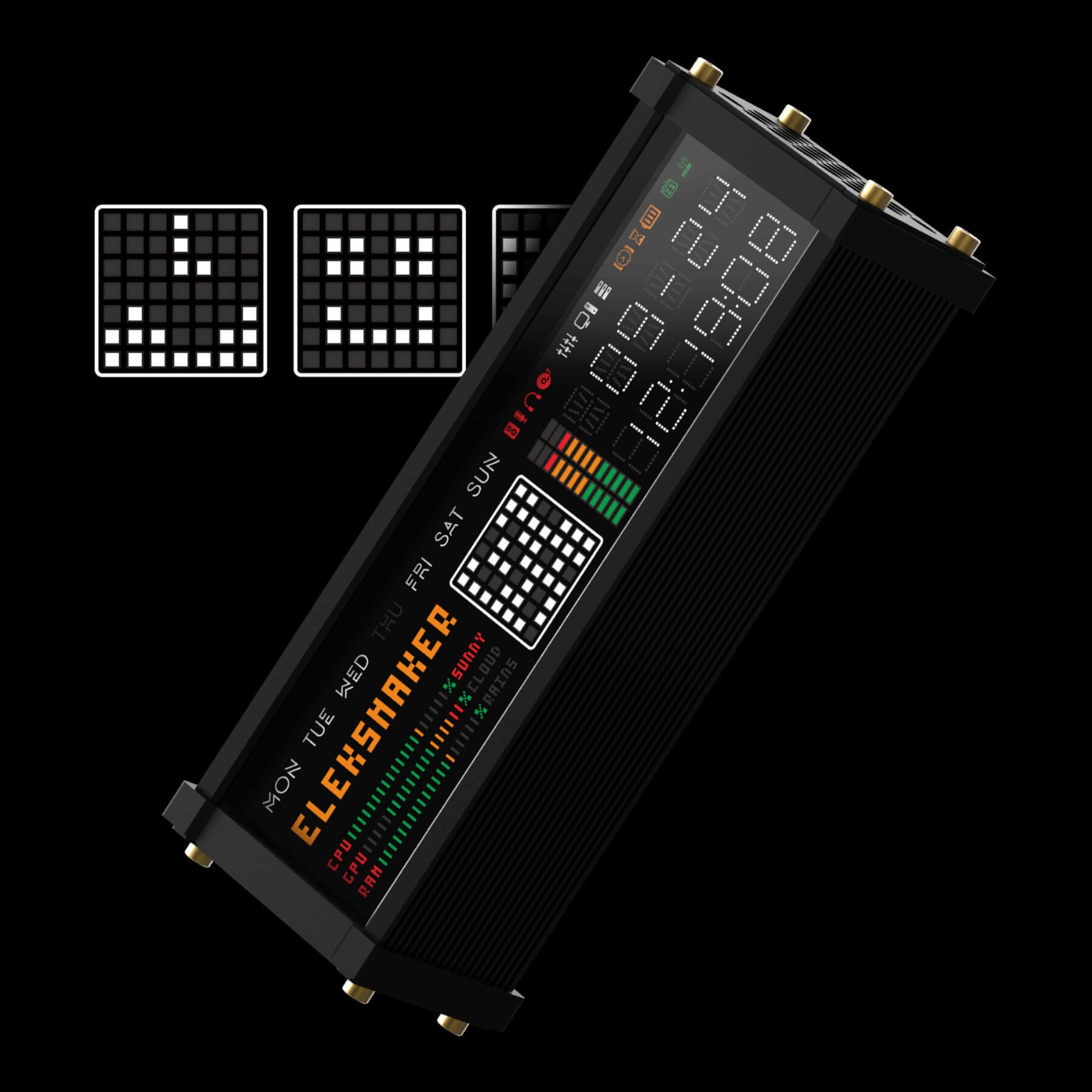
Every pixel tells your story.
Create and upload your own pixel art, scrolling messages, and mini animations directly from your phone or computer.
Design what feels like you, then sync it instantly to your WFD II display.
Your setup becomes personal, alive, and truly one of a kind.
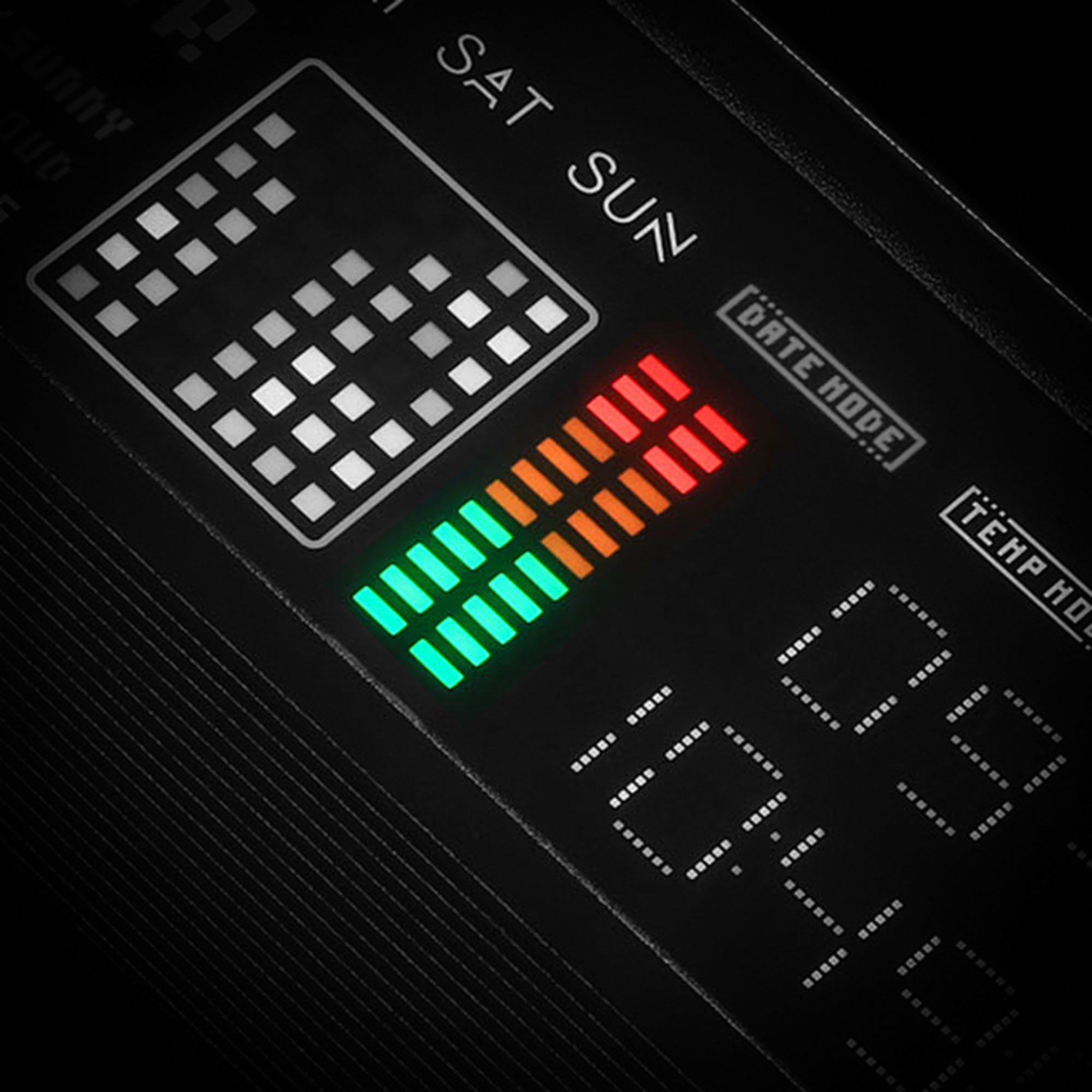
Real-time Spectrum Lighting
WFD II listens and reacts — transforming sound into motion with real-time spectrum lighting.
From soft jazz to heavy synths, it mirrors every rhythm in color, motion, and mood.

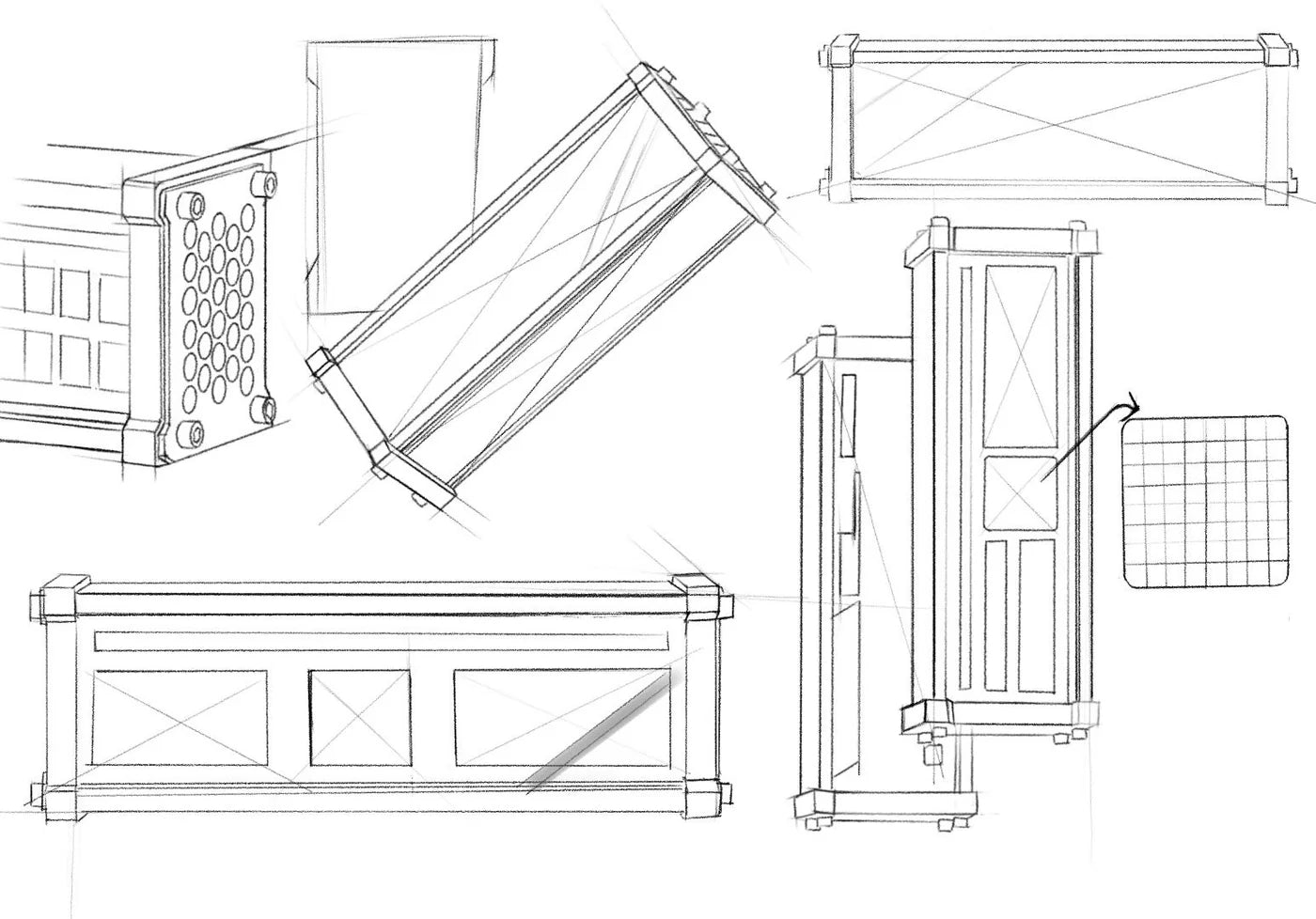
Designed from zero.
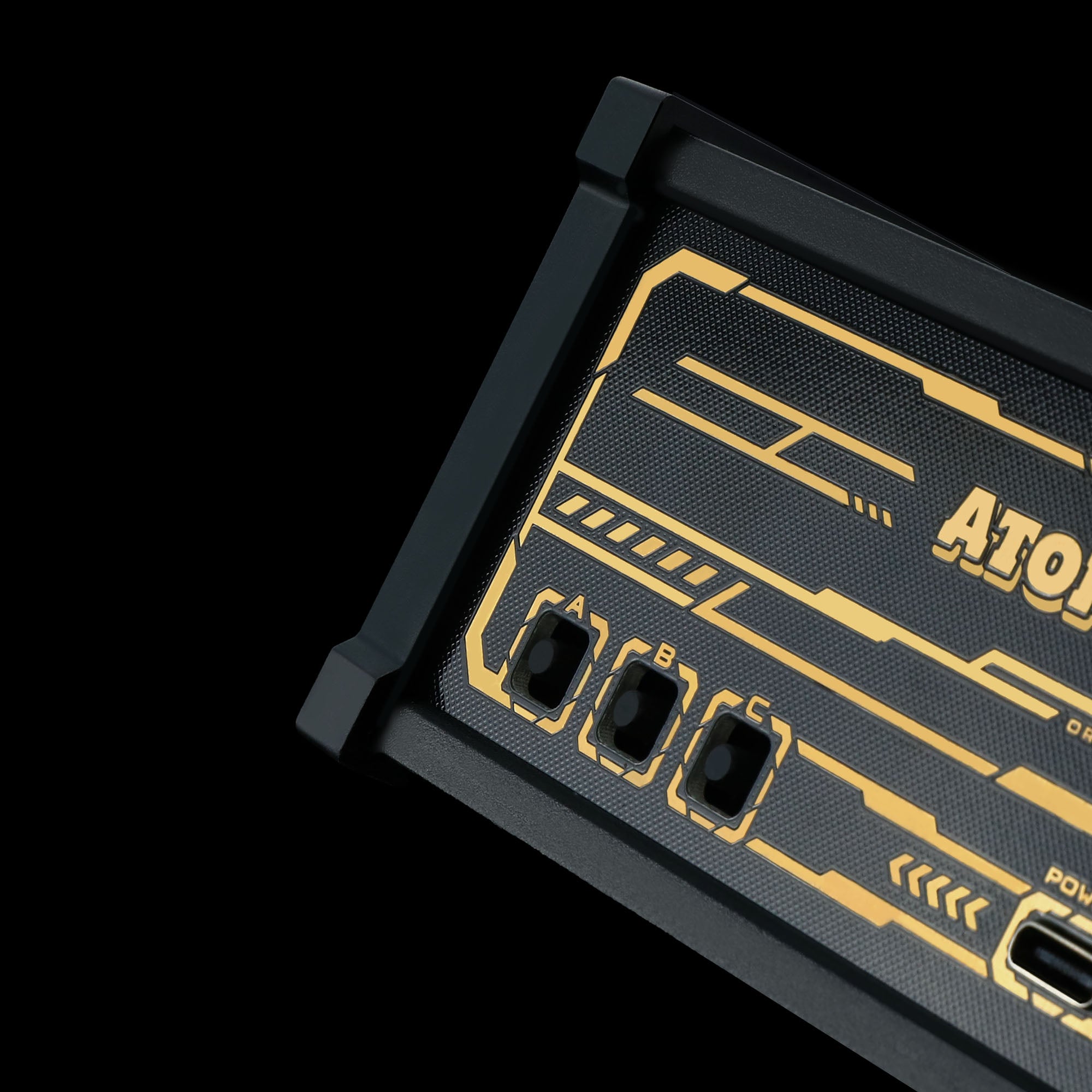
Every detail of WFD II was created in-house by Atomic Voyage — no templates, no shortcuts.
From its aluminum body to its pixel interface, we built it to feel alive, authentic, and unmistakably ours.
- Perhaps the kewlest thing in my office! Adds to the Steampunk vibe and brings warmth.
- Combines cyberpunk and vintage aesthetics perfectly. Not just a clock, but a statement piece.
- Absurdly high quality. Customization possibilities are endless, literally SO COOL!!
Awesome. Looks great ????.
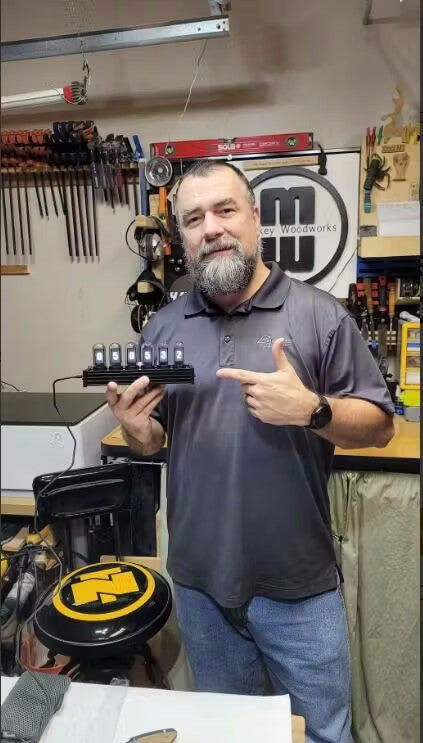
Very cool
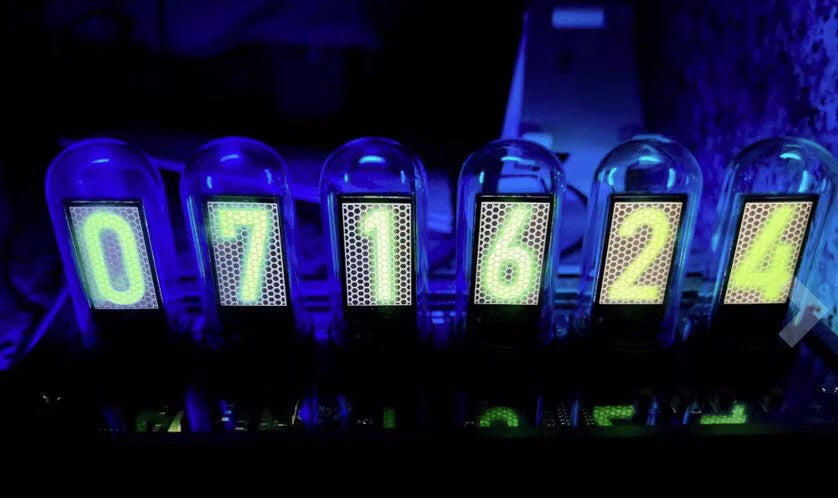
I just received my nixie tube clock. No two way about it it is cool. It took about five minutes to put together and starts up as soon as I attached power. The displays are bright and clear, and easy to adjust. It seems well-made, but time will tell how well it holds up. Overall, Im very happy.
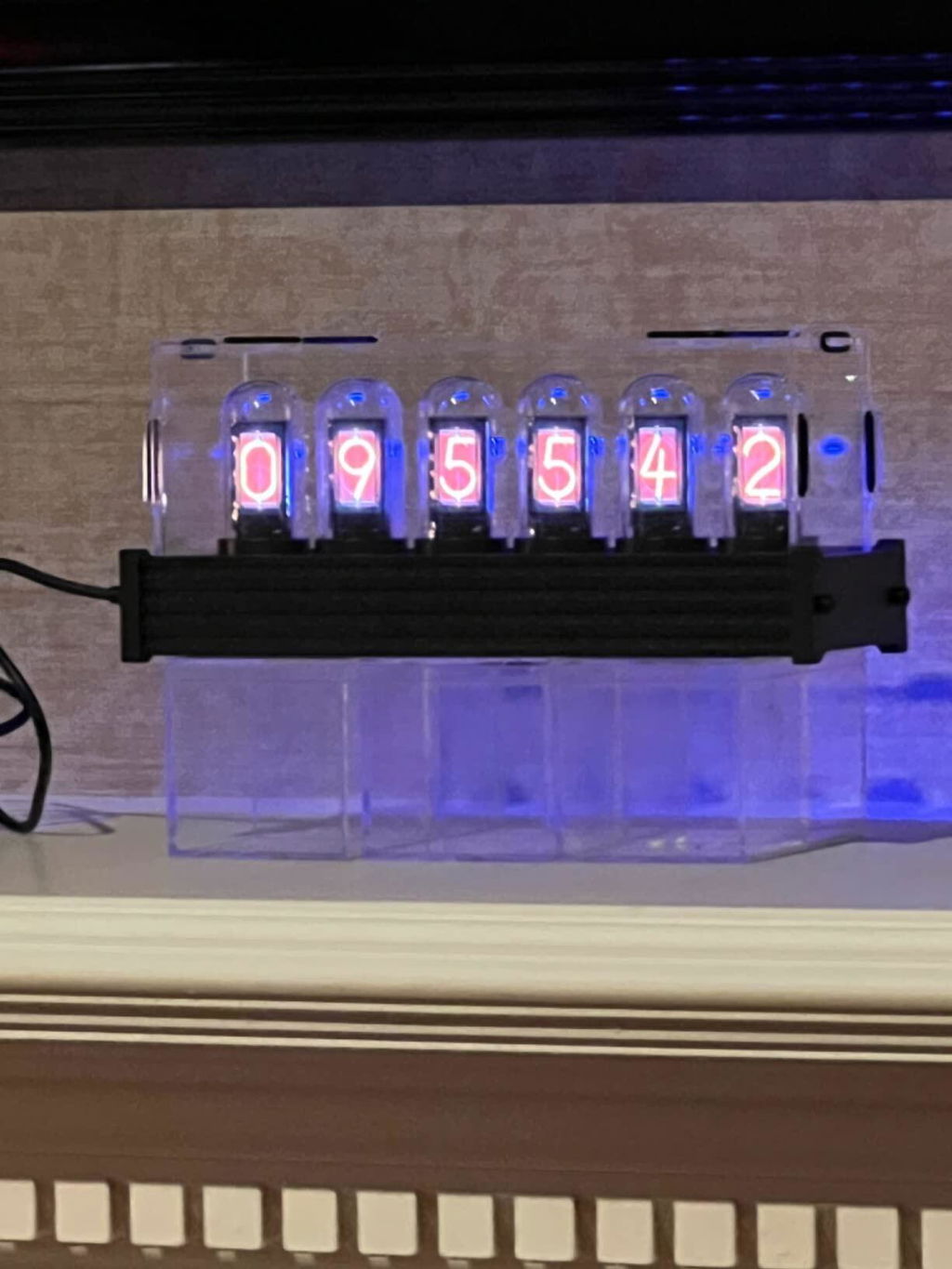
Love it
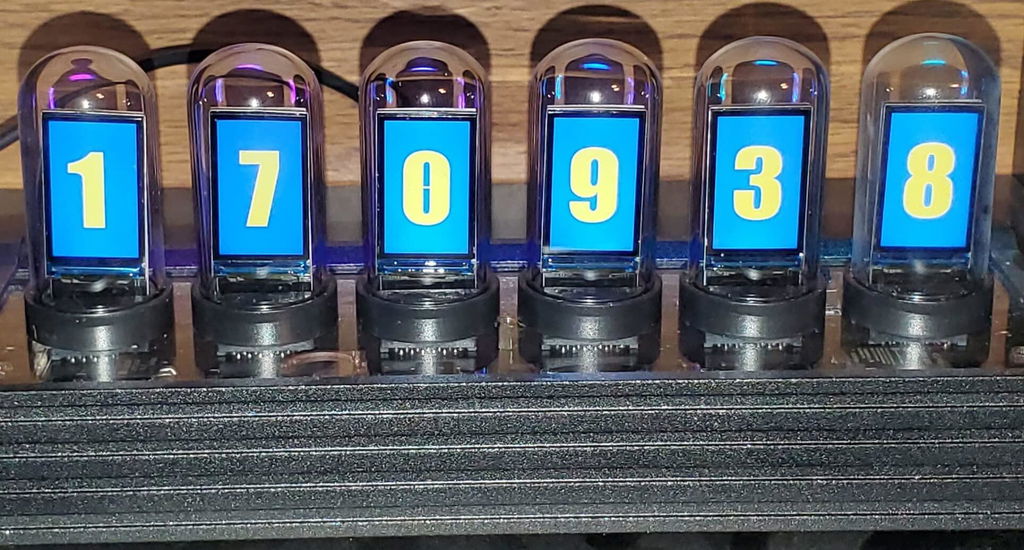
Nice
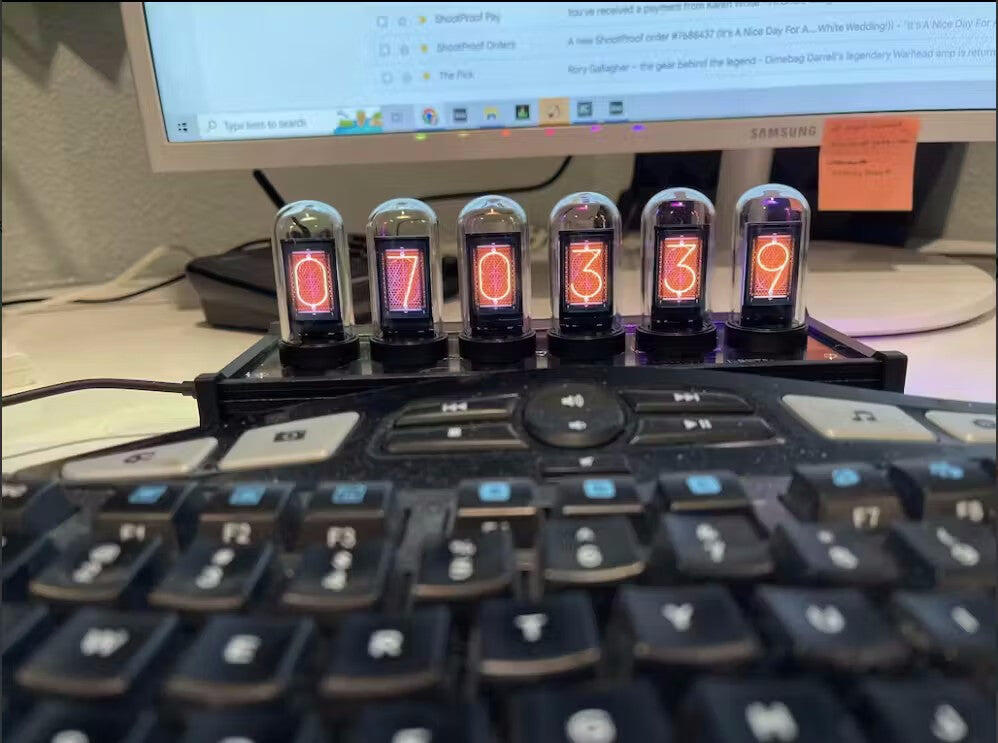
Like the name of this site, love the cool gadget. And actually feeling the clock is a great touch.
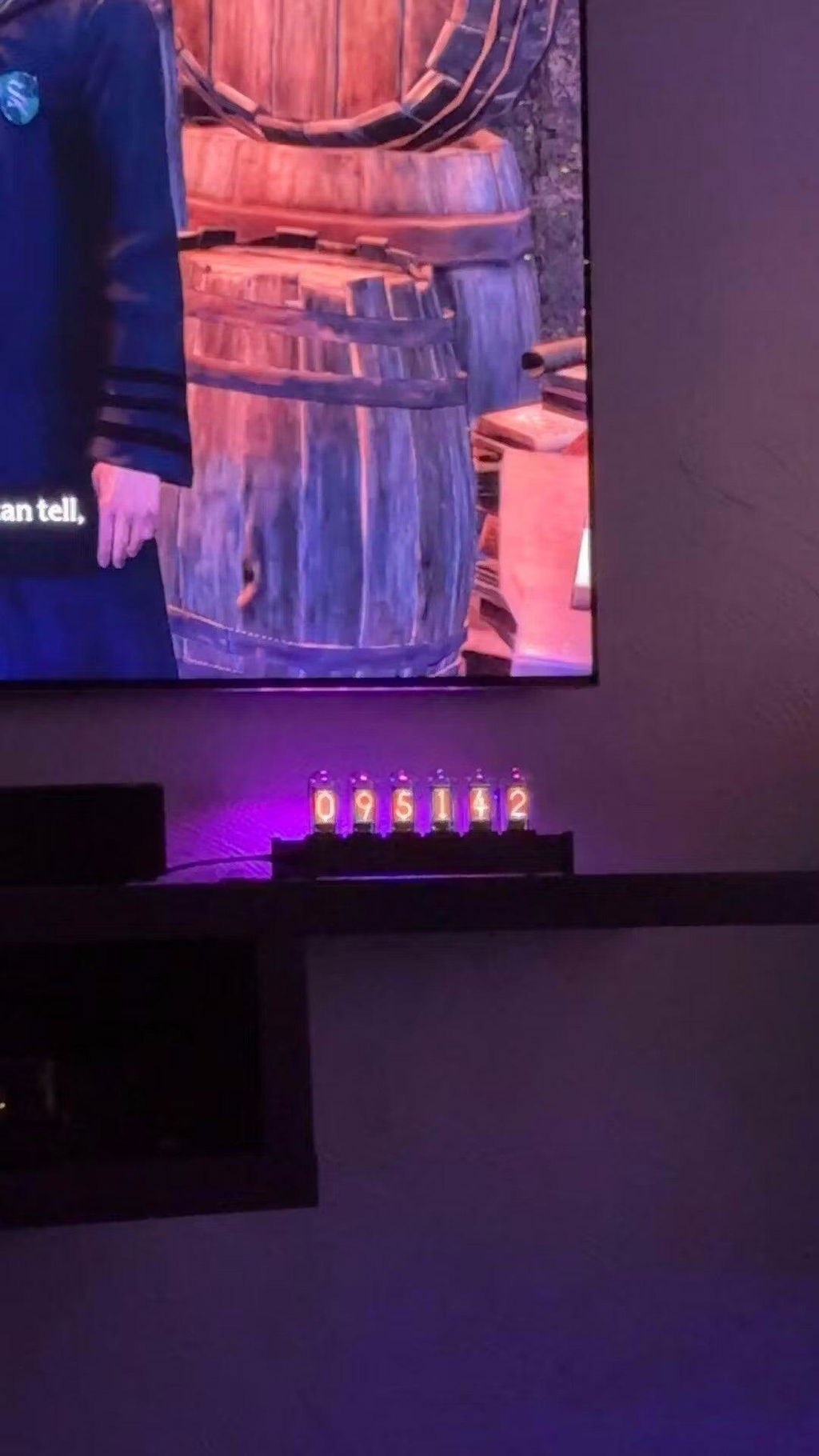
I love this product, and it is definitely worth the value. It was easy to assemble, and it looks nice. Having one in the room is cool and fashionable, and the effect is even better when the surrounding is dark or dimly lit. I am enjoying my clock, and I believe it is worth it for anyone who admires the Nixie tube aesthetic but doesn't want to spend $300 on a clock.
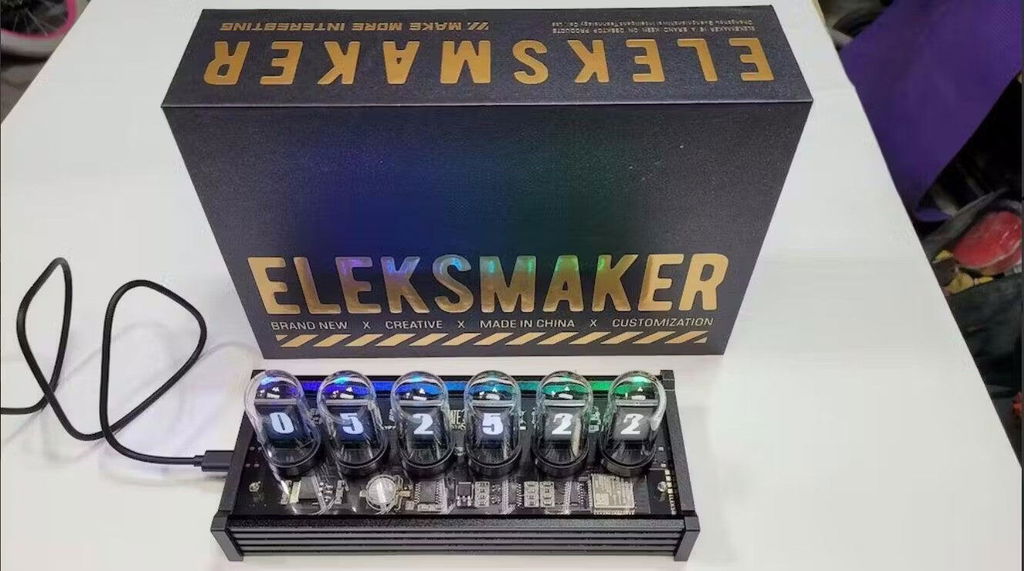
The screens allow you to display a wide variety of number styles and even pictures. The assembly is easy and takes about 15-20 minutes. You can configure all aspects of the clock from number style to ambient lights. Keeps good time too. Overall this was a good purchase and I've enjoyed it.
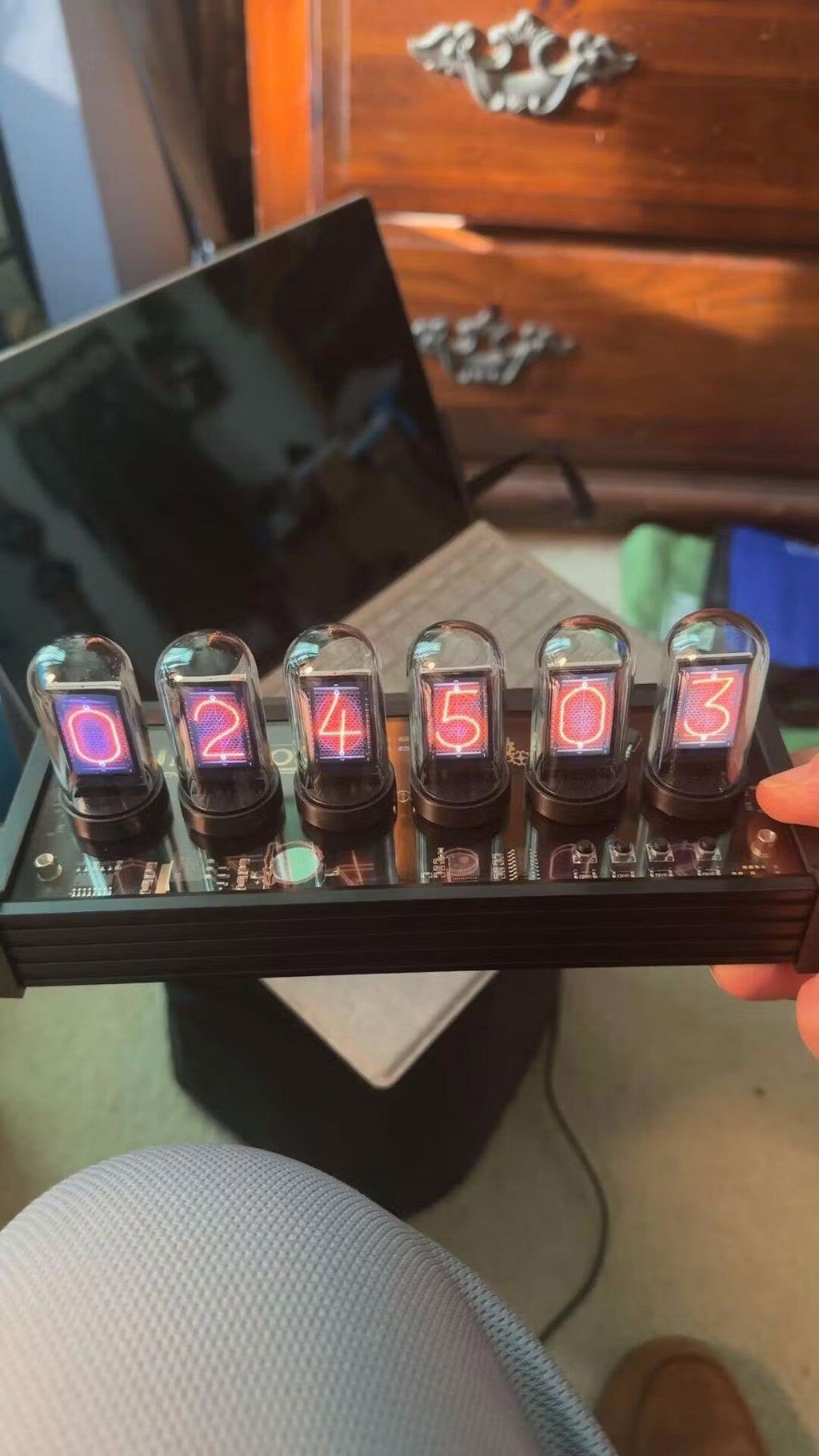
Love it looks like the real thing without the hassle or real tubes burning out

I really like this clock, especially that it can be changed to simulate almost any other type of clock. I have nixie clocks, numitron clocks, flip clocks, VFD clocks, this one fits right in with the collection.
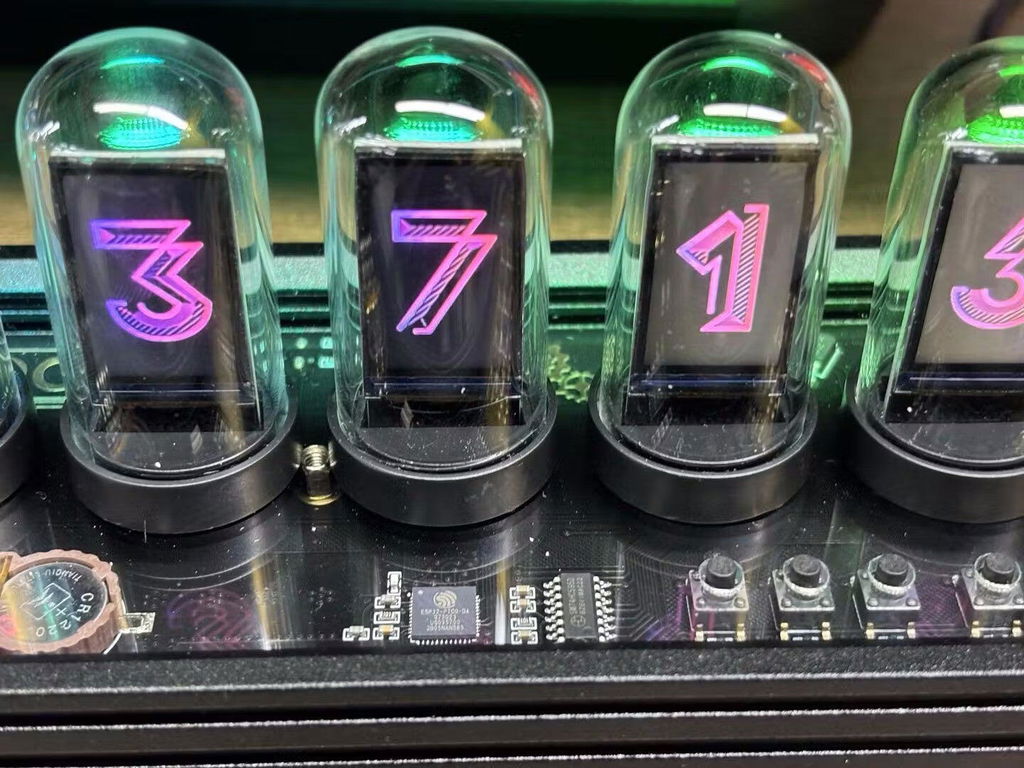
Edit: Unit is really cool. Wanted real Nixie tube, This is the next best thing. Unit was replaced under warranty. Took a while but they came through.
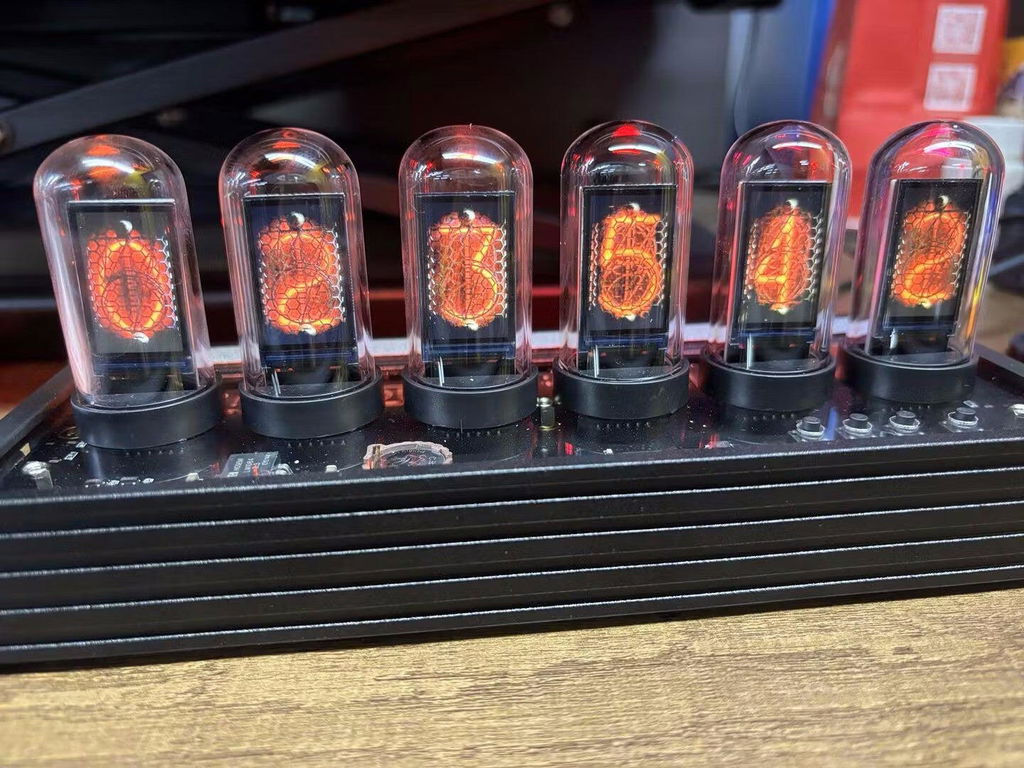
Ojo necesita de un equipo Windows para configurarlo
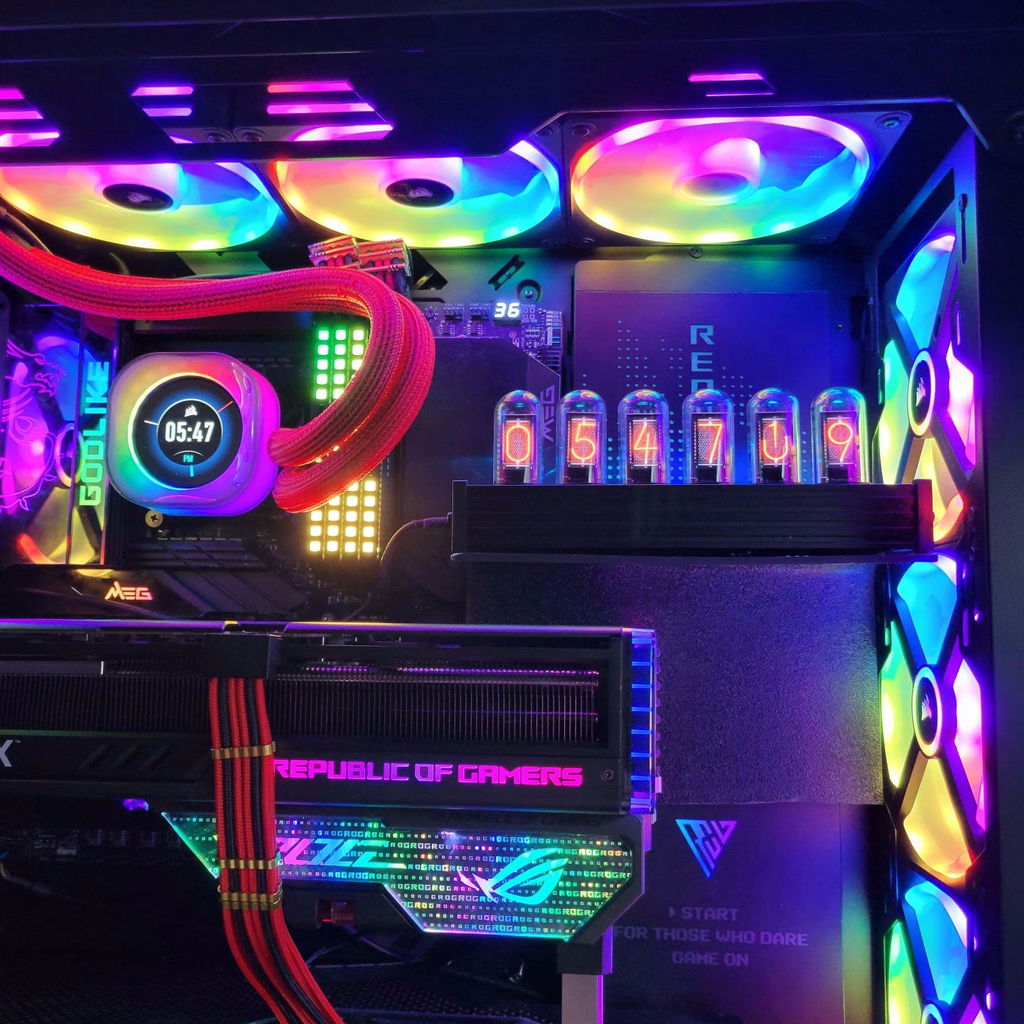
This clock is beautiful and easy to use. The idea of having tiny backlit LCD screens, one for each digit, is delightfully clever. The glass tubes and rear-mounted RGB LEDs add authentic nixie ambience! If you get bored with the nixie look, you can change the font or even show little pictures on each of the screens. The only snafu is that you need to use a Windows 10 program to get extra fonts or to load little pictures. Moreover, the USB chip they use needs a non-standard driver. Both of these latter items require you to download from a sketchy Chinese website. I couldn't get any of this to work and gave up. But what you are able to do without the software is very satisfactory. This clock is worth the money and is extremely nice. It works fine and you can change among built-in fonts without any computer or software.
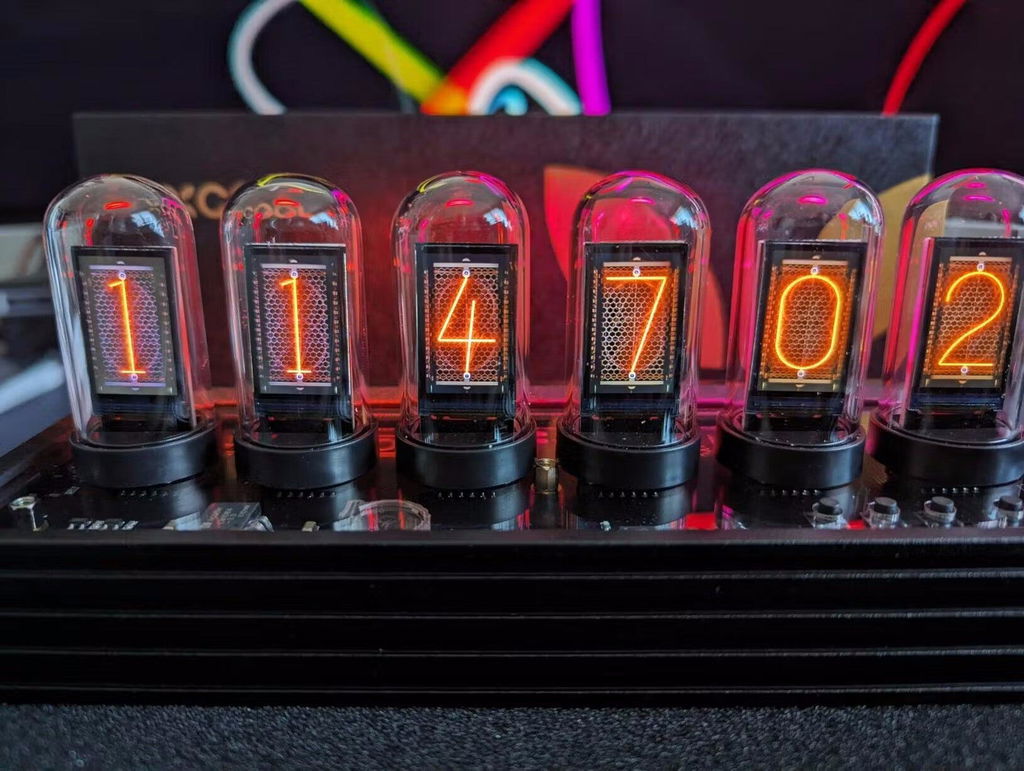
This one is not only can present the shape on the product picture, but also can be connected to the software to download a variety of clock templates, which is so versatile! I really like it!
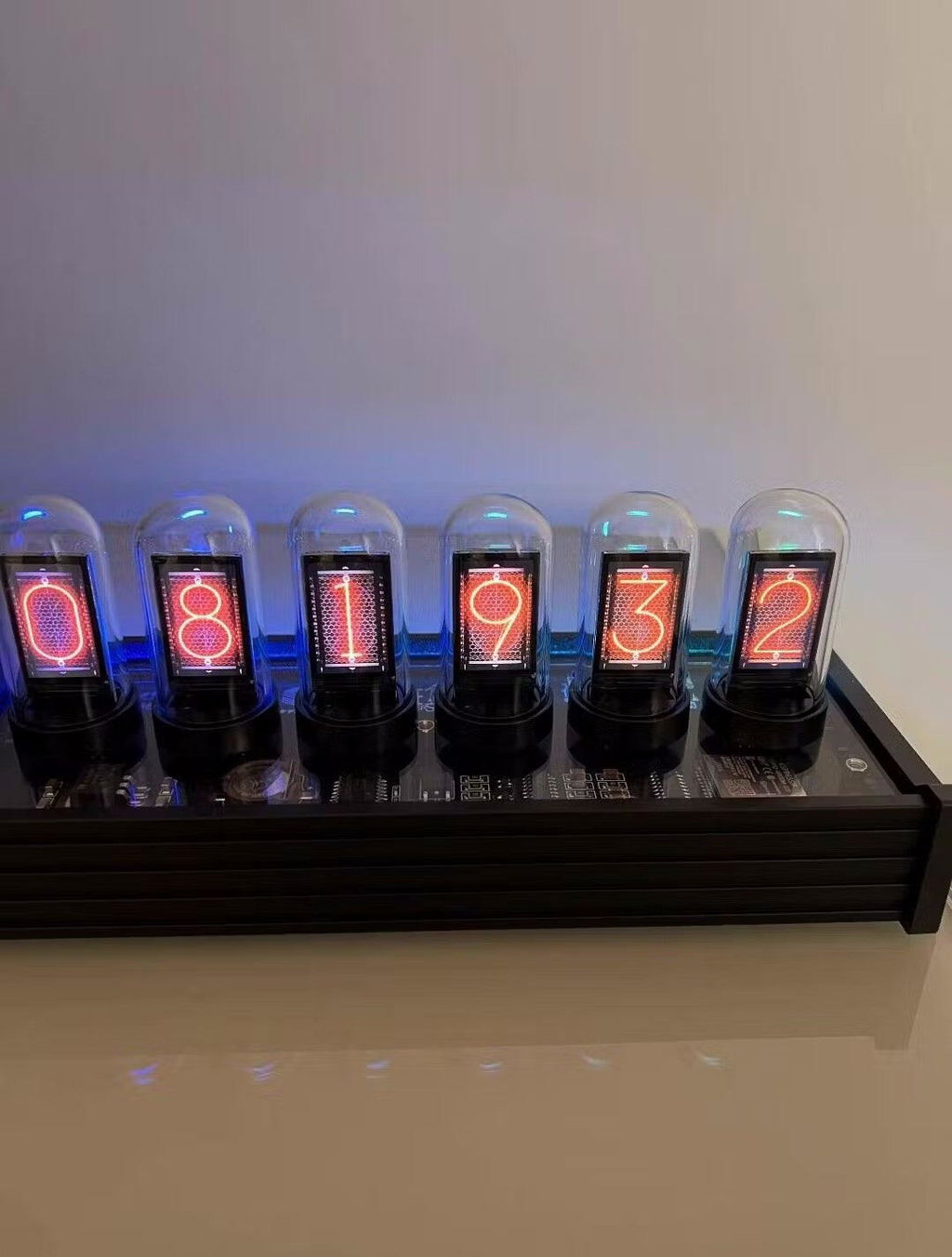
All the features on device work as expected, getting the device setup initially will require to do the same steps a couple of times per instruction. The rest is to update the firmware and the updated software to get the weather and computer monitoring to work which is not the instructions. If this is added instructions then it will be 5 stars.
It's great! Works just like I hoped. I do wish I could change the temperature to F instead of C, but that's my only note.
Doesn’t work for Mac, but in the description it mentioned mac
i love all the gadgets. Still figuring out the best setting for me on this right now. But it looks great!
Looks awesome on my desk. It’s a look I’ll have for a while.
Delivery states they left at door and it was not there. The picture they showed was picture of door from ground, no idea were it ended up. PC monitor really doesn't do much with what is free to use.
This does nothing but tell the date and time. Please don’t spend $79.00 on this like I did.
Product is great but please provide manual that is in English.
Cool gadget, However the instructions ar in Chinese. I cant get the PC monitor to work and I have no clue to what the white box is with all the squares. Looks like it will do alot but so far just a clock with some cool VU meters
We're sorry that our products have been a problem for you. You can read the guide on how to set up a WFD from your computer. If you have any questions, please feel free to contact me by message or email.
WFD setup guide: https://atomicvoyage.com/blogs/news/setup-elekswfd-in-a-few-easy-steps
The clock is a definite eye-catcher, and the displays are sharp and bright. It adds to the Steampunk vibe and brings warmth to the office. A definite positive to the environment.
Very nice clock. It offers lots of options, the only issue I have is with setting the time it is not supper easy to do and it was not until I did a power reset that it seemed to work well. Other than that it is a good clock, I like the DIY option but probably will not use that as much.
Love it
I just received my nixie tube clock. No two way about it it is cool. It took about five minutes to put together and starts up as soon as I attached power. The displays are bright and clear, and easy to adjust. It seems well-made, but time will tell how well it holds up. Overall, Im very happy.
Questions, answered.
How do I connect my WFD II to Wi-Fi?
Power on the clock and connect your phone to the clock’s Wi-Fi hotspot.
Select your home 2.4 GHz Wi-Fi network, enter the password, and wait for the connection to complete.
Once connected, press the Info button to view the clock’s local IP address.
Why can’t my WFD II find my Wi-Fi network?
WFD II supports 2.4 GHz Wi-Fi only.
If your router is using only a 5 GHz network, please enable a 2.4 GHz network or temporarily separate the two bands during setup.
How do I access the settings page?
After connecting the clock to your home Wi-Fi, press the Info button to view its IP address (for example, 192.168.1.100).
Open that address in any web browser on a device connected to the same Wi-Fi network.
Does WFD II support countdowns?
Yes.
WFD II includes a built-in countdown mode that can be configured through the web interface.
Can I display CPU, GPU, and RAM usage?
Yes, on Windows.
The clock supports real-time PC hardware monitoring through EleksWFD Tool.
macOS does not support this feature because system hardware data cannot be accessed in the same way.
Why isn’t hardware monitoring working?
Please make sure:
- Your PC and the WFD II are connected to the same local network.
- Only EleksWFD Tool is running.
- Hardware monitoring is enabled inside the software.
If the CPU appears but the GPU does not, the GPU sensor may not be available on your system.
Do I need to install software?
For normal use, no.
The clock is configured entirely through its built-in web interface.
The EleksWFD Tool is only required if you want to display live PC hardware information.
What power adapter should I use?
For the best performance, use a stable 5V/2A USB power adapter.
Using an underpowered USB port may cause instability or unexpected restarts.
Tech Specs
Included in the Box

Type-C cable

User Manual
WFD2


Setup Guide
Atomic Voyage Clock Web Control Center Guide
How to Easily Set Up and Use Your Atomic Voyage WFD II
Read moreabout How to Easily Set Up and Use Your Atomic Voyage WFD II