
IPS
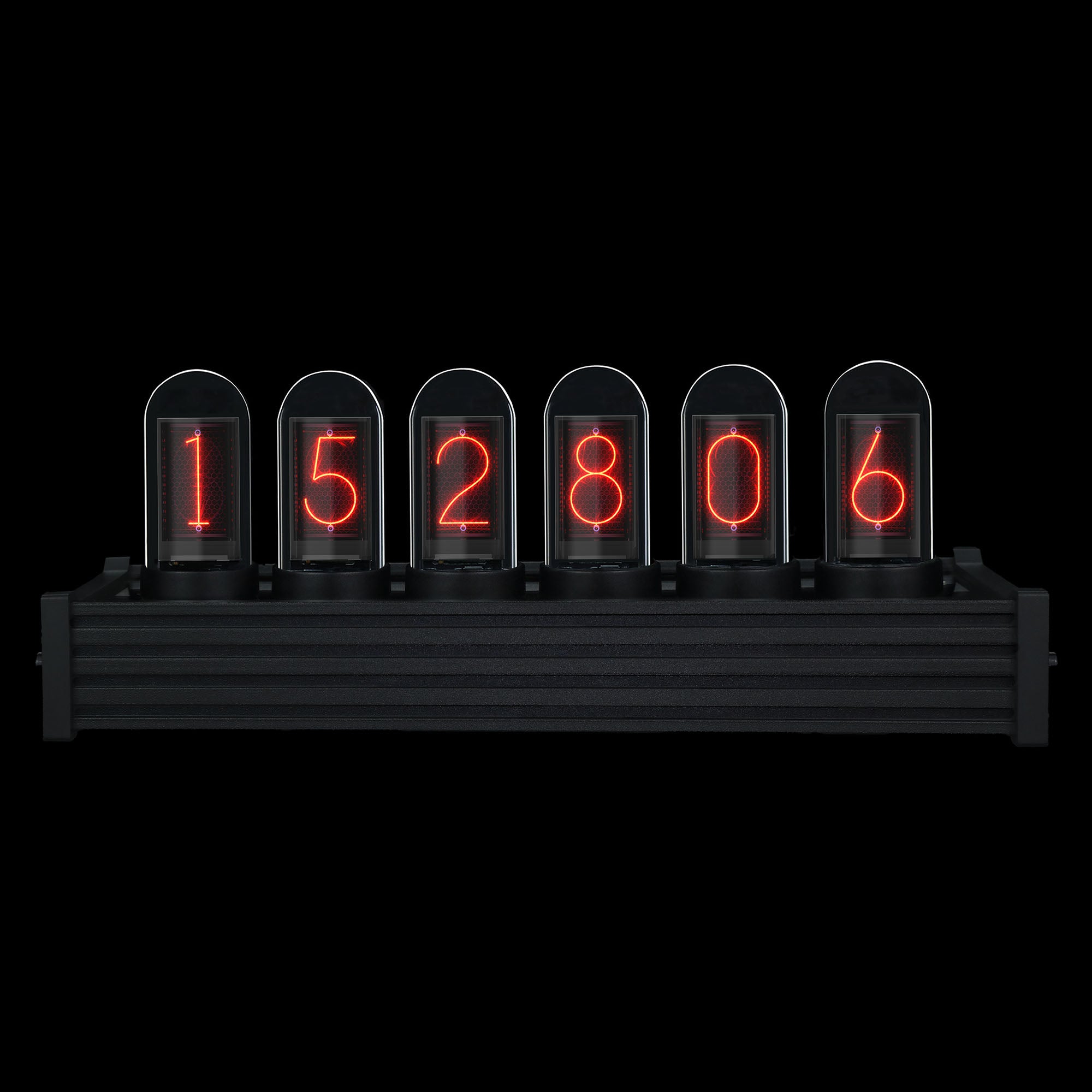
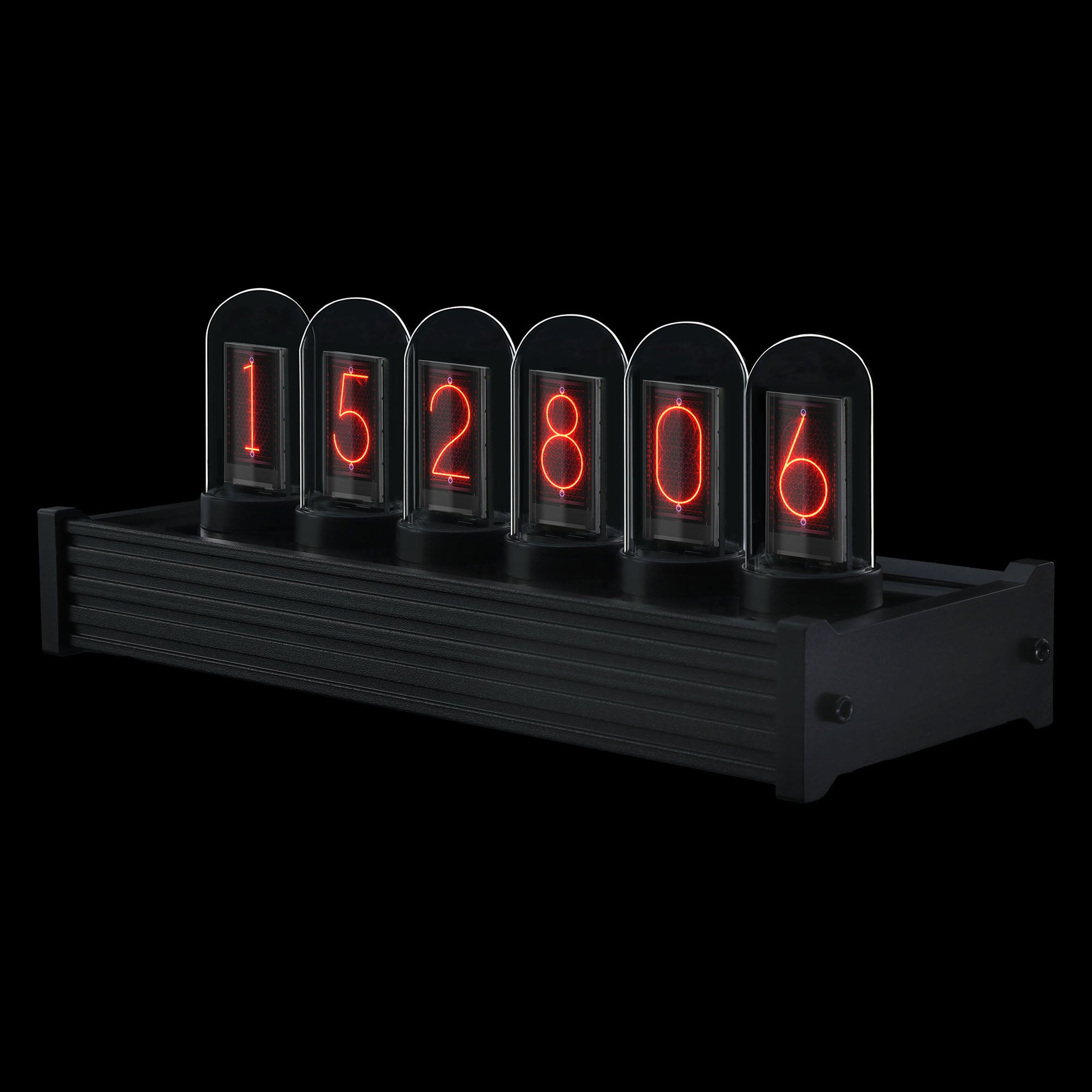
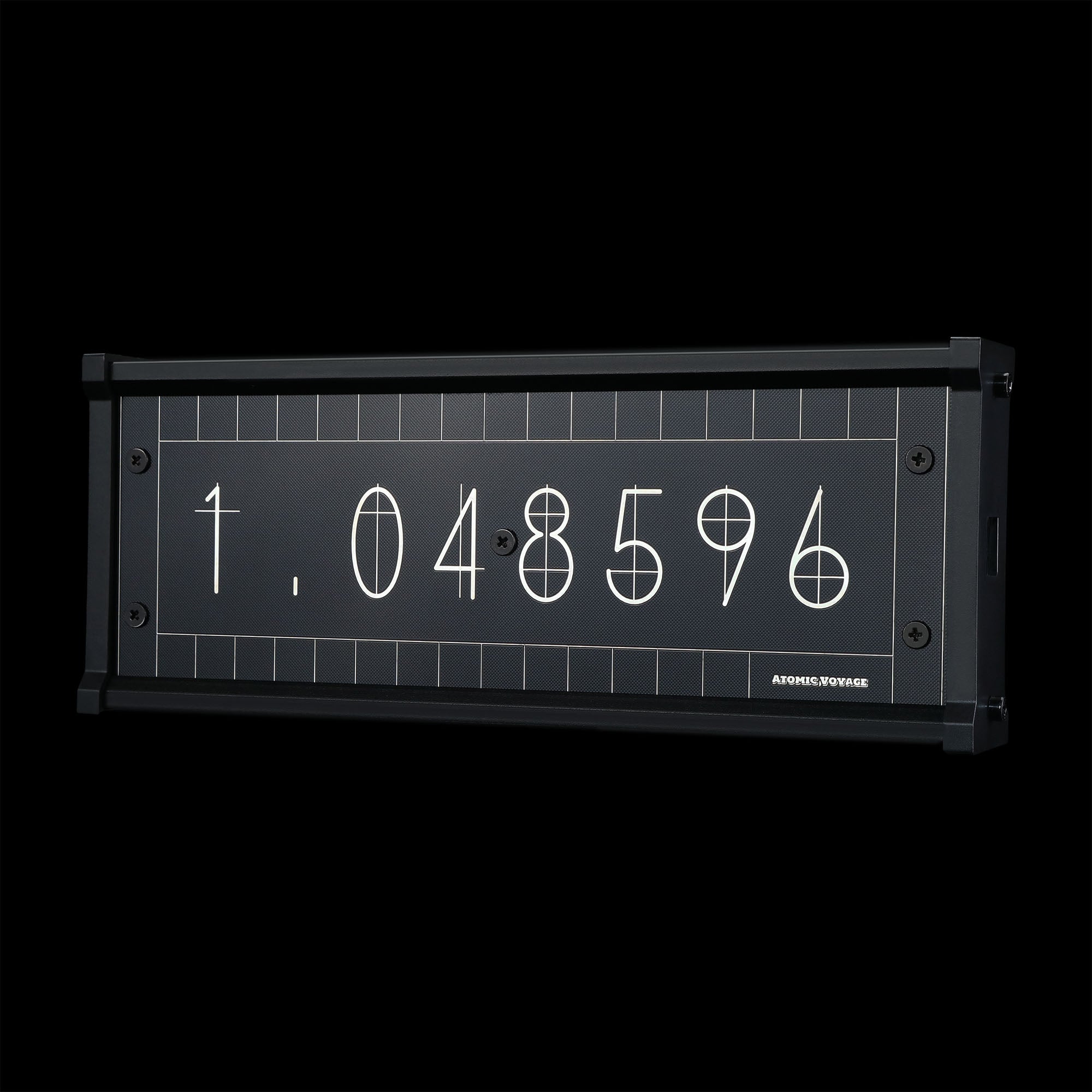
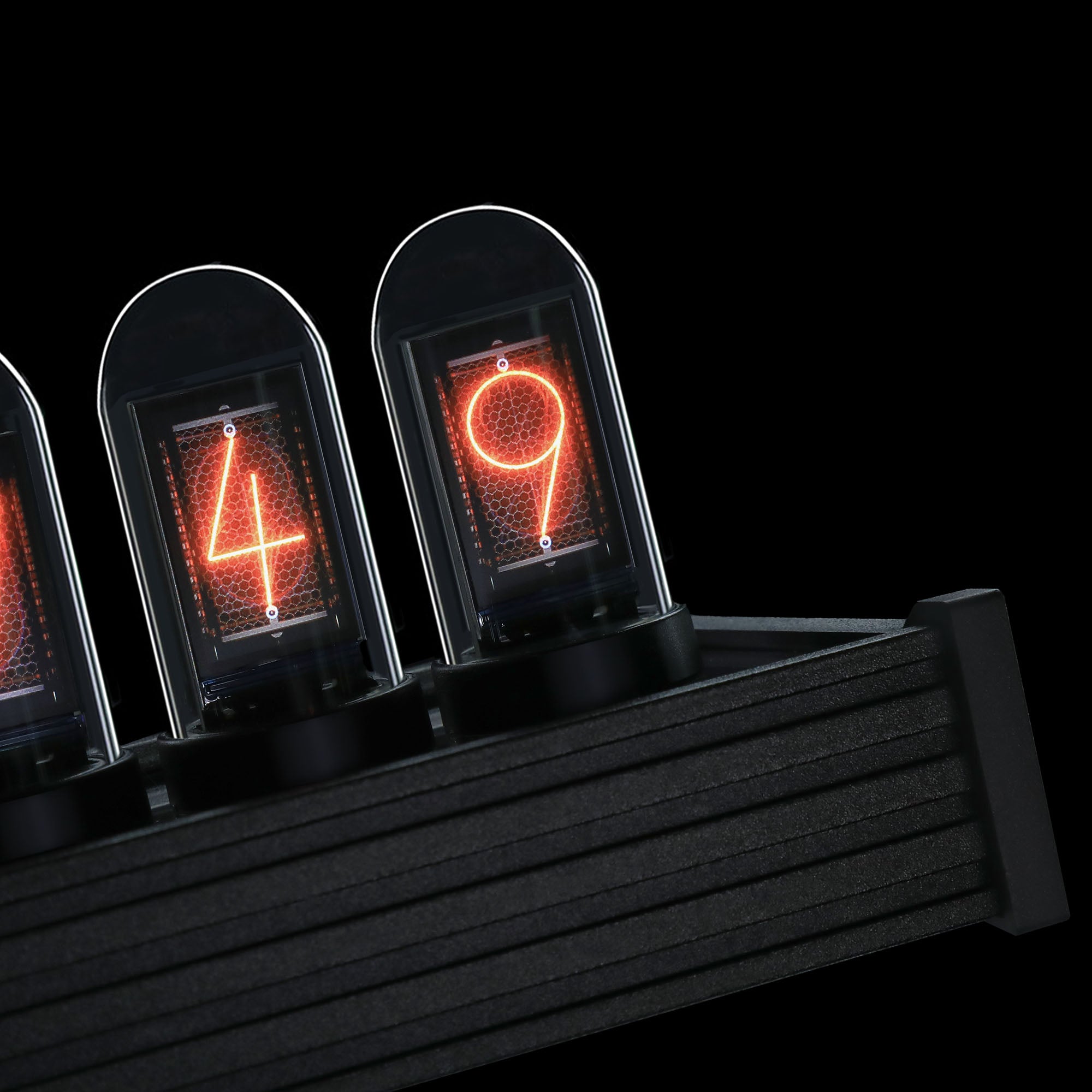
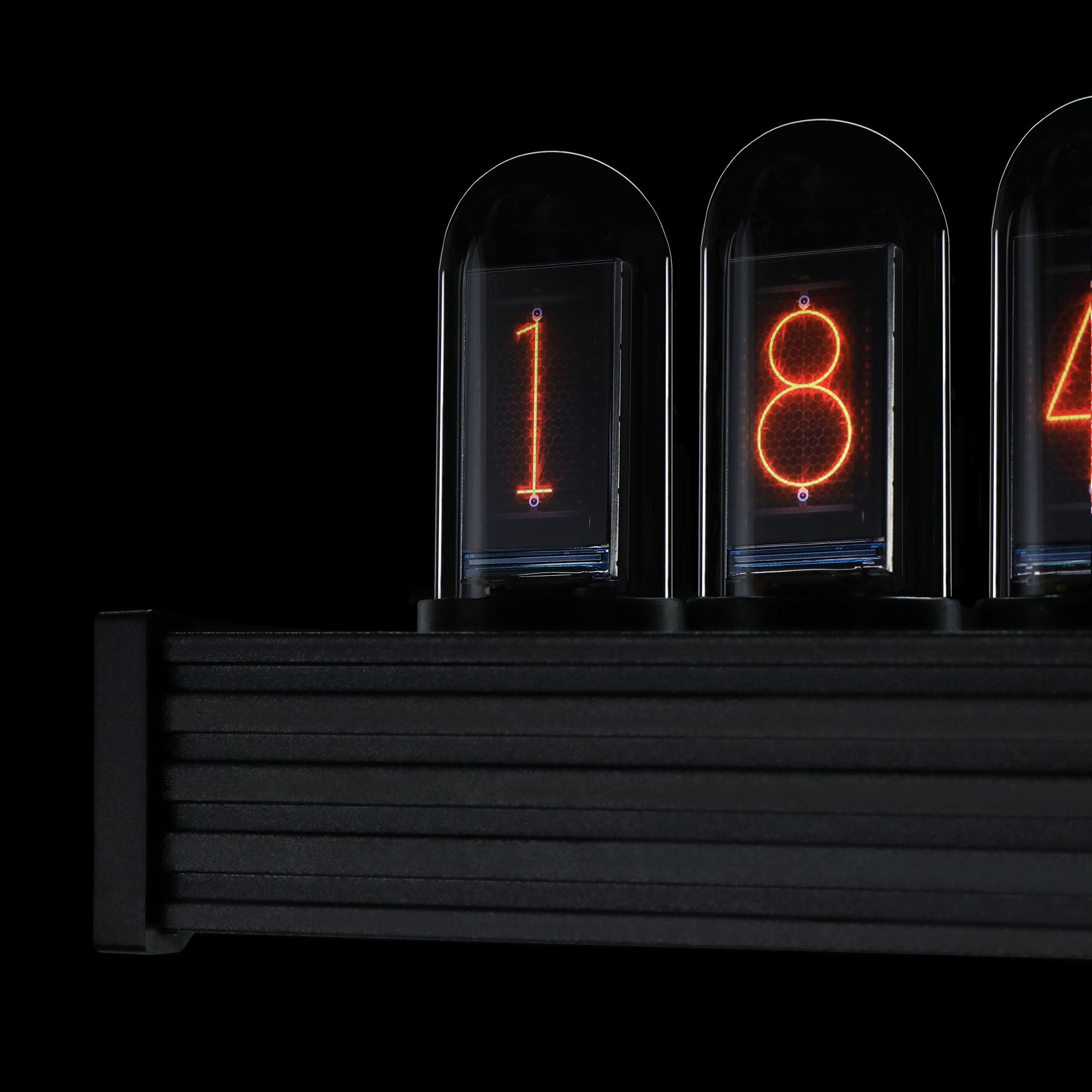
The timeless desktop essential.
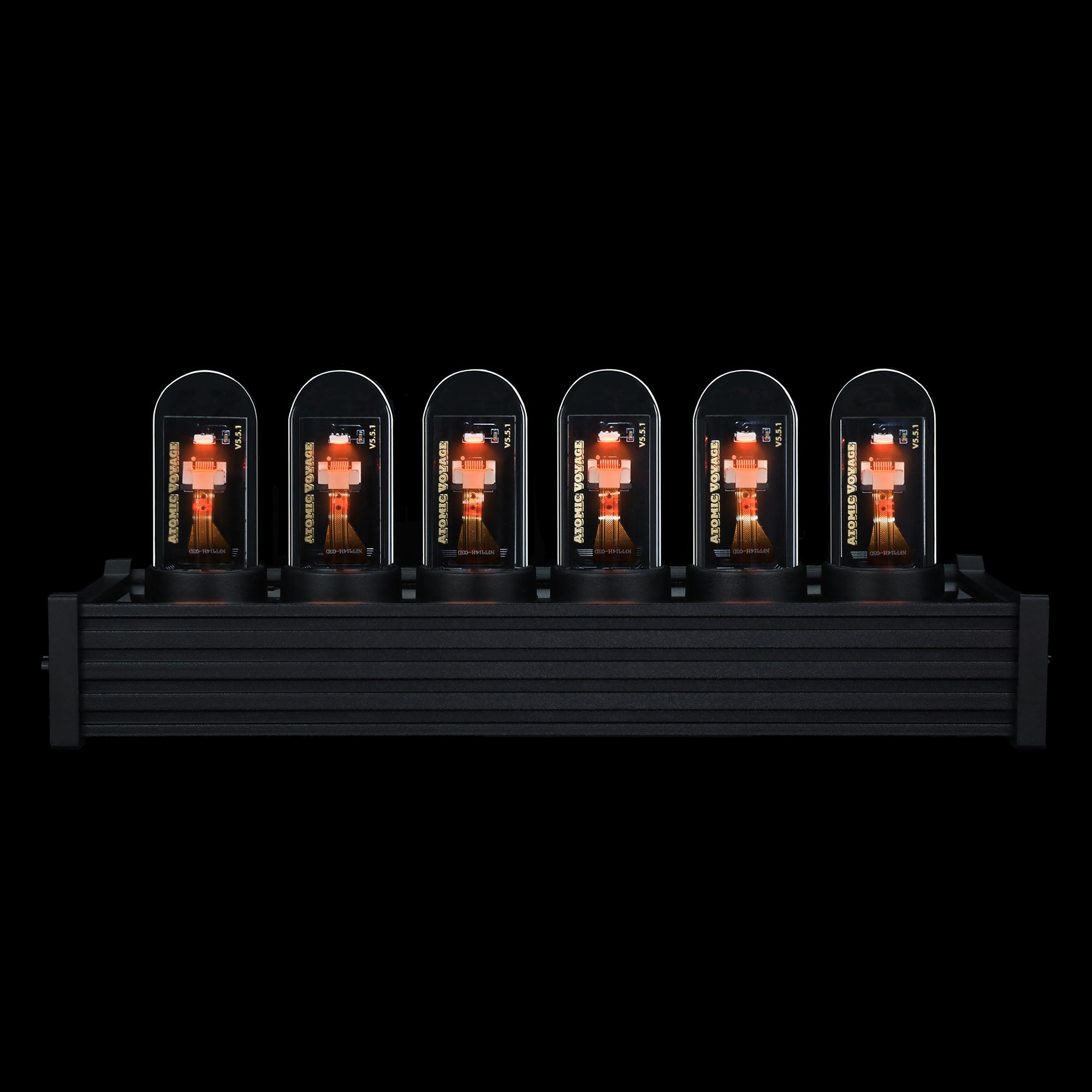
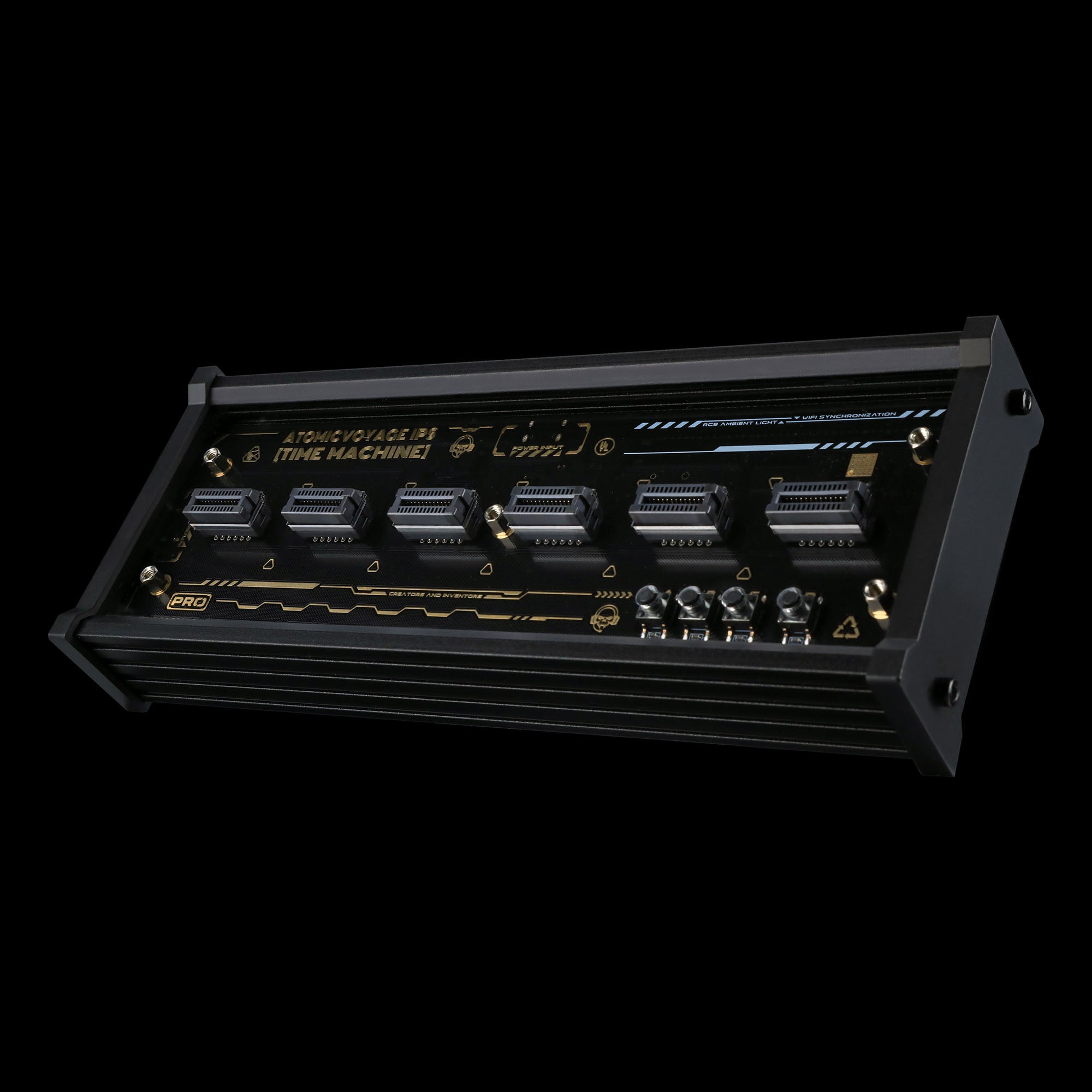
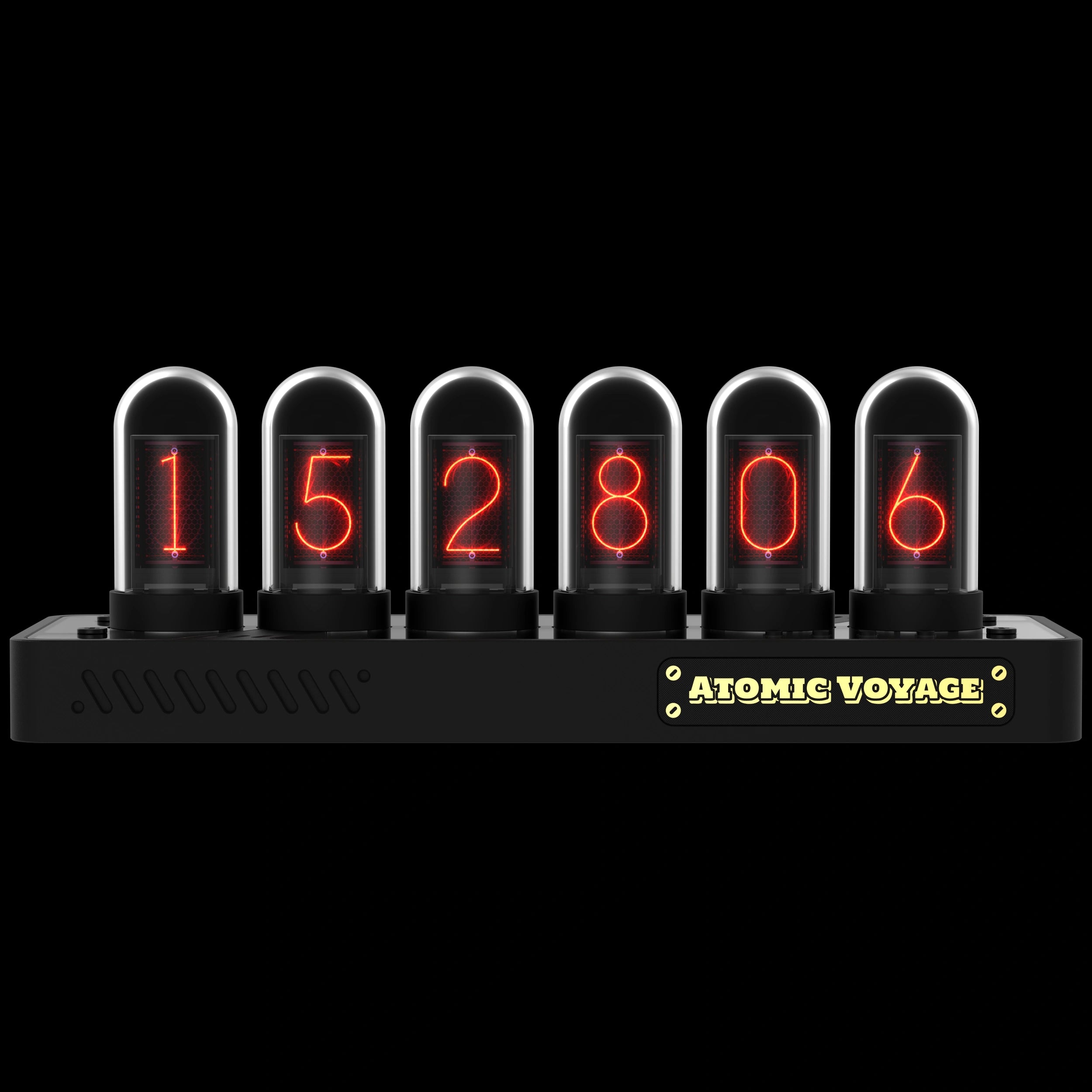
A sleek black aluminum alloy base designed to effortlessly fit into any setup with a classic retro-future vibe.
Ships from U.S. | 30-day returns
Add the Dust-Proof Dome
IPS
If you have any questions, you are always welcome to contact us. We'll get back to you as soon as possible, within 24 hours on weekdays.
-
Shipping Information
We ship from our U.S. warehouse.
• Standard (2–7 business days)
Orders $0.00–$128.99 → $7.99
Orders $129.00 and up → Free
• Expedited (2–5 business days) → $11.99
• Express (1–3 business days) → $19.99 -
Customer Support
If you have any questions, please send an email to our support email address and we will respond within 48 hours.
Alternatively, you can contact us by opening the “Contact Us” page on the website.
-
Return & Refund
You can request our Return & Refund Service:
Unshipped Orders: Returns can be requested unconditionally. Please contact support@atomicvoyage.com to cancel your order.
Please log in to your Atomic Voyage account to cancel your order and the payment will be automatically refunded to your account.
Shipped Orders: Returns can be requested unconditionally within 30 days of the date of purchase.
The shipping fee can be removed due to product quality problems or wrong products sent, otherwise the customer has to pay the shipping fee.
Returned products should be confirmed that there is no human-caused damage affecting secondary sales, and the condition is new or nearly new, otherwise it will not be accepted.
Return & Refund Service will not be provided where:
It is requested beyond 30 days of the date of purchase.
A product sent to Atomic Voyage for Return & Refund Service does not include all original accessories, attachments, packaging or gift(s) included in original order, or any item is not in new or like-new condition, i.e. with cracks, dents or scratches.
Damage is caused to the product by improper installation, operation or unauthorized use or modification of the product.

Timeless Glow, Modern Spaces.


Redefine your desk aesthetic daily,
from neon cyberpunk to clean Swiss minimalism.


Weather at a glance.
Get real-time temperature, local conditions, and forecast updates rendered in a nostalgic glow.
Stay ahead of your day without the distraction of grabbing your phone.


Always on Time.
Connect to Wi-Fi once.
IPS automatically syncs time, handles daylight saving transitions, and updates quietly in the background—so you never have to set it again.


Built in Metal. Framed in Light.
Anodized aluminum casing. Fine-sandblasted texture. Sleek metallic chassis.
Every line frames the glow.
Find the right Nixie-style clock.
IPS, PR2, PR3, and PRO share the same core features.
Choose the base that fits your space.
IPS
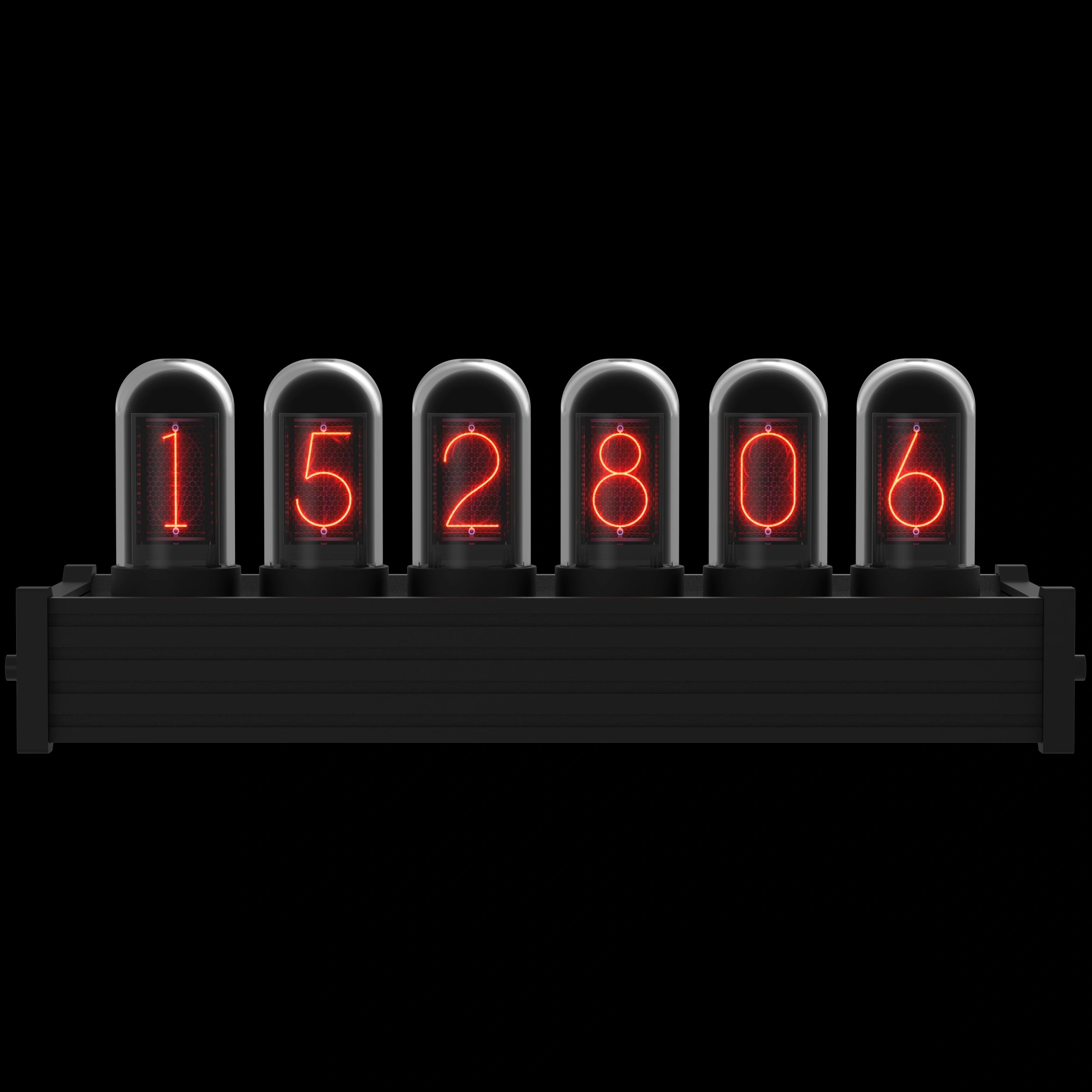
Classic Black Aluminum Base
A sleek, essential metal build that effortlessly fits into any traditional setup.
PRO
Flagship CNC Aluminum Base
Our ultimate heavyweight build, designed for a commanding and premium desk presence.
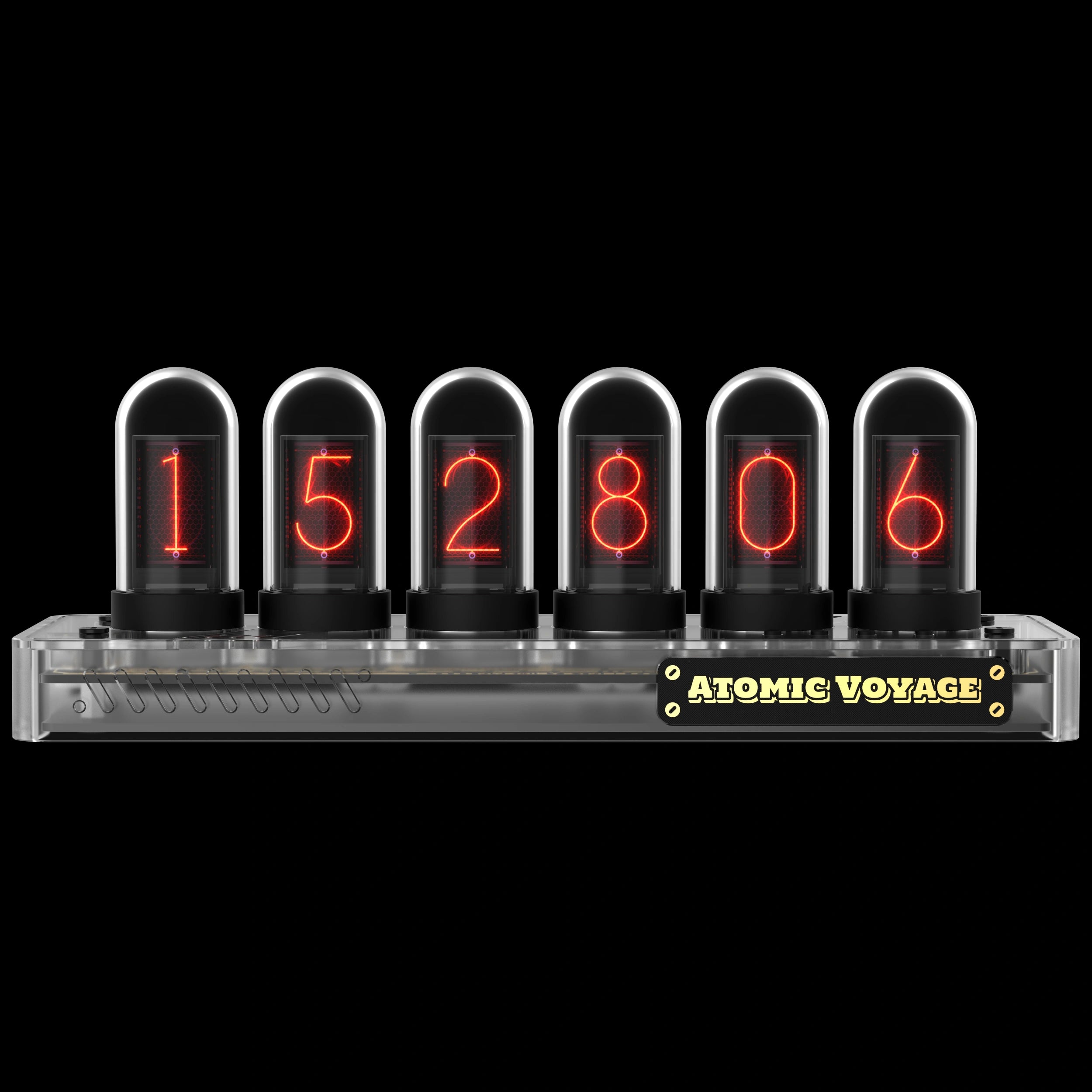
PR2
Translucent Gray Base
A futuristic, semi-transparent housing that reveals the inner circuitry under a diffused glow.
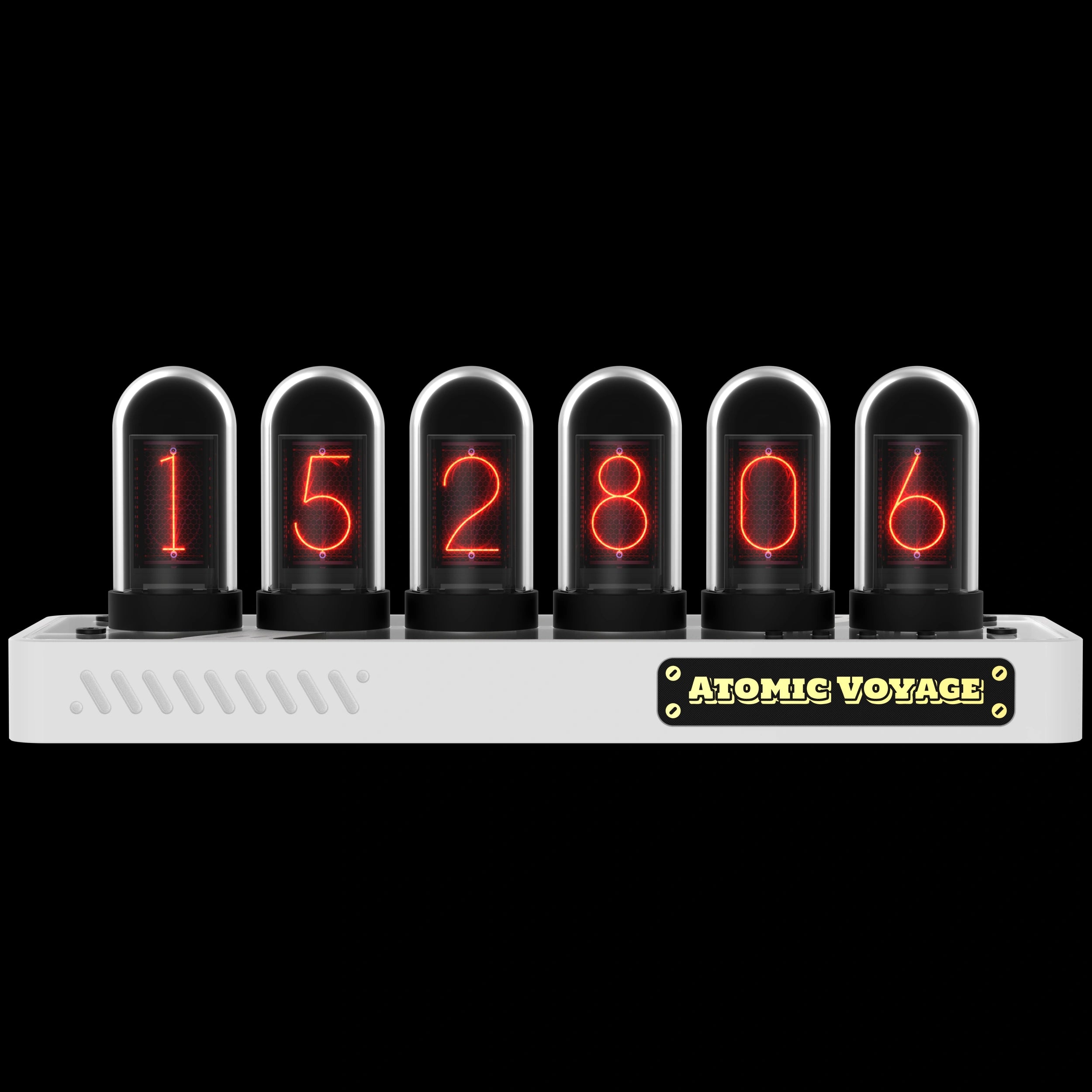
PR3
Pristine Matte White Base
A clean, bright, and minimalist aesthetic tailored for light-themed workspaces.
This is a real cool clock, lots of pretty neat features . Definitely something different.
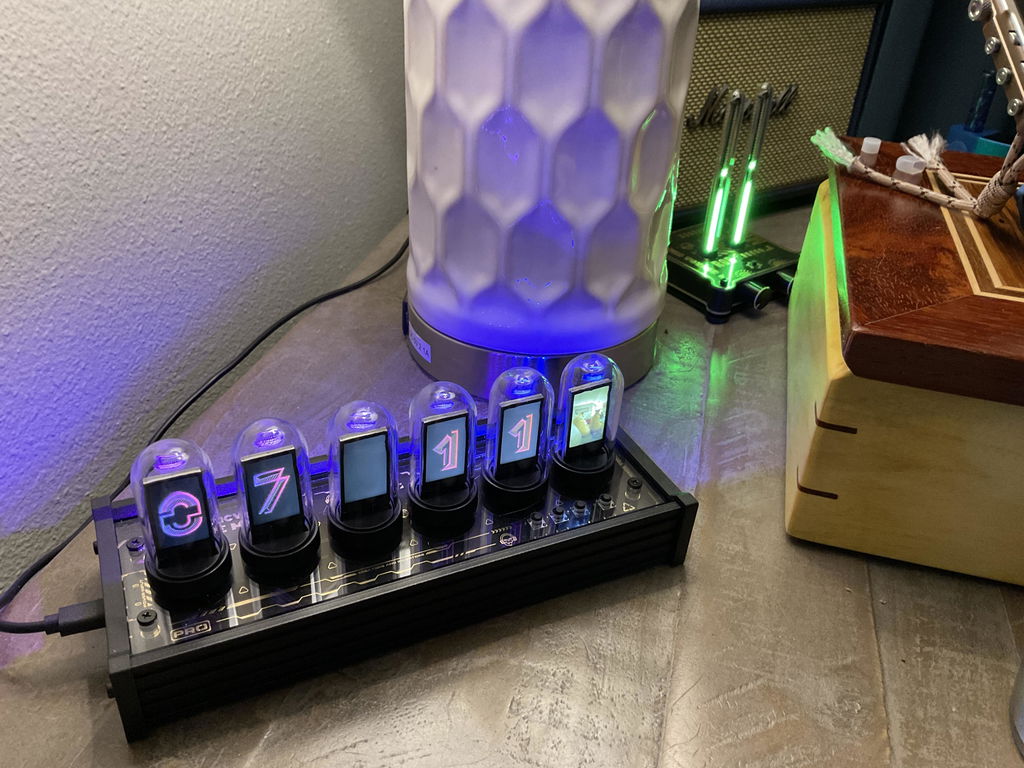
It’s cool but I wish there were a few more pre-loaded options.
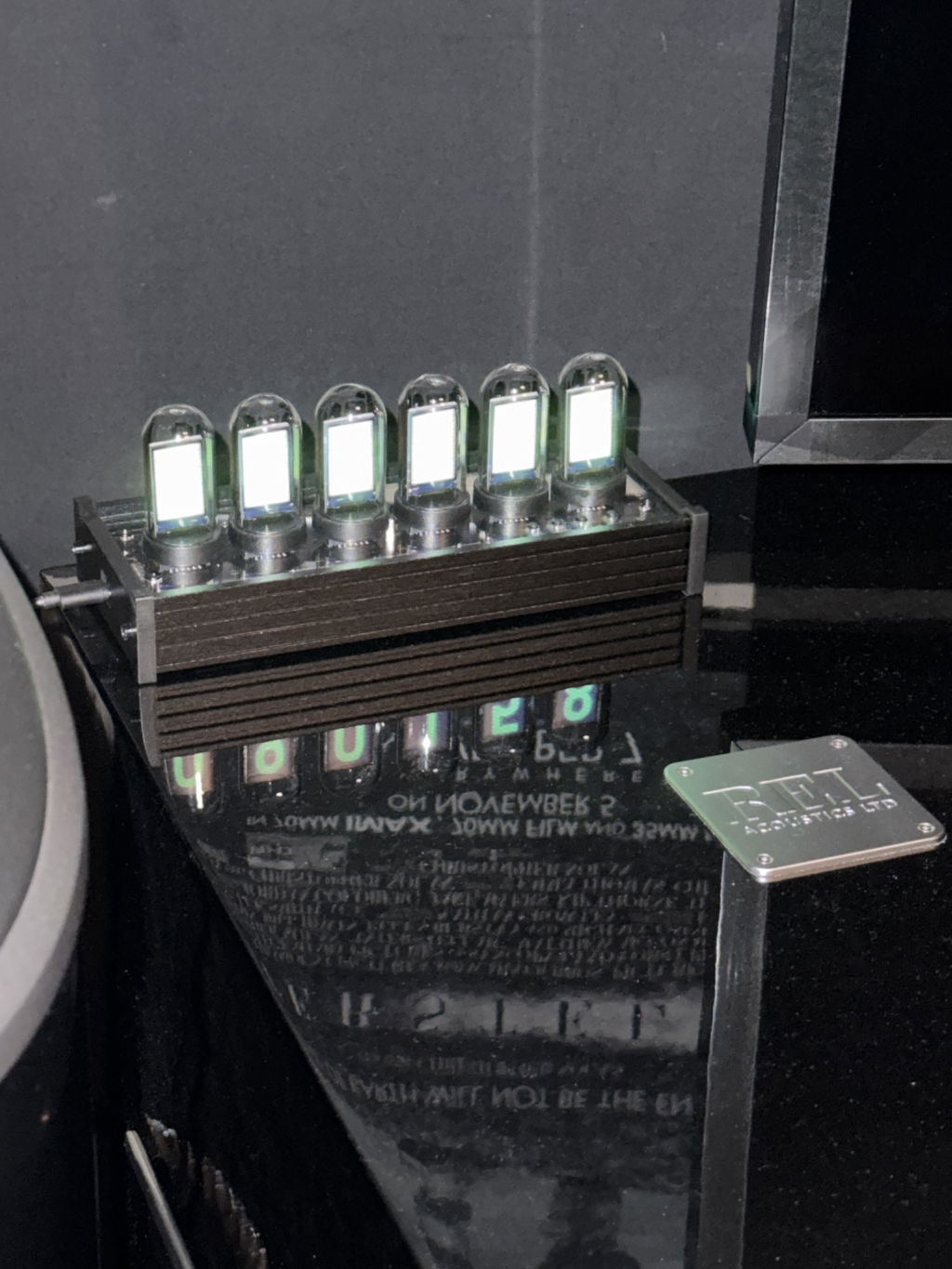
Delighted with the clock! Intended to place it in a bookshelf in the living area but have it on my home office desk instead. Find myself glancing at it often, especially when the numerals roll over to interesting combos.
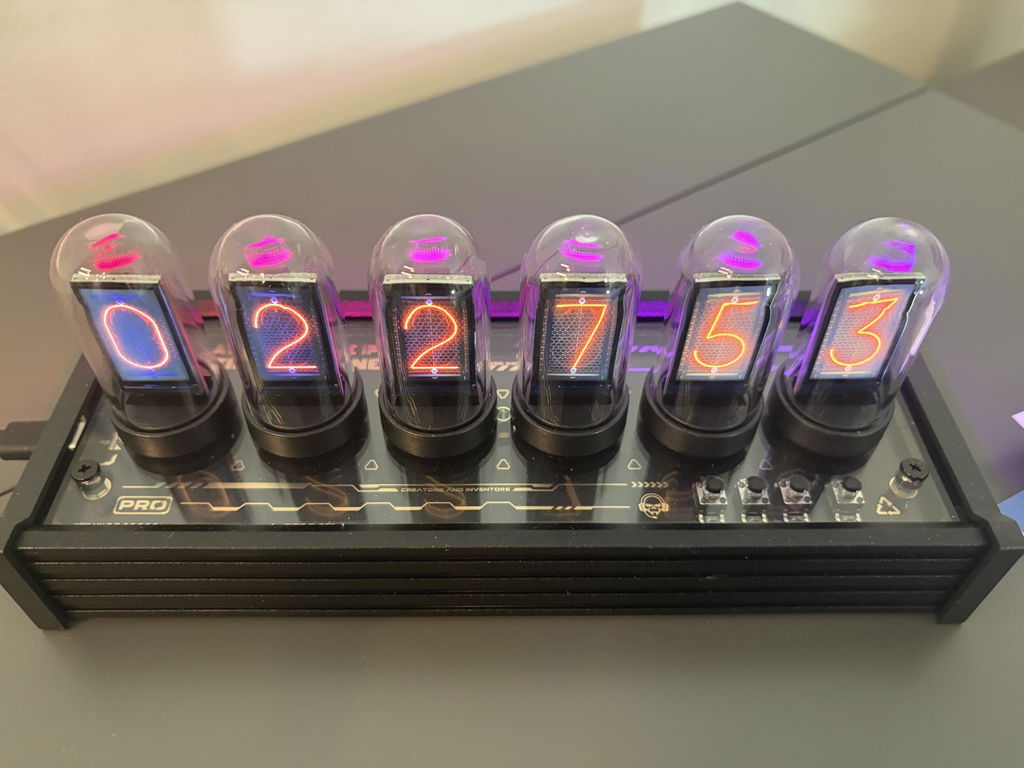
I love it. I have not down loaded anything special I'm just using then included displays but it's great. Directions were fairly easy to follow my finger coordination was another matter. Well made, very happy, highly recommend it.
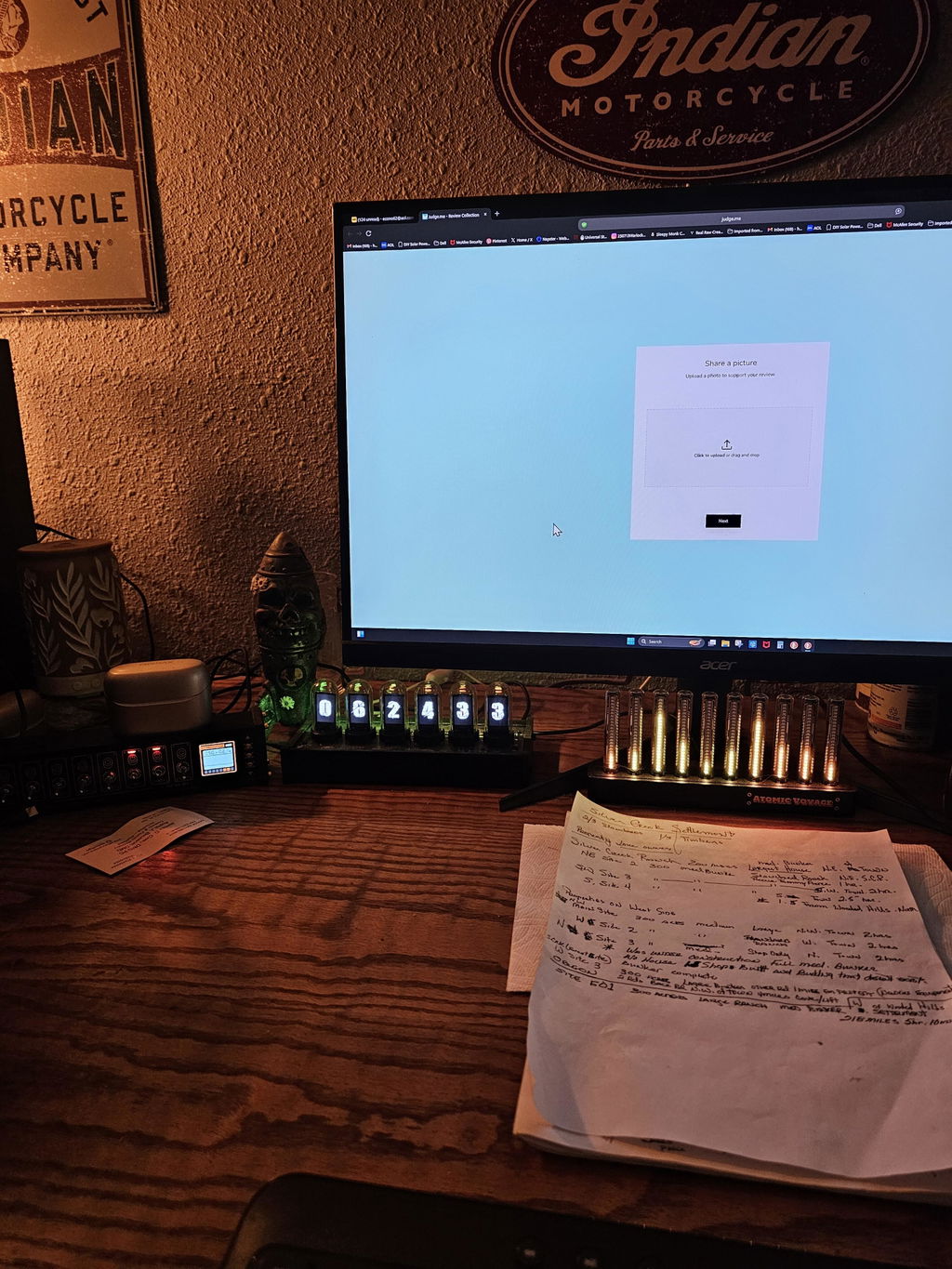
Although its nice to look at it suffers from some issue's. They have not dealt with seasonal time changes without hooking it back to a computer and running its software. The software requires that it be stored and run from a root directory. There is no way to dim the display. I had to build a smoked gray plexaglass enclosure to darken the display for use in a bedroom.
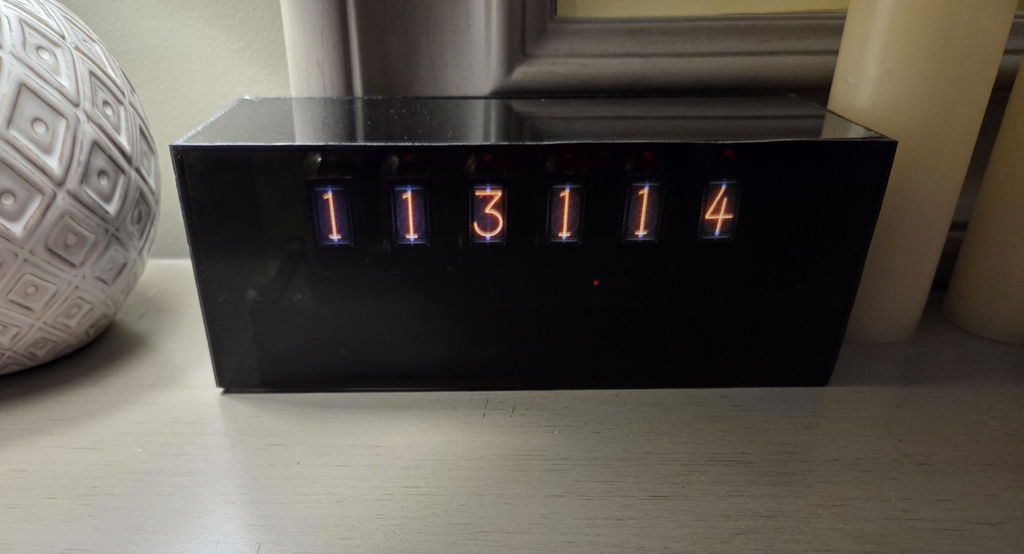
So far I'm loving it, although I will admit I'm a bit nervous to download a program and connect it to my PC and Wi-Fi internet... I have concerns.
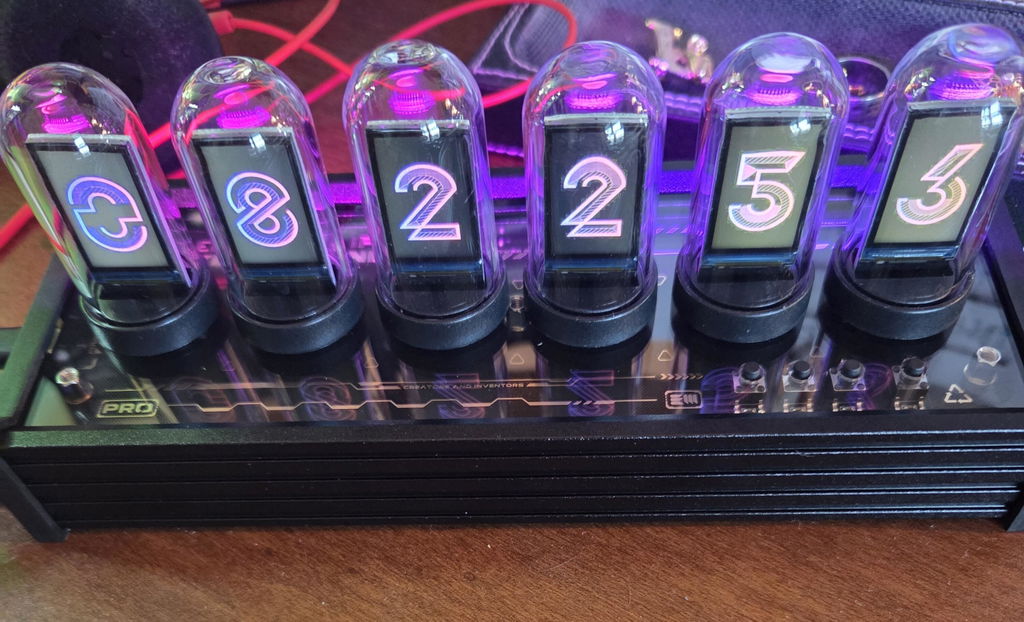
Awesome. Looks great ????.

Very cool

I just received my nixie tube clock. No two way about it it is cool. It took about five minutes to put together and starts up as soon as I attached power. The displays are bright and clear, and easy to adjust. It seems well-made, but time will tell how well it holds up. Overall, Im very happy.
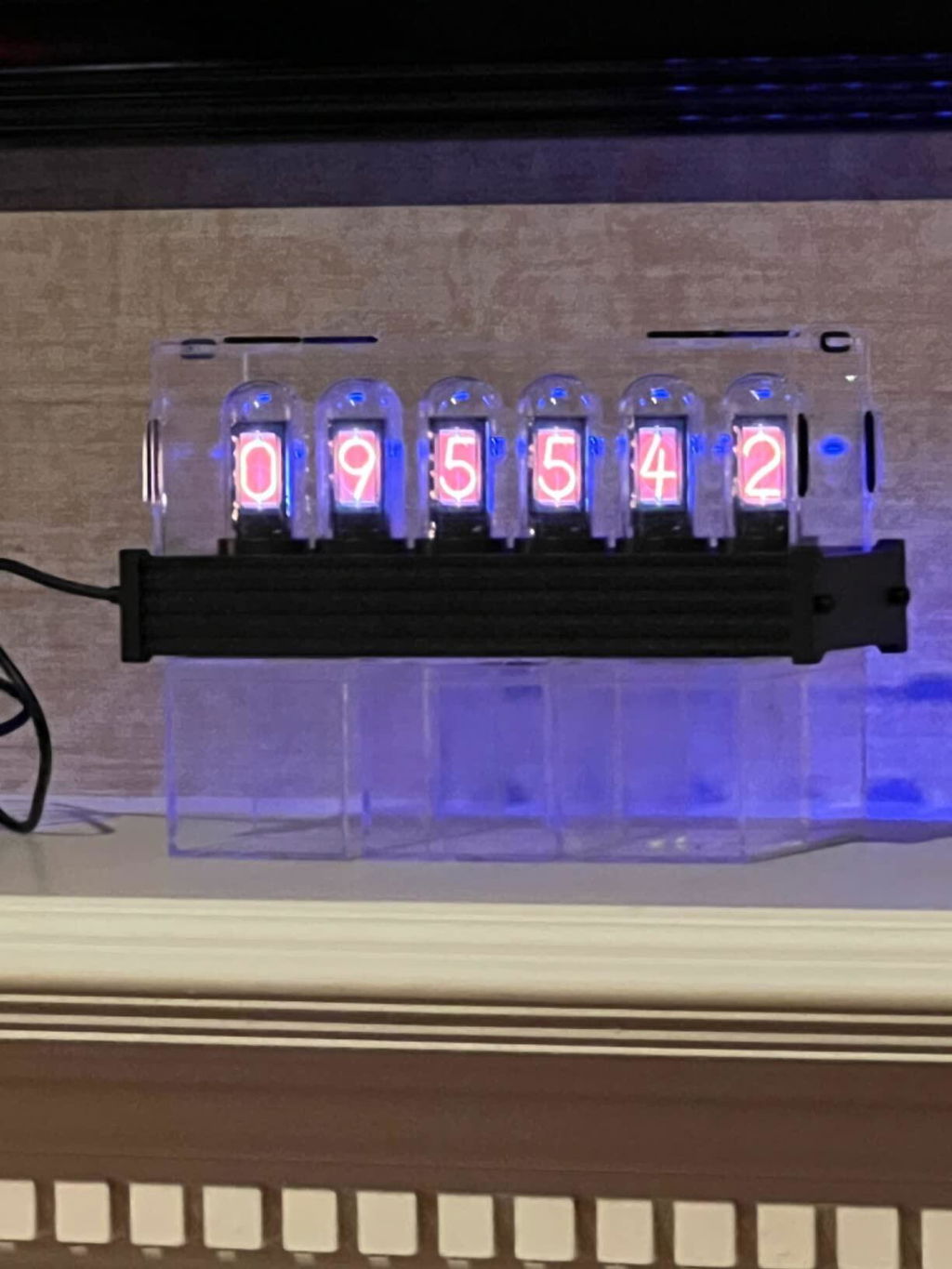
Love it
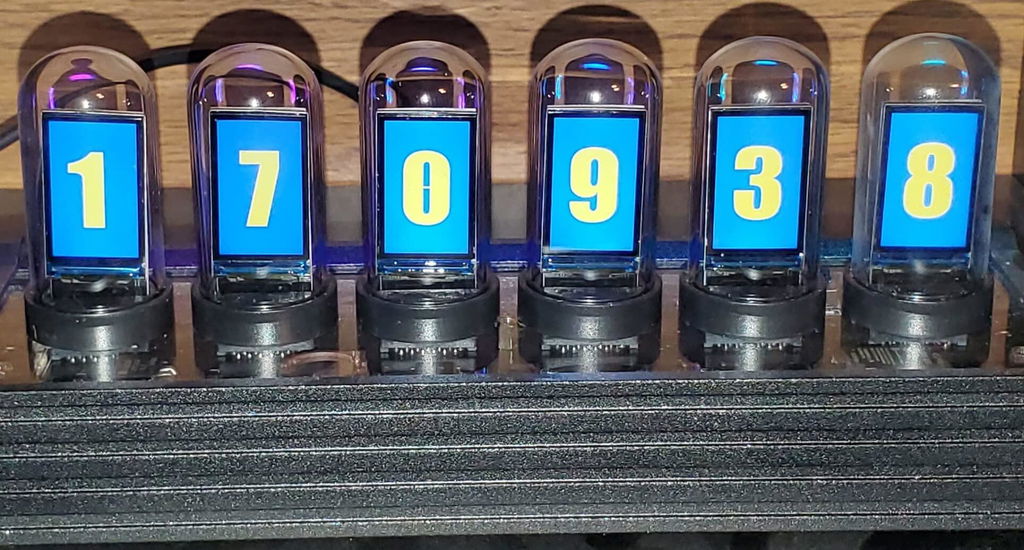
Nice

Like the name of this site, love the cool gadget. And actually feeling the clock is a great touch.

I love this product, and it is definitely worth the value. It was easy to assemble, and it looks nice. Having one in the room is cool and fashionable, and the effect is even better when the surrounding is dark or dimly lit. I am enjoying my clock, and I believe it is worth it for anyone who admires the Nixie tube aesthetic but doesn't want to spend $300 on a clock.

The screens allow you to display a wide variety of number styles and even pictures. The assembly is easy and takes about 15-20 minutes. You can configure all aspects of the clock from number style to ambient lights. Keeps good time too. Overall this was a good purchase and I've enjoyed it.

Love it looks like the real thing without the hassle or real tubes burning out

I really like this clock, especially that it can be changed to simulate almost any other type of clock. I have nixie clocks, numitron clocks, flip clocks, VFD clocks, this one fits right in with the collection.

Edit: Unit is really cool. Wanted real Nixie tube, This is the next best thing. Unit was replaced under warranty. Took a while but they came through.

Ojo necesita de un equipo Windows para configurarlo

This clock is beautiful and easy to use. The idea of having tiny backlit LCD screens, one for each digit, is delightfully clever. The glass tubes and rear-mounted RGB LEDs add authentic nixie ambience! If you get bored with the nixie look, you can change the font or even show little pictures on each of the screens. The only snafu is that you need to use a Windows 10 program to get extra fonts or to load little pictures. Moreover, the USB chip they use needs a non-standard driver. Both of these latter items require you to download from a sketchy Chinese website. I couldn't get any of this to work and gave up. But what you are able to do without the software is very satisfactory. This clock is worth the money and is extremely nice. It works fine and you can change among built-in fonts without any computer or software.

This one is not only can present the shape on the product picture, but also can be connected to the software to download a variety of clock templates, which is so versatile! I really like it!

The clock cannot be set to the right time it’s always 2-3 mins off. One of the display boards is defective and they sent me a main board but the time is still off and the third display still does not work. Do not reccomend. Looks interesting, but does not work.
love it. just wish it had a brightness control. It's a bit bright for a nightstand.
Bought it as a gift for my tech brother in law. He LOVED it! Immediately put it together and started tweaking it. Said it was the best gift ever.
Nice, nice, nice. Just wish it came with instructions to avoid that Google dash
I already have a real nixie clock, but wanted to see what this thing could do. Im blown away with the options for something that cost less than my true nixie. The screens are amazing, and the weather and forecast features are just a great bonus. Lobve this thing!
I've had my clock for a couple of weeks now, and I have to say that we're really enjoying it. Looks great sitting on our entertainment center and we've gotten some very nice comments from folks who have seen it. And I haven't dug deeper into the options that it provides, yet. Nice job all around.
Questions, answered.
What’s the difference between IPS, PR2, PR3, and PRO models?
The only difference is the base material: IPS (aluminum alloy), PR2/PR3 (strengthened nylon), PRO (CNC-milled aluminum).
How do I exit the settings and return to the clock display?
Press Button D to exit settings and return to the clock display.
What kind of power supply does it need?
Any 5V / 1A USB adapter works. (Adapter not included.)
Does the clock need to stay connected to a computer?
No. A computer is only required for setup or uploading faces. Daily use just needs USB-C power.
How does the clock keep accurate time?
With built-in Wi-Fi and NTP sync, your clock stays always accurate.
Do I need to update firmware to use Web Control Center?
Yes. All units ship with factory firmware. Updating is optional — but required for Web Control Center features.
What if I don’t want to update?
No problem. The clock works normally out of the box. Updating only unlocks Web Control Center features.
Tech Specs
What’s in the Box

Clock Unit

USB-C Cable

User Manual

Hex Key (Allen Key)

Non-slip Pad


Setup Guide/ Download Driver
Atomic Voyage Clock Web Control Center Guide
How to Easily Set Up and Use Your Atomic Voyage WFD II
Read moreabout How to Easily Set Up and Use Your Atomic Voyage WFD II
Setup IPS Clock in a few easy steps